Self-Service FAQ Page — Professional Categorized Variant
A categorized FAQ page where visitors scan grouped questions and expand answers in place, pilots a nursing CE FAQ but the pattern fits any business that wants to deflect repetitive support questions before they hit the inbox.
Best for: Course creators, SaaS, agencies, and service businesses that field the same handful of questions every week and want a single, scannable page to answer them.
Live preview — scroll inside the frame to see the full page.
What it does
- Categorized question groups — questions cluster by topic (enrollment, access, billing, policies) so visitors jump to the relevant section fast
- Click-to-expand answers — each question opens in place to reveal a thorough answer, then closes when the visitor moves on
- Scannable closed state — the default view reads like a table of contents, letting visitors skim every question without reading every answer
- Highlighted key answers — important answers (refund policy, accreditation, access window) get visual emphasis so they stand out
- Contact fallback at the end — a closing block points visitors to direct support for anything not covered
- Search-friendly structure — the page is organized so search engines can surface specific Q&A snippets
Best use cases
- Course creators — answering enrollment, access, and refund questions before a sale
- SaaS businesses — handling onboarding and billing questions without burning support hours
- Agencies and service providers — pre-answering scope, timeline, and process questions for prospects
- Membership sites — clarifying what's included, how to cancel, and how billing works
- Healthcare and compliance educators — explaining accreditation, state requirements, and credit transfer
What you can change with your DNA
When you run this through the remix skill, your CCOS DNA — brand, voice, audience — drives these decisions automatically:
- Colors — slots for page background, category headings, expanded-answer background, and the accent used on highlighted answers and the contact fallback
- Fonts — one professional font handles questions and answers; use a heavier weight for questions and regular weight for answers
- Copy — category headings, every question and answer, the highlighted-answer copy, and the closing contact block
- Images — optional category icons or illustrations to give each section a visual anchor
- Behavior — choose whether one answer opens at a time or several can stay open, and tune the open/close speed
How remixing works
From "swiped it" to "shipped it" in three steps.
Pick a remix
Browse the library, find one that fits — like this one.
Run it through your DNA
The remix skill uses your CCOS DNA to swap colors, fonts, copy, and structure so it lands as yours.
Ship it
Paste the finished HTML into Thinkific, Kajabi, WordPress, or any platform that takes embed code.
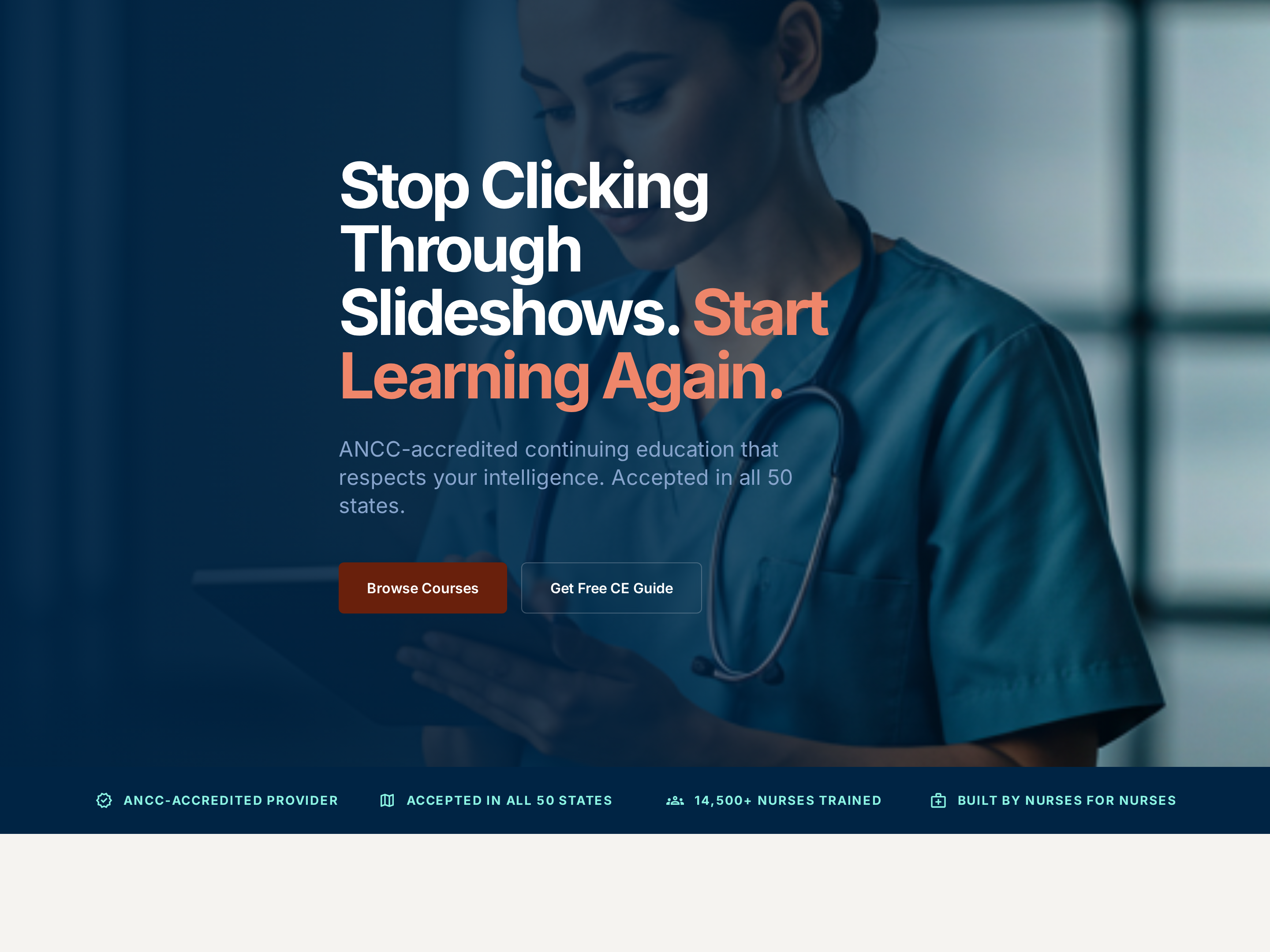
Professional Service Homepage — Credentialed Light-Mode Variant
A clean, credibility-first homepage with a clear hero, accreditation cues, featured offerings, and an enrollment CTA, pilots a nursing CE provider but the pattern fits any expert-led business where trust signals carry the sale.
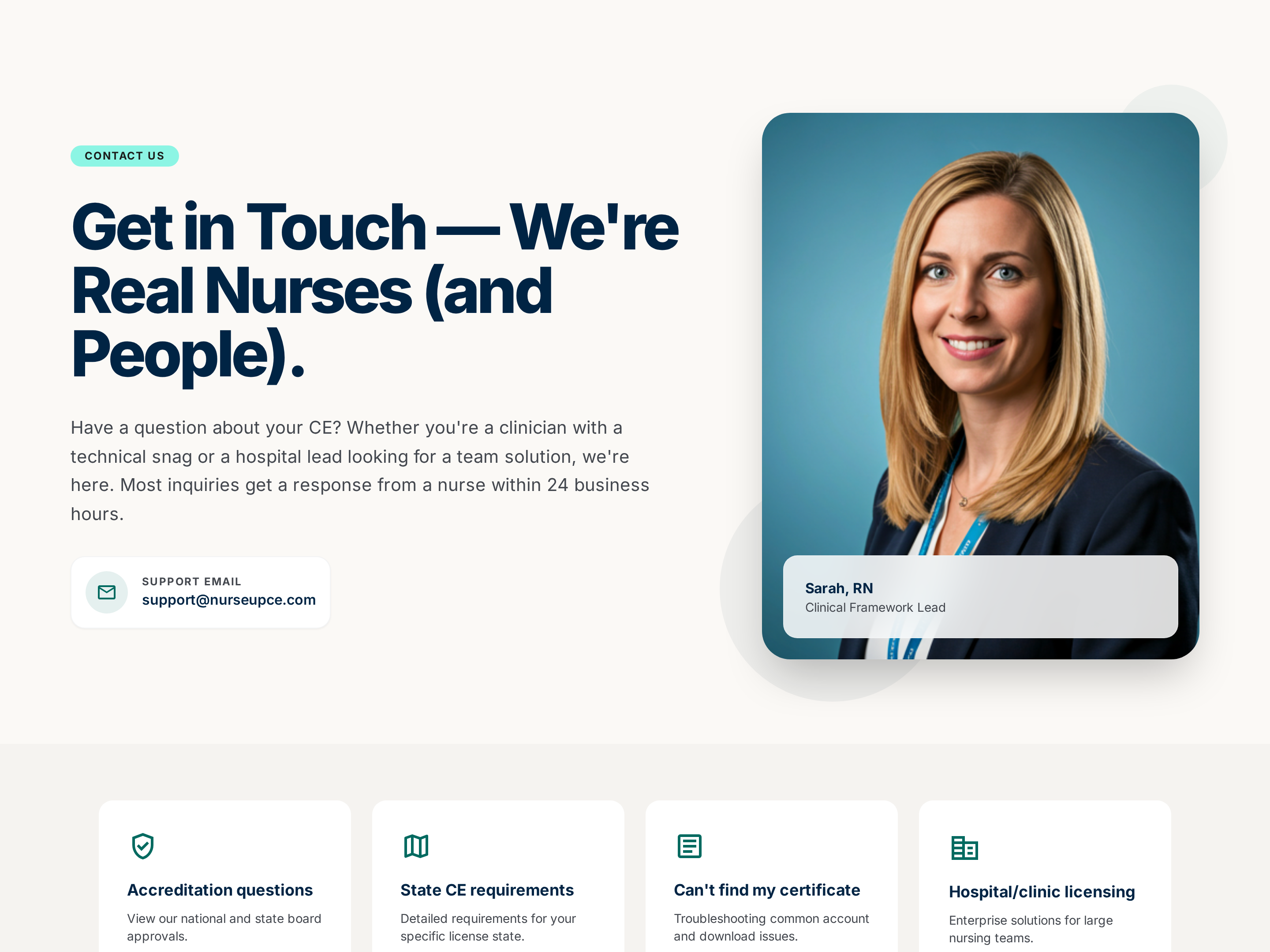
Professional Contact Page — Form + Direct-Channel Variant
A clean contact page pairing a structured inquiry form with email, phone, and response-time expectations side by side, pilots a nursing CE provider but the pattern fits any service business that needs an organized way to be reached.
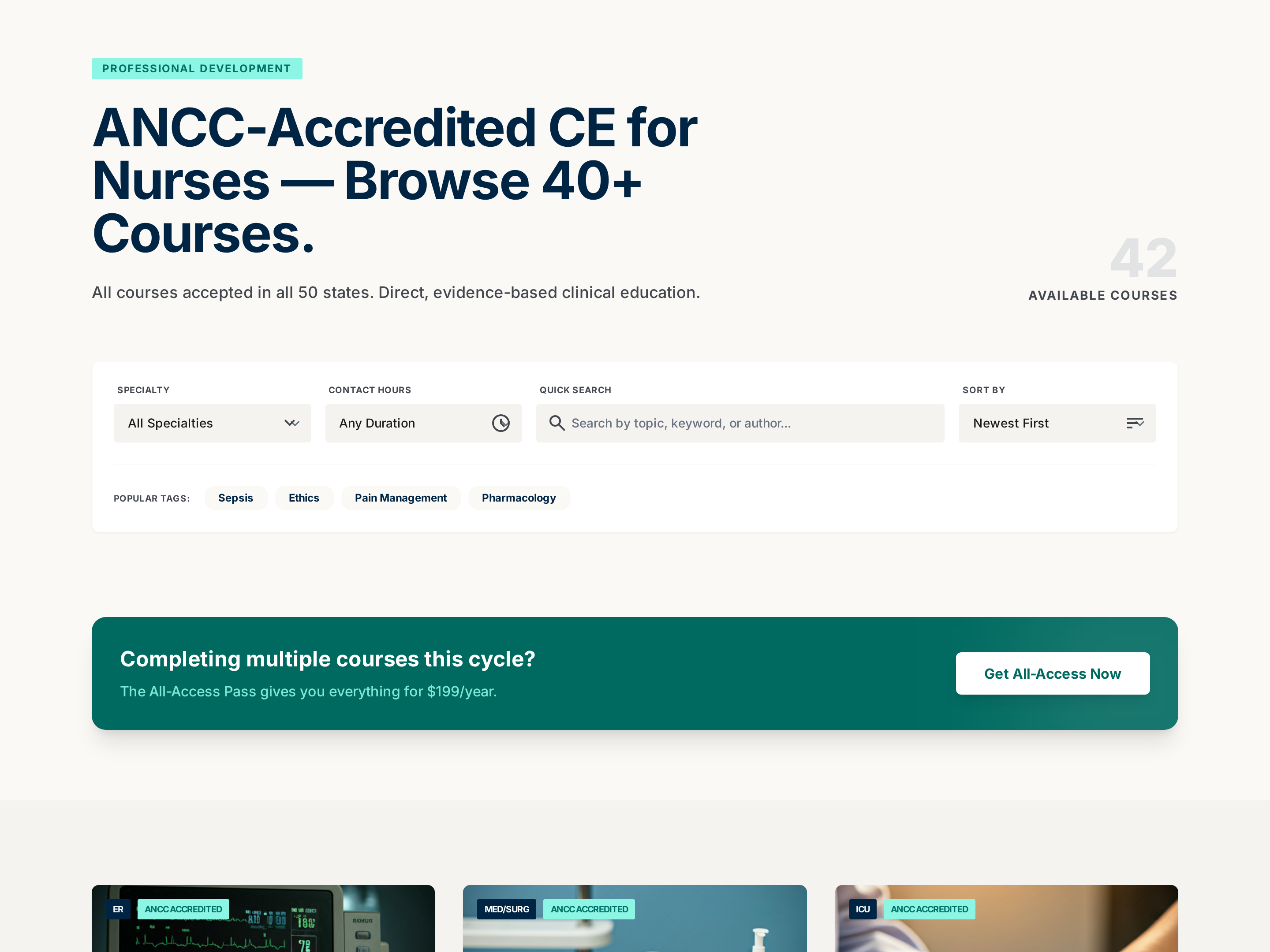
Searchable Course Catalog — Professional Filterable Variant
A searchable, filterable catalog page that organizes a large library of courses into clear cards with metadata for hours, price, and focus area, pilots a nursing CE catalog but the pattern fits any creator with 10+ offerings to organize.
Create a new list
Save your favorites
Email me a magic link and I'll add this to your favorites list.