Professional Service Homepage — Credentialed Light-Mode Variant
A clean, credibility-first homepage with a clear hero, accreditation cues, featured offerings, and an enrollment CTA, pilots a nursing CE provider but the pattern fits any expert-led business where trust signals carry the sale.
Best for: Educators, course creators, and accredited providers whose buyers need to see credentials and credibility before they'll click into an offer.
Live preview — scroll inside the frame to see the full page.
What it does
- Credibility-first hero — the top of the page leads with a clear value statement and an immediate CTA, with subtle authority cues nearby
- Accreditation or credential row — a strip of logos, board approvals, or certifications anchors trust before the visitor scrolls further
- Featured offerings lineup — three to four highlighted programs or services give visitors a clear next click without overwhelming them
- Outcome-focused benefits section — short blocks describe what learners or clients walk away with, not just what's inside
- Social proof strip — testimonial quotes, ratings, or student counts confirm real-world results
- Clear primary CTA — a single, repeated call-to-action (enroll, browse catalog, book a call) anchors the page's conversion goal
Best use cases
- Course creators — building a homepage that anchors trust for a regulated or credential-driven audience
- Coaches and consultants — leading with credentials and outcomes for buyers who vet expertise carefully
- Healthcare, legal, and compliance educators — surfacing accreditation early to satisfy professional buyers
- Agencies and studios — pairing a clean hero with featured case studies and proof of expertise
- Membership site owners — establishing credibility before walking visitors into the membership offer
What you can change with your DNA
When you run this through the remix skill, your CCOS DNA — brand, voice, audience — drives these decisions automatically:
- Colors — slots for page background, hero accent, section dividers, CTA button, and a secondary accent for credential badges
- Fonts — one professional font handles headlines, subheads, and body; pair a heavier weight for headlines with a regular weight for body
- Copy — hero value statement, subhead, accreditation labels, featured offering titles and summaries, benefit bullets, testimonial quotes, and CTA copy
- Images — hero photography (people in your context), credential logos, optional offering thumbnails, and testimonial headshots
- Behavior — choose how many featured offerings show, whether testimonials rotate or stack, and where the primary CTA points
How remixing works
From "swiped it" to "shipped it" in three steps.
Pick a remix
Browse the library, find one that fits — like this one.
Run it through your DNA
The remix skill uses your CCOS DNA to swap colors, fonts, copy, and structure so it lands as yours.
Ship it
Paste the finished HTML into Thinkific, Kajabi, WordPress, or any platform that takes embed code.
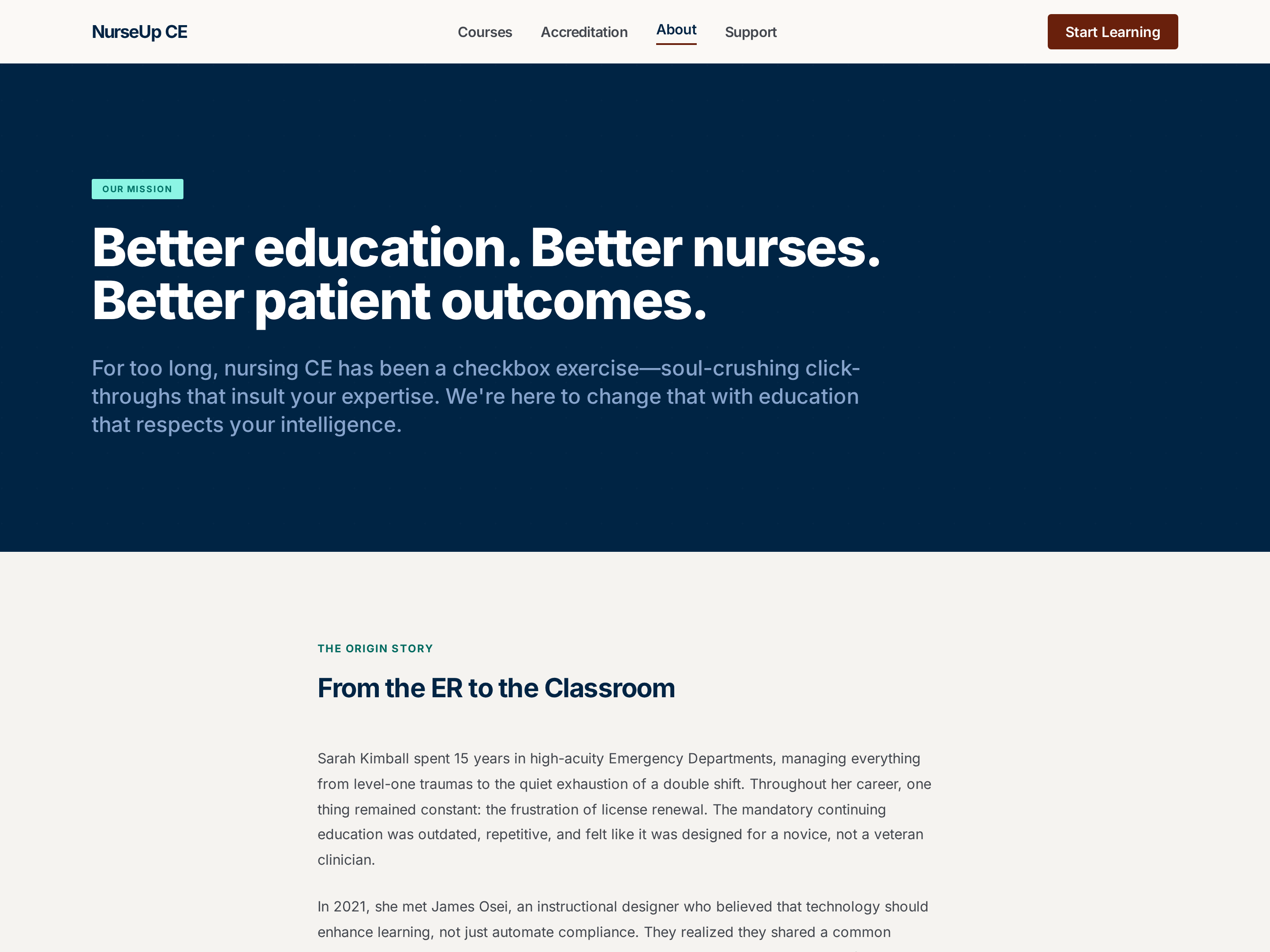
Professional About Page — Mission, Accreditations, and Team Layout
A professional about page built around organizational mission, accreditations, and team credentials — pilots a healthcare CE provider but the pattern fits any regulated or credentials-driven business needing to look serious and trustworthy.
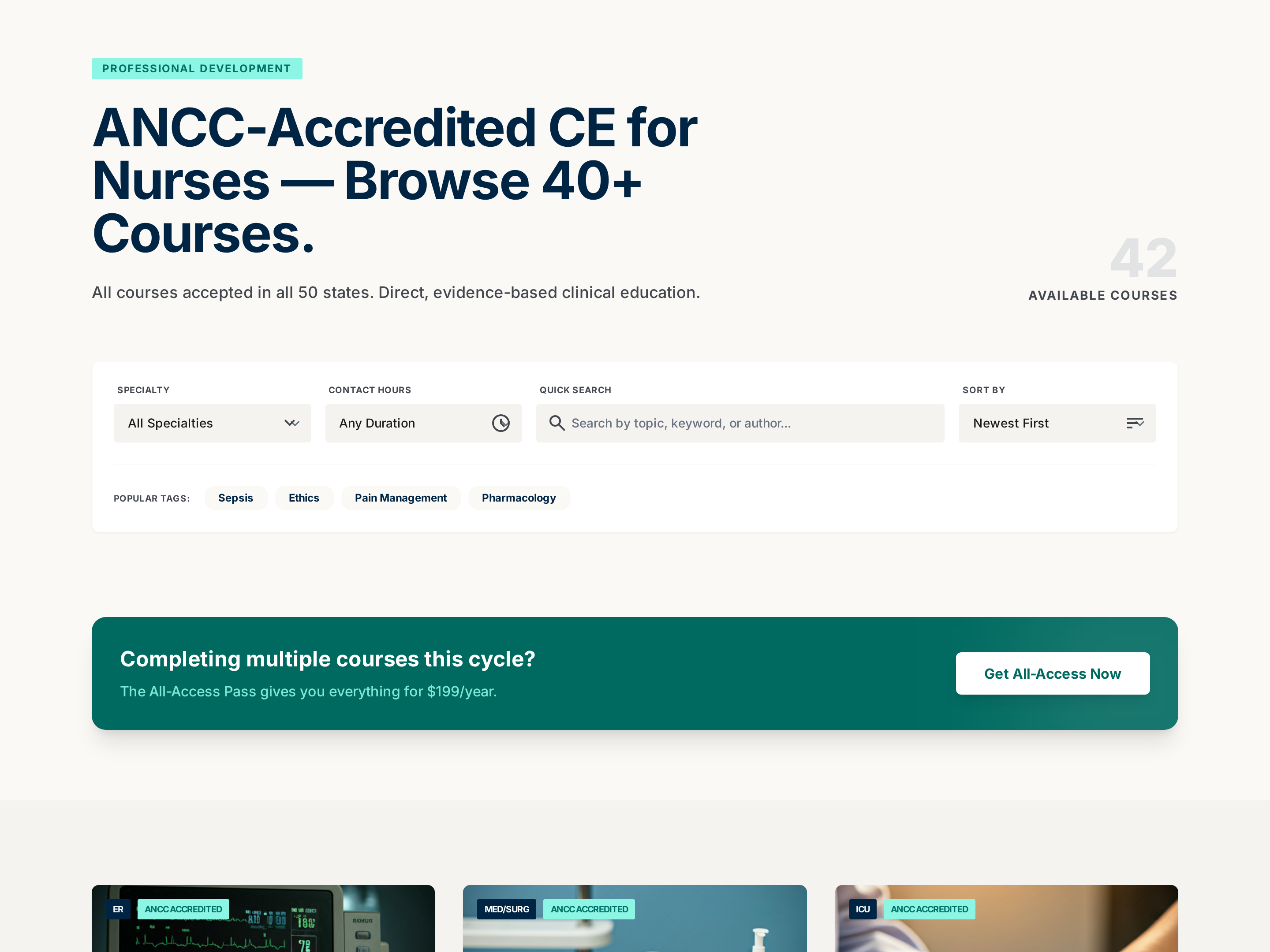
Searchable Course Catalog — Professional Filterable Variant
A searchable, filterable catalog page that organizes a large library of courses into clear cards with metadata for hours, price, and focus area, pilots a nursing CE catalog but the pattern fits any creator with 10+ offerings to organize.
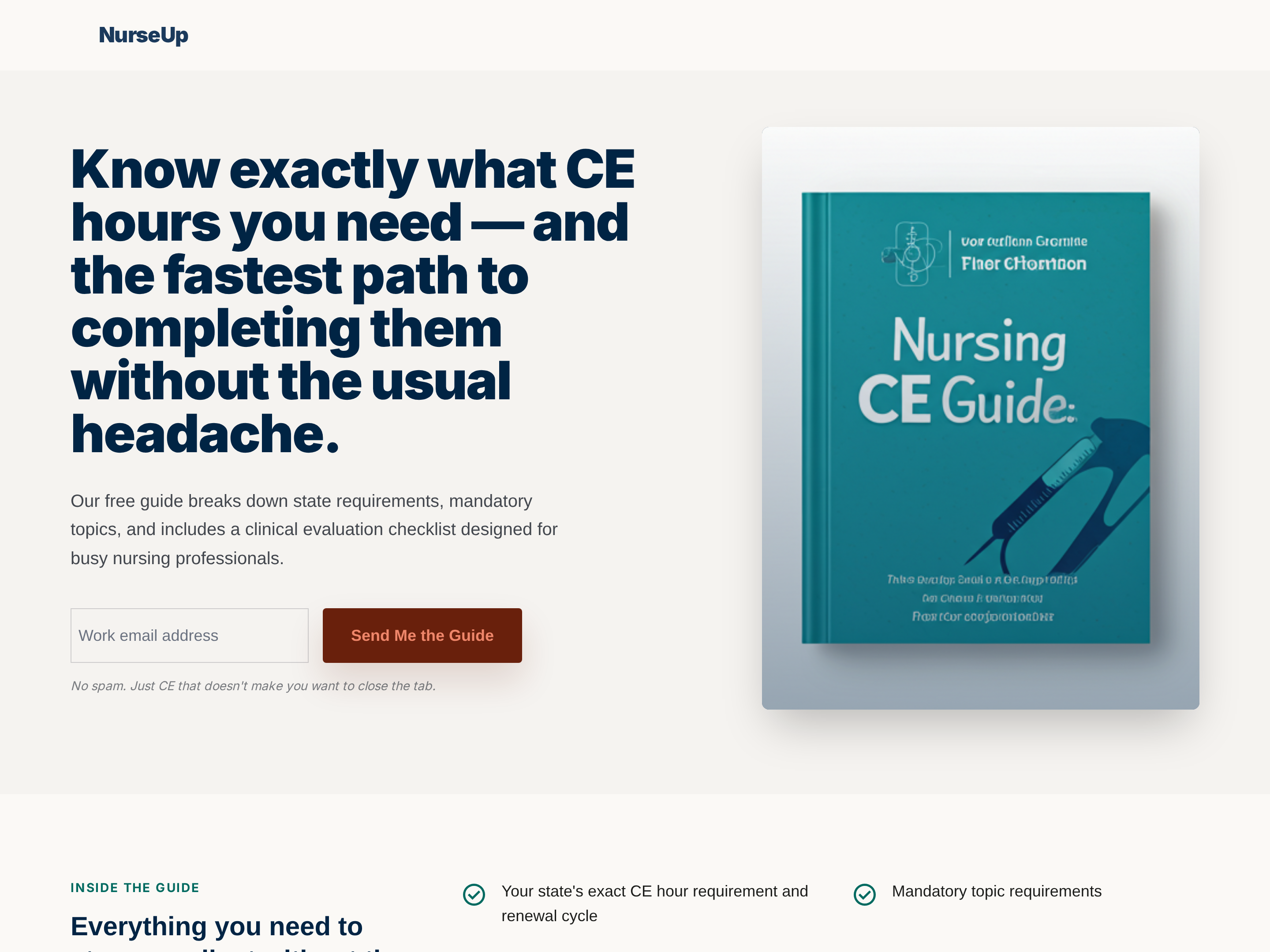
Lead Magnet Page — Professional Free-Resources Variant
A professional opt-in page that frames a free guide, checklist, or planning tool as the first taste of a paid program, pilots a nursing CE planning resource but the pattern fits any creator using a high-value freebie to grow an email list.
Create a new list
Save your favorites
Email me a magic link and I'll add this to your favorites list.