Searchable Course Catalog — Professional Filterable Variant
A searchable, filterable catalog page that organizes a large library of courses into clear cards with metadata for hours, price, and focus area, pilots a nursing CE catalog but the pattern fits any creator with 10+ offerings to organize.
Best for: Course creators, academies, and education platforms with a deep catalog who need visitors to find the right course fast without endless scrolling.
Live preview — scroll inside the frame to see the full page.
What it does
- Filterable course grid — visitors check filters (category, length, price, focus area) and the grid narrows in real time
- Search bar across the catalog — a prominent search field finds courses by keyword for visitors who already know what they want
- Course cards with key metadata — each card surfaces title, summary, length, price, and a credential badge so learners can self-qualify
- Category or pathway groupings — courses cluster into specialty tracks or learning pathways for visitors who need direction
- Sort controls — sort by newest, most popular, length, or price to suit different shopping styles
- Direct-to-enrollment links — every card links straight to the individual course page where checkout lives
Best use cases
- Course creators — organizing a library of 10+ programs so prospects can find the right starting point
- Academies and education platforms — surfacing specialty tracks across a catalog of dozens or hundreds of courses
- Coaching businesses — listing programs by goal, level, or duration so leads self-select
- Membership site owners — giving members a searchable index of included content
- Healthcare, legal, and compliance educators — grouping courses by jurisdiction, hours, or specialty
What you can change with your DNA
When you run this through the remix skill, your CCOS DNA — brand, voice, audience — drives these decisions automatically:
- Colors — slots for page background, filter sidebar, card backgrounds, category color-coding, and the active-filter highlight
- Fonts — one professional font with a heavier weight for course titles and a regular weight for summaries and metadata
- Copy — page headline and intro, filter labels, course titles and summaries, length, price, focus area, and credential badges
- Images — optional thumbnail per course card; swap in topical photography, instructor portraits, or stylized icons
- Behavior — choose which filters are visible, whether they stack or are mutually exclusive, and how the search behaves (live vs on submit)
How remixing works
From "swiped it" to "shipped it" in three steps.
Pick a remix
Browse the library, find one that fits — like this one.
Run it through your DNA
The remix skill uses your CCOS DNA to swap colors, fonts, copy, and structure so it lands as yours.
Ship it
Paste the finished HTML into Thinkific, Kajabi, WordPress, or any platform that takes embed code.
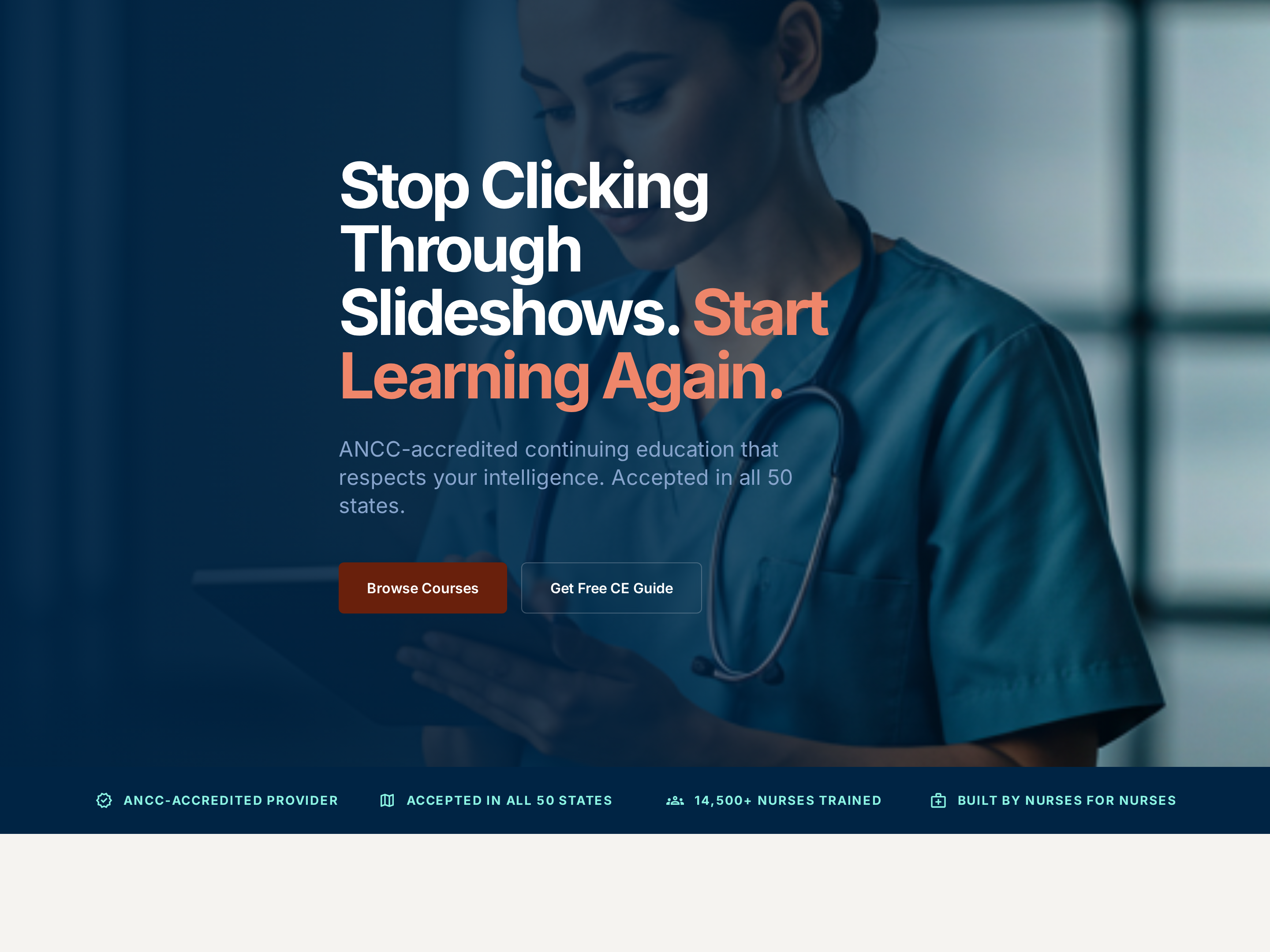
Professional Service Homepage — Credentialed Light-Mode Variant
A clean, credibility-first homepage with a clear hero, accreditation cues, featured offerings, and an enrollment CTA, pilots a nursing CE provider but the pattern fits any expert-led business where trust signals carry the sale.
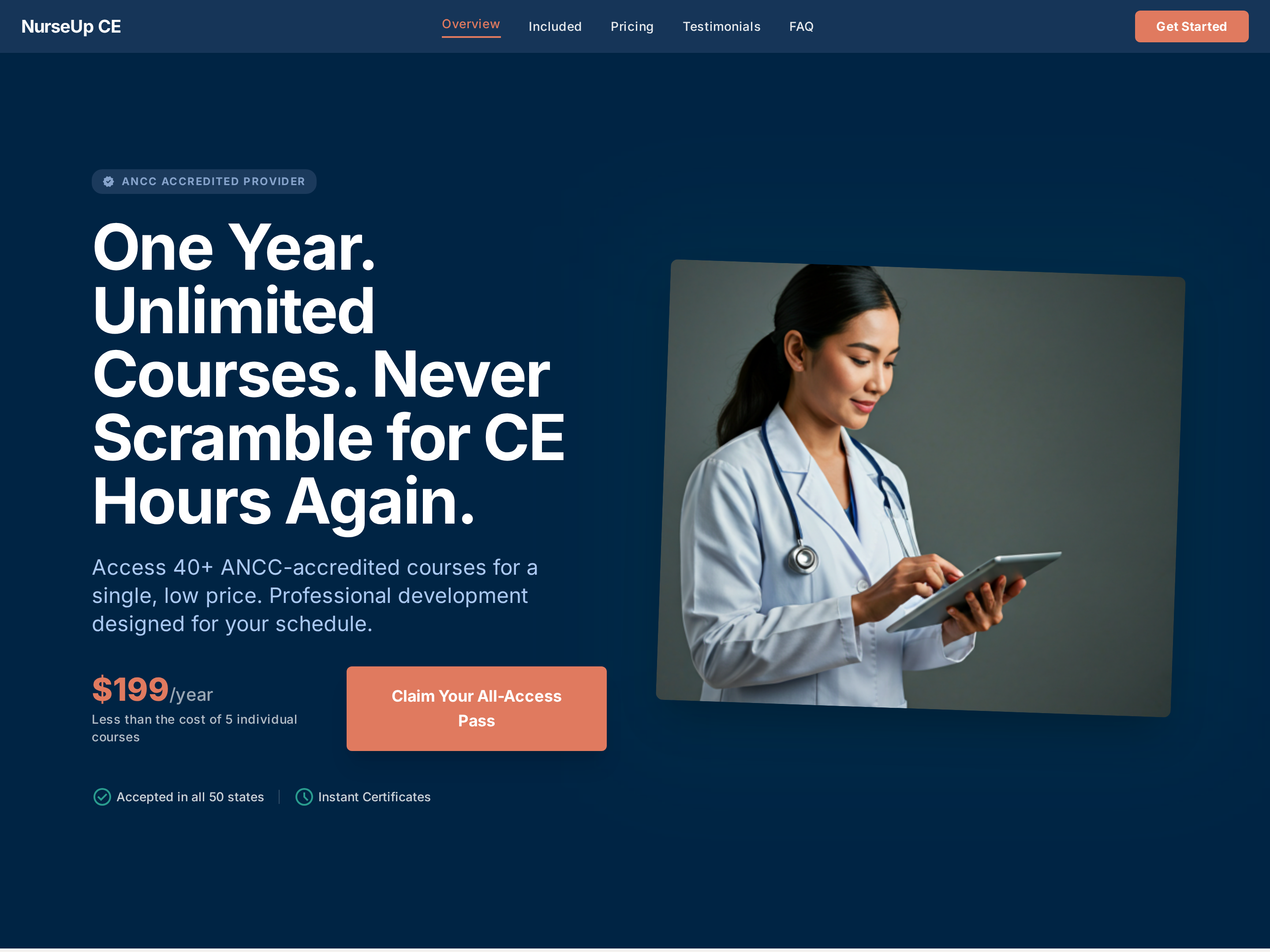
All-Access Membership Sales Page — Subscription Plan Layout
A professional sales page for an all-access subscription or membership plan — value framing, included-courses list, pricing tiers, and unlimited-access proof — pilots a healthcare CE provider but the pattern fits any business selling unlimited access to a catalog.
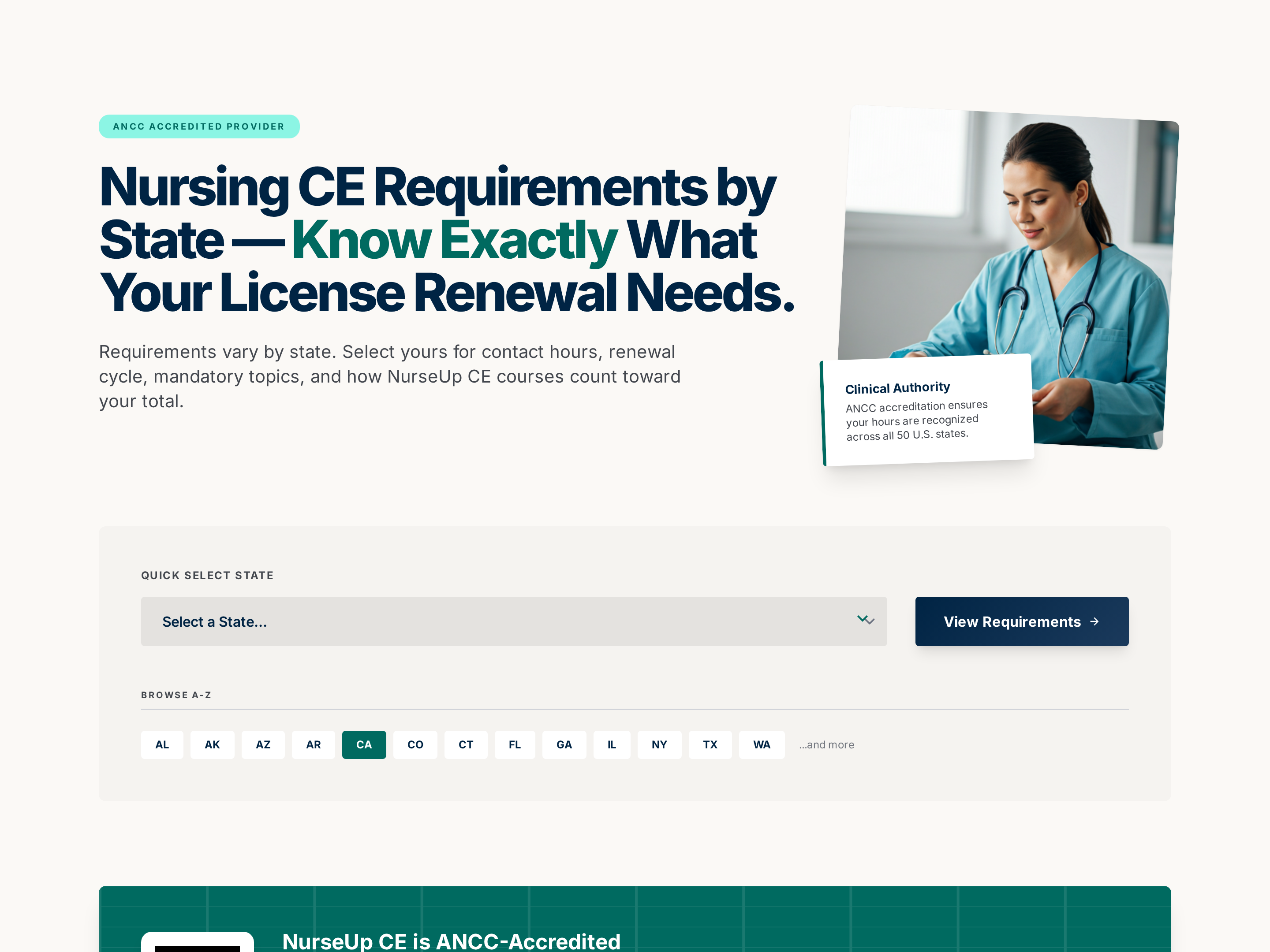
Reference Lookup Page — Region-by-Region Requirements Variant
A reference page that lets visitors pick a region or jurisdiction and instantly see the rules, hours, or requirements that apply to them, pilots state-by-state nursing CE requirements but the pattern fits any creator whose audience needs region-specific guidance.
Create a new list
Save your favorites
Email me a magic link and I'll add this to your favorites list.