Professional Contact Page — Form + Direct-Channel Variant
A clean contact page pairing a structured inquiry form with email, phone, and response-time expectations side by side, pilots a nursing CE provider but the pattern fits any service business that needs an organized way to be reached.
Best for: Educators, coaches, agencies, and service providers who want a single, professional page that routes inquiries clearly without feeling cold or generic.
Live preview — scroll inside the frame to see the full page.
What it does
- Structured inquiry form — fields for name, email, inquiry type, and message route messages to the right inbox automatically
- Direct-channel sidebar — a parallel column shows support email, phone number, and hours of availability for visitors who skip the form
- Response-time expectation — a short line ("we reply within 24 hours") removes the silence-after-submit anxiety
- Inquiry-type dropdown — a category selector segments support, sales, partnership, and press inquiries before the message is sent
- Confirmation state — after submit, a friendly success message replaces the form so visitors know it went through
- Subtle trust cues — a short reassurance line (privacy, no spam, real human reply) softens the form for hesitant visitors
Best use cases
- Course creators — handling enrollment questions, refund requests, and partnership inquiries in one place
- Coaches and consultants — letting prospective clients reach out for fit calls without a friction-heavy intake
- Agencies and studios — routing new-business, support, and press inquiries to different team members
- Membership site owners — giving members a clear support channel separate from sales
- Healthcare and compliance educators — handling student, organization, and regulatory inquiries with a tone that reads professional
What you can change with your DNA
When you run this through the remix skill, your CCOS DNA — brand, voice, audience — drives these decisions automatically:
- Colors — slots for page background, form card background, input borders, button color, and the accent used on labels and the success state
- Fonts — one professional font handles headline, body, form labels, and inputs; pair with a heavier weight for the headline
- Copy — page headline and intro, form field labels, inquiry-type options, support email, phone number, hours, response-window line, and confirmation message
- Images — optional supporting photo of the team, office, or workspace to add warmth without distracting from the form
- Behavior — choose which fields are required, where submissions route, and whether the inquiry-type dropdown changes the destination inbox
How remixing works
From "swiped it" to "shipped it" in three steps.
Pick a remix
Browse the library, find one that fits — like this one.
Run it through your DNA
The remix skill uses your CCOS DNA to swap colors, fonts, copy, and structure so it lands as yours.
Ship it
Paste the finished HTML into Thinkific, Kajabi, WordPress, or any platform that takes embed code.

Professional Service Homepage — Credentialed Light-Mode Variant
A clean, credibility-first homepage with a clear hero, accreditation cues, featured offerings, and an enrollment CTA, pilots a nursing CE provider but the pattern fits any expert-led business where trust signals carry the sale.
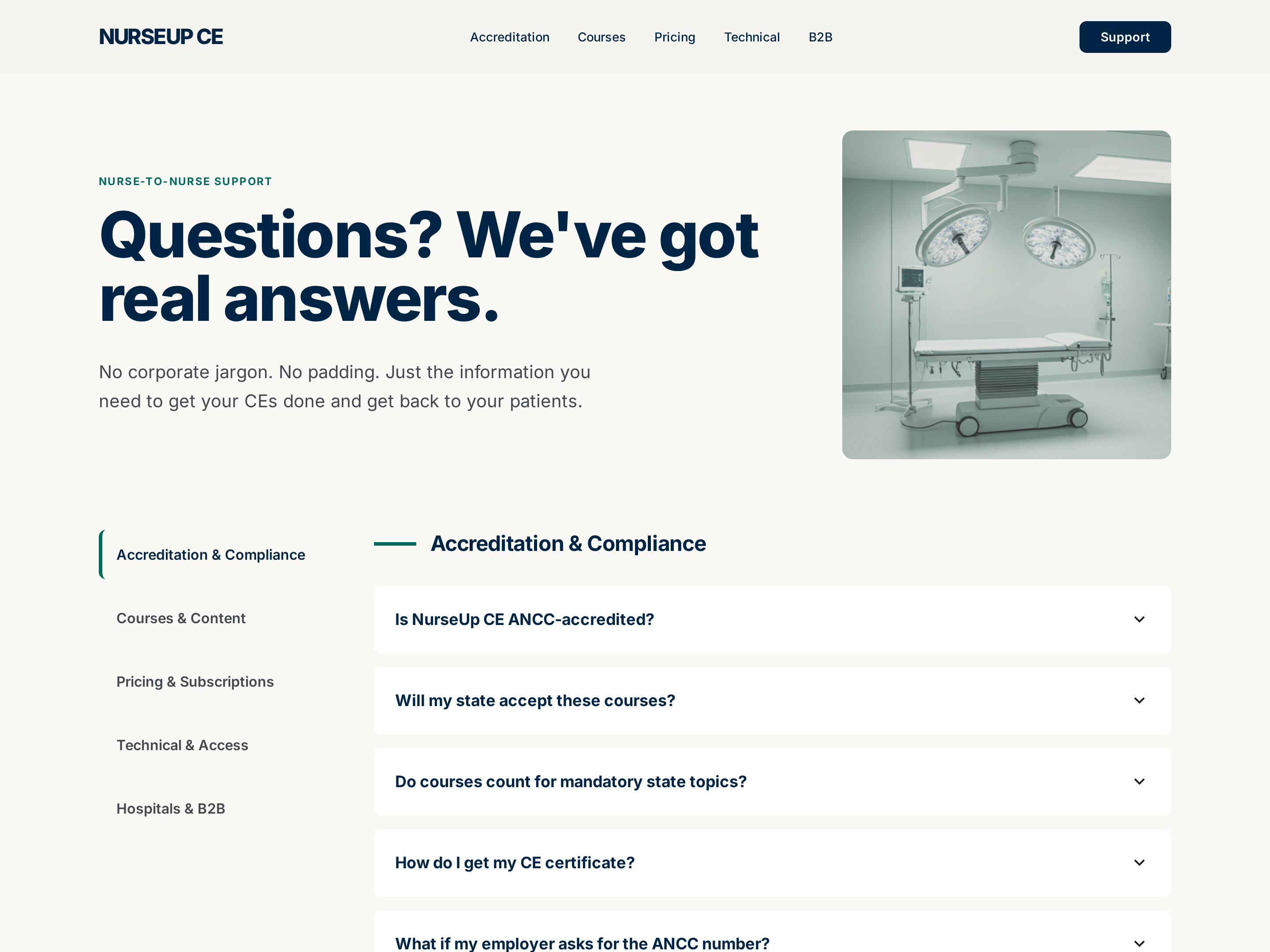
Self-Service FAQ Page — Professional Categorized Variant
A categorized FAQ page where visitors scan grouped questions and expand answers in place, pilots a nursing CE FAQ but the pattern fits any business that wants to deflect repetitive support questions before they hit the inbox.
Create a new list
Save your favorites
Email me a magic link and I'll add this to your favorites list.