Curved Wipe Section Block — Theatrical Transition Variant
A theatrical between-section block where a velvet curtain wipes up with a curved edge, the next section's title materializes word by word inside it, then it lifts to reveal the new content — pilots a premium curriculum transition but the pattern fits any moment where the move from one chapter to the next deserves ceremony.
Best for: Premium between-section transitions for high-ticket coaching, wellness, financial, or luxury programs where the moment of moving from one chapter to the next deserves its own beat.
Live preview — scroll inside the frame to see the full page.
What it does
- Two-section stage with single trigger — two stacked panels share one stage; a single italic 'Continue' button starts the transition
- Curved curtain rise — a richly textured curtain slides up from below to fully cover the stage, with a softly curved top edge that gives the moment a theatrical feel
- Word-by-word title reveal — once the curtain is up, the destination section's title emerges word by word, each word lifting into place with a graceful ease
- Silent panel swap behind the curtain — while the curtain is opaque, the underlying content quietly switches to the next section
- Curtain lift and content rise — the curtain continues upward and out, trailing a curved bottom edge while the new section rises gently into place
- Reverse return and reduced-motion fallback — a 'Return' link plays the same animation in reverse; learners who prefer less motion get an instant section change
Best use cases
- Cohort programs and high-ticket coaching — module-to-module transitions that mark the weight of progress
- Wellness, mindfulness, and contemplative courses — a literal pause that carries meaning
- Financial and wealth coaching — restraint and gravitas reinforce the price tag
- Cinematic case studies — between Act I and Act II of a story-driven lesson
- Premium membership hubs — marking 'what you've completed' versus 'what's next'
What you can change with your DNA
When you run this through the remix skill, your CCOS DNA — brand, voice, audience — drives these decisions automatically:
- Colors — eight color slots covering page background, paper, ink, soft ink, dividers, three curtain tones, and a single metallic accent. Swap to navy + ivory + brass, deep forest + cream + copper, or charcoal + bone + champagne.
- Fonts — two roles: an italic display serif for headlines and section names, and a clean UI sans for everything else. Pair to match your premium register.
- Copy — two section panels (eyebrow + headline + lede + lesson cards + button), plus the curtain text (eyebrow + 1–3-word section name) which is rebuilt per transition
- Images — pure styling on the curtain, no images required; lesson cards inside each panel can host visuals if needed
- Behavior — three timing controls: how long the curtain takes to cover, how long it pauses, and how long it takes to lift. Plus the per-word stagger gap. Tighten for snappier, loosen for more cathedral.
How remixing works
From "swiped it" to "shipped it" in three steps.
Pick a remix
Browse the library, find one that fits — like this one.
Run it through your DNA
The remix skill uses your CCOS DNA to swap colors, fonts, copy, and structure so it lands as yours.
Ship it
Paste the finished HTML into Thinkific, Kajabi, WordPress, or any platform that takes embed code.
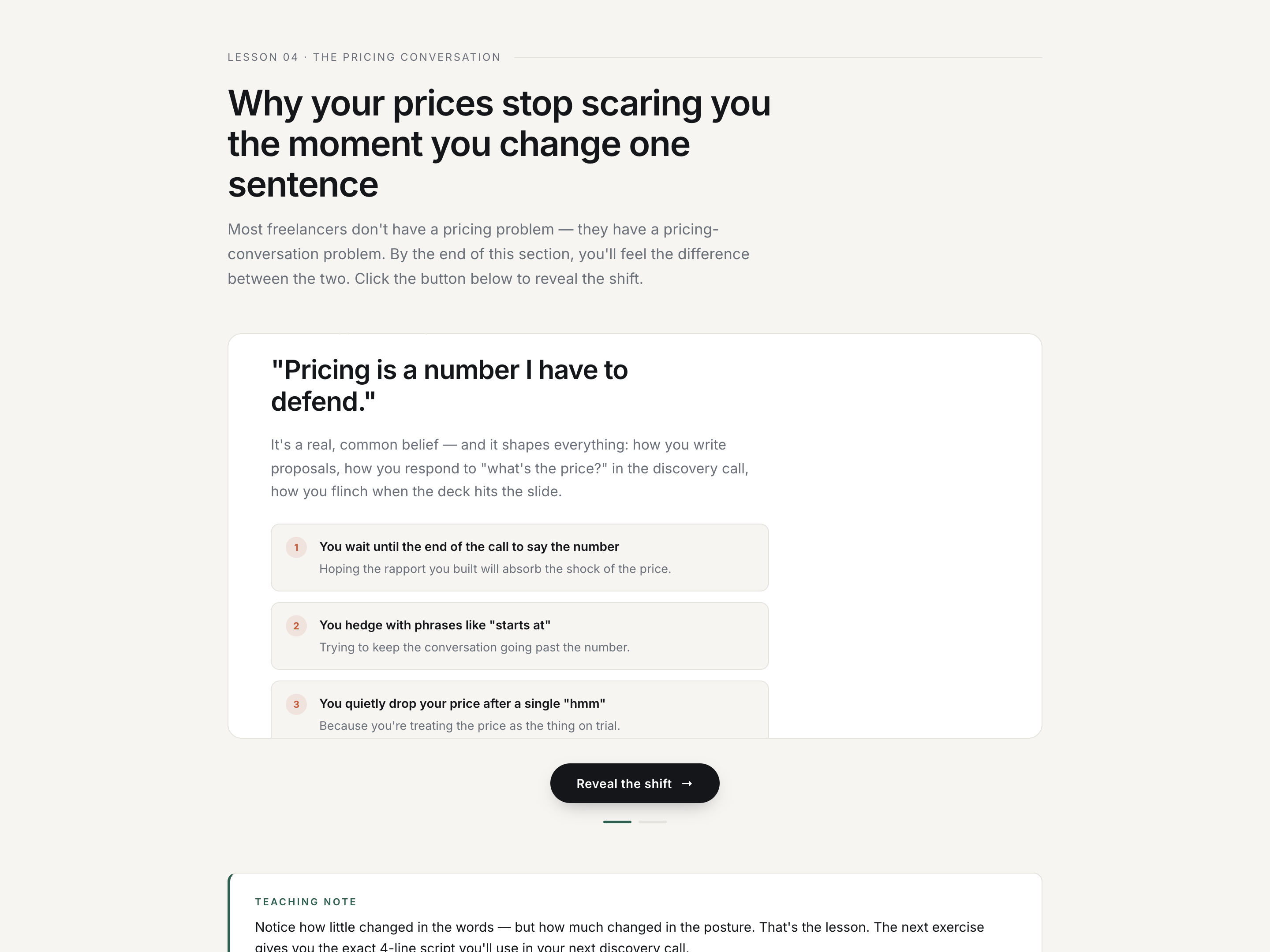
Cinematic Cross-Fade Block — Foundational Before/After Variant
A two-panel before/after lesson block where one belief crossfades into another with a signature headline rise and staggered card reveal — pilots an old-belief / new-belief reframe but the pattern fits any single-shift teaching moment.
 Featured
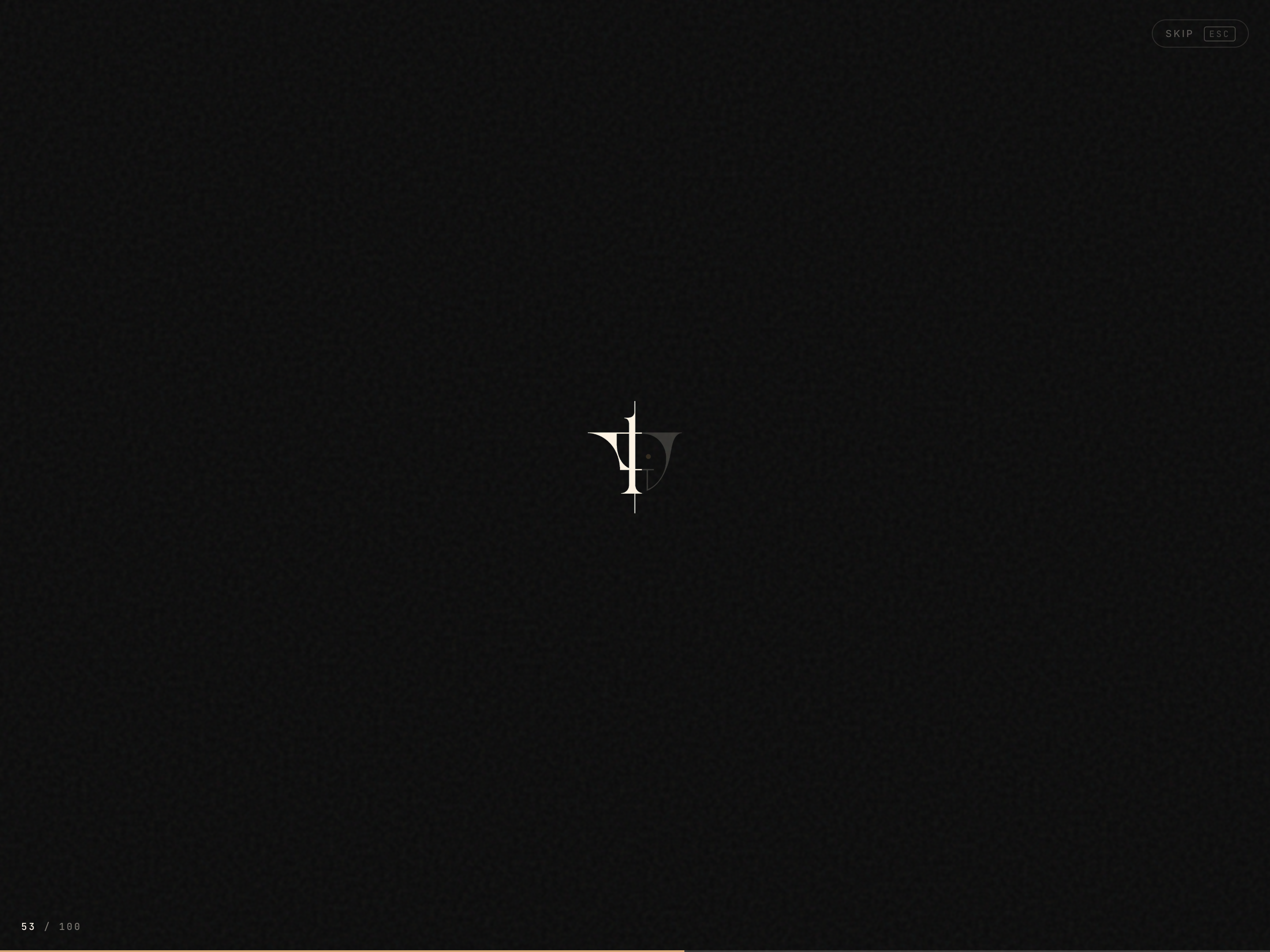
 Cinematic Logo Reveal Loader — Branded Lesson Entry
A cinema-dark lesson-entry overlay that progressively reveals a tracked-out wordmark with a counter and progress bar, then curtain-wipes up to expose the lesson — pilots a studio brand opener but the pattern fits any premium course, membership portal, or agency-built program.
Create a new list
Save your favorites
Email me a magic link and I'll add this to your favorites list.