Cinematic Logo Reveal Loader — Branded Lesson Entry
A cinema-dark lesson-entry overlay that progressively reveals a tracked-out wordmark with a counter and progress bar, then curtain-wipes up to expose the lesson — pilots a studio brand opener but the pattern fits any premium course, membership portal, or agency-built program.
Best for: Brand-forward lesson openers for premium courses, brand-led programs, membership portals, agency-built white-label courses, or any lesson where every touchpoint should reinforce who made this and why it's worth paying for.
Live preview — scroll inside the frame to see the full page.
What it does
- Dark curtain over the lesson — a full-viewport curtain holds the learner in brand space before the lesson appears
- Wordmark reveal wipe — a tracked-out wordmark progressively reveals from left to right behind a thin progress bar
- Live progress counter — a 00 → 100 counter ticks in the corner in lockstep with the reveal
- Subtitle fade-in — a one-line tagline fades in beneath the wordmark partway through the reveal
- Curtain-up exit — the entire curtain slides up and off, exposing the lesson underneath with a clean cinematic finish
- Skip and replay control — a small skip button plus an Esc shortcut lets repeat learners bypass; a replay-mode setting controls whether the loader plays once per session, daily, always, or never
- Reduced-motion bypass — learners who prefer reduced motion skip the loader entirely
Best use cases
- Premium and high-ticket courses — every touchpoint signals 'this is not a $19 PDF'
- Brand-led programs — agencies, studios, consultancies, and creative practices where the brand IS the product
- Membership portals — reinforcing the brand the member is paying to be inside
- Cohort programs and live workshop replays — the loader as a 'the show is starting' signal
- Personal-brand courses — instructor's name as the wordmark for a signature feel
- White-label courses — agency-built programs that need a recognizable client brand opener
What you can change with your DNA
When you run this through the remix skill, your CCOS DNA — brand, voice, audience — drives these decisions automatically:
- Colors — three slots: background, wordmark color, and accent (drives the bar fill, the dot ornament, and the skip-hover state). A three-line swap flips the whole loader between dark and cream modes
- Fonts — a display serif for the wordmark and a mono for the counter and lesson-num readouts. Stay in the same display family for the lesson body to keep the brand handoff seamless
- Copy — wordmark text (one to two short words), the subtitle line, and the small lesson-num header
- Images — both wordmark layers can host an inline SVG logo instead of plain text
- Behavior — reveal duration (snappier or more cinematic), replay mode (session, daily, always, never), counter on/off, and curtain-wipe direction (up, down, sideways)
How remixing works
From "swiped it" to "shipped it" in three steps.
Pick a remix
Browse the library, find one that fits — like this one.
Run it through your DNA
The remix skill uses your CCOS DNA to swap colors, fonts, copy, and structure so it lands as yours.
Ship it
Paste the finished HTML into Thinkific, Kajabi, WordPress, or any platform that takes embed code.
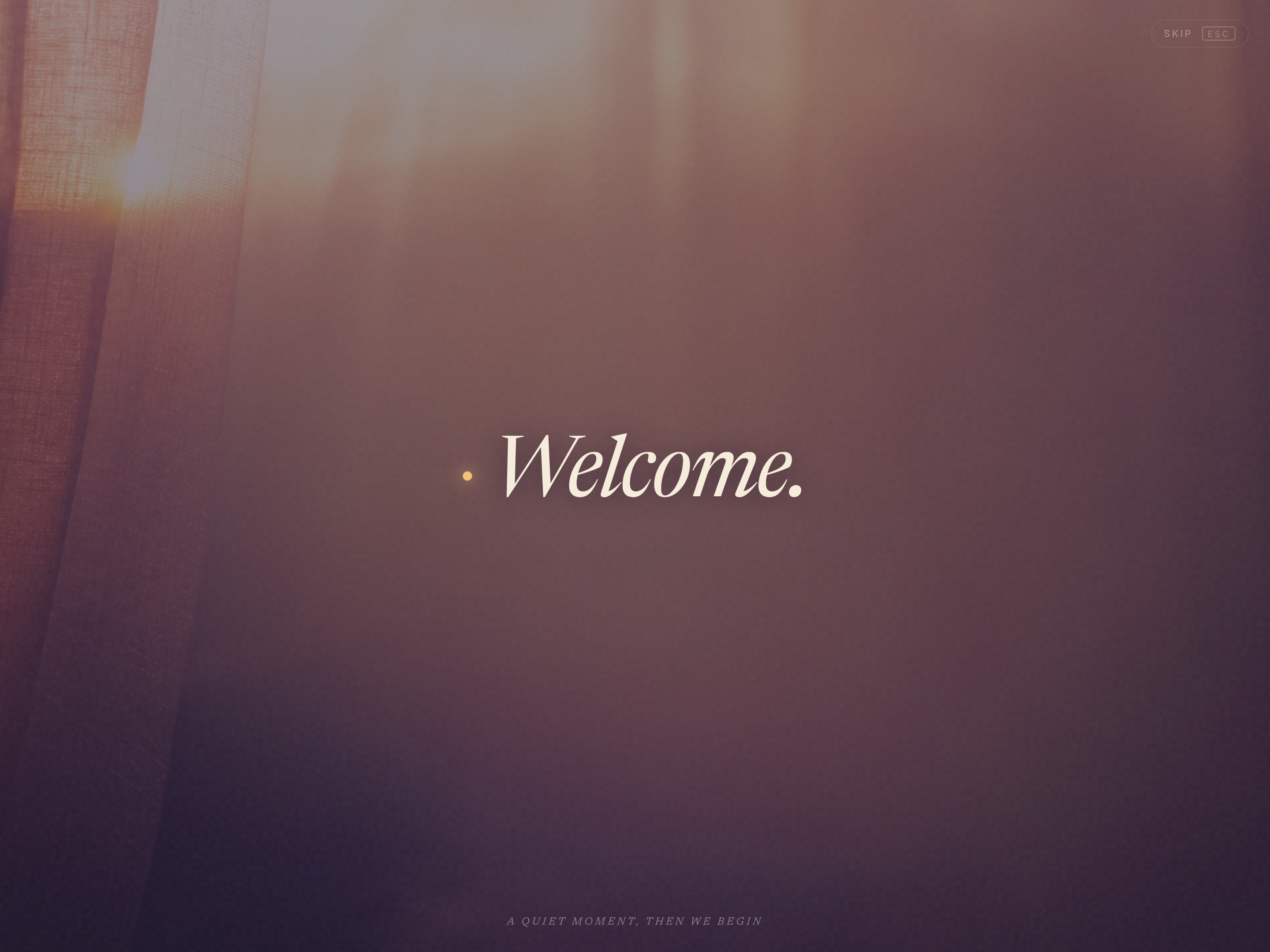
Welcoming Words Loader — Ambient Lesson Entry
A lesson-entry overlay that cycles through a few italic-serif greeting words against a drifting mesh-gradient field, then fades to reveal the lesson — pilots an ambient welcome but the pattern fits any course where setting an emotional temperature matters as much as the content.
 Featured
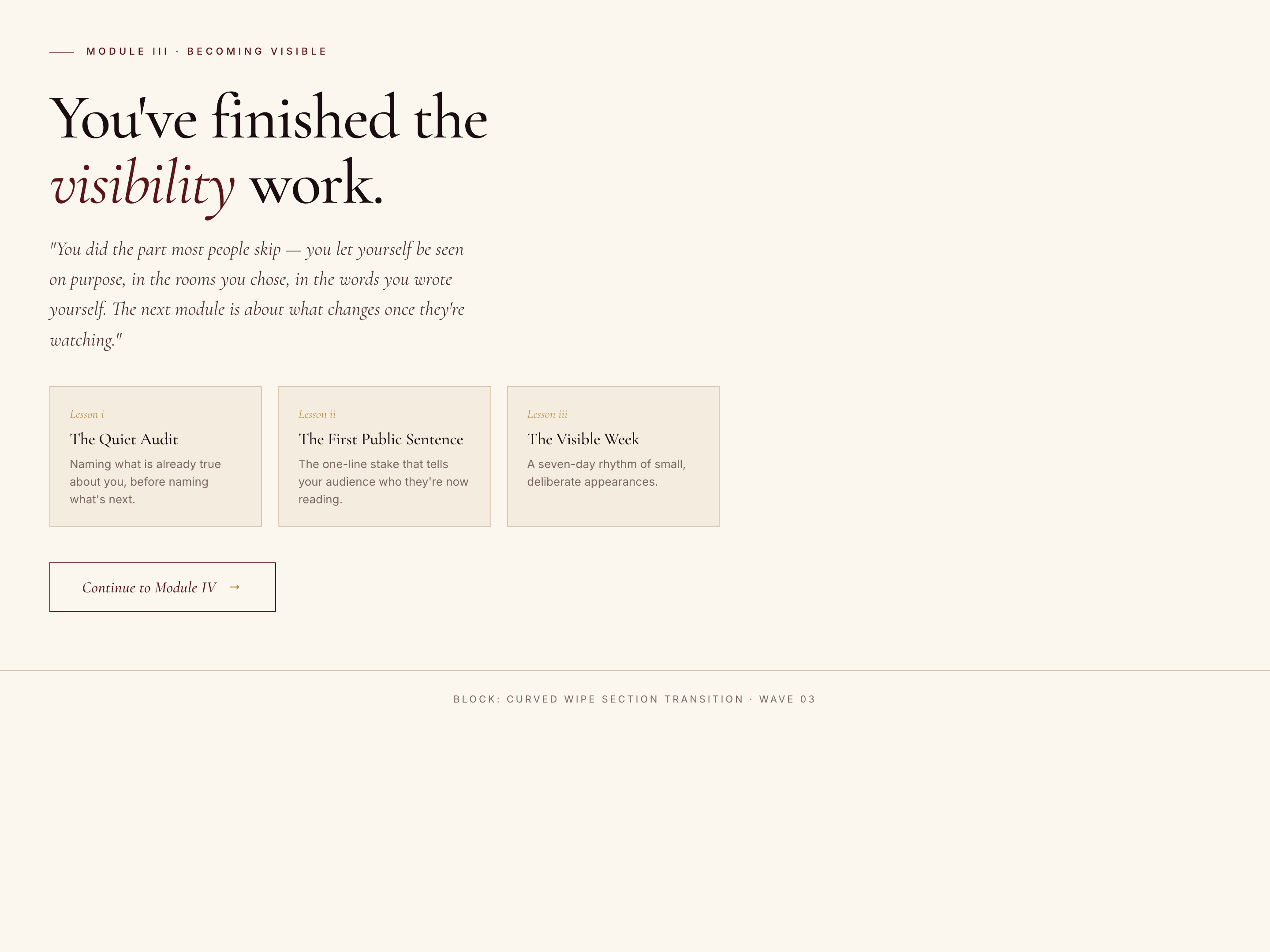
 Curved Wipe Section Block — Theatrical Transition Variant
A theatrical between-section block where a velvet curtain wipes up with a curved edge, the next section's title materializes word by word inside it, then it lifts to reveal the new content — pilots a premium curriculum transition but the pattern fits any moment where the move from one chapter to the next deserves ceremony.
Create a new list
Save your favorites
Email me a magic link and I'll add this to your favorites list.