Cinematic Cross-Fade Block — Foundational Before/After Variant
A two-panel before/after lesson block where one belief crossfades into another with a signature headline rise and staggered card reveal — pilots an old-belief / new-belief reframe but the pattern fits any single-shift teaching moment.
Best for: Marking a single conceptual shift inside a lesson — old-belief / new-belief reveals, myth-vs-reality moments, or before/after reframes for coaching, sales, mindset, and strategy.
Live preview — scroll inside the frame to see the full page.
What it does
- Two-panel stage with progress dot — before and after panels share the same space; a small indicator shows which is currently visible
- One-click crossfade reveal — clicking 'Reveal the shift' fades the before panel out and the after panel in with calm, deliberate timing
- Signature headline rise — the after-panel headline lifts gently from below as it appears, giving the moment a cinematic punch
- Staggered belief cards — supporting cards slide and fade in one after another so the body content lands in rhythm rather than popping flat
- Show-before toggle — once revealed, a button lets the learner flip back to compare the two panels as many times as they want
- Keyboard navigation and reduced-motion fallback — left/right arrow keys cycle the panels; learners who prefer less motion get an instant swap
Best use cases
- Coaching and consulting — old-belief / new-belief reveals at the start of a transformation lesson
- Sales and negotiation training — the line they would have used vs. the line that actually closes
- Mindset and habit work — naming the shift is the lesson, and this block names it cleanly
- Strategy frameworks — what beginners try vs. what experts do instead
- Marketing and copy training — bad-headline / good-headline before-and-after reveals
What you can change with your DNA
When you run this through the remix skill, your CCOS DNA — brand, voice, audience — drives these decisions automatically:
- Colors — six color slots cover page background, surface, ink, muted text, an accent for the 'after' state, and a warmer tone for the 'before'. Swap the accent to match your single brand color.
- Fonts — single-font setup designed for a clean modern feel; drop in the typeface that matches your brand register
- Copy — lesson meta + title + lede; before panel (eyebrow, headline, lede, three belief items); after panel (same scaffold); reveal button label; teaching note
- Images — type-only by default, but each belief card can host a small icon if you want extra visual texture
- Behavior — three timing controls: how long the before fades out, how long the after fades in, and the delay on the headline rise. Tighten for snappier, loosen for more ceremony.
How remixing works
From "swiped it" to "shipped it" in three steps.
Pick a remix
Browse the library, find one that fits — like this one.
Run it through your DNA
The remix skill uses your CCOS DNA to swap colors, fonts, copy, and structure so it lands as yours.
Ship it
Paste the finished HTML into Thinkific, Kajabi, WordPress, or any platform that takes embed code.
 Featured
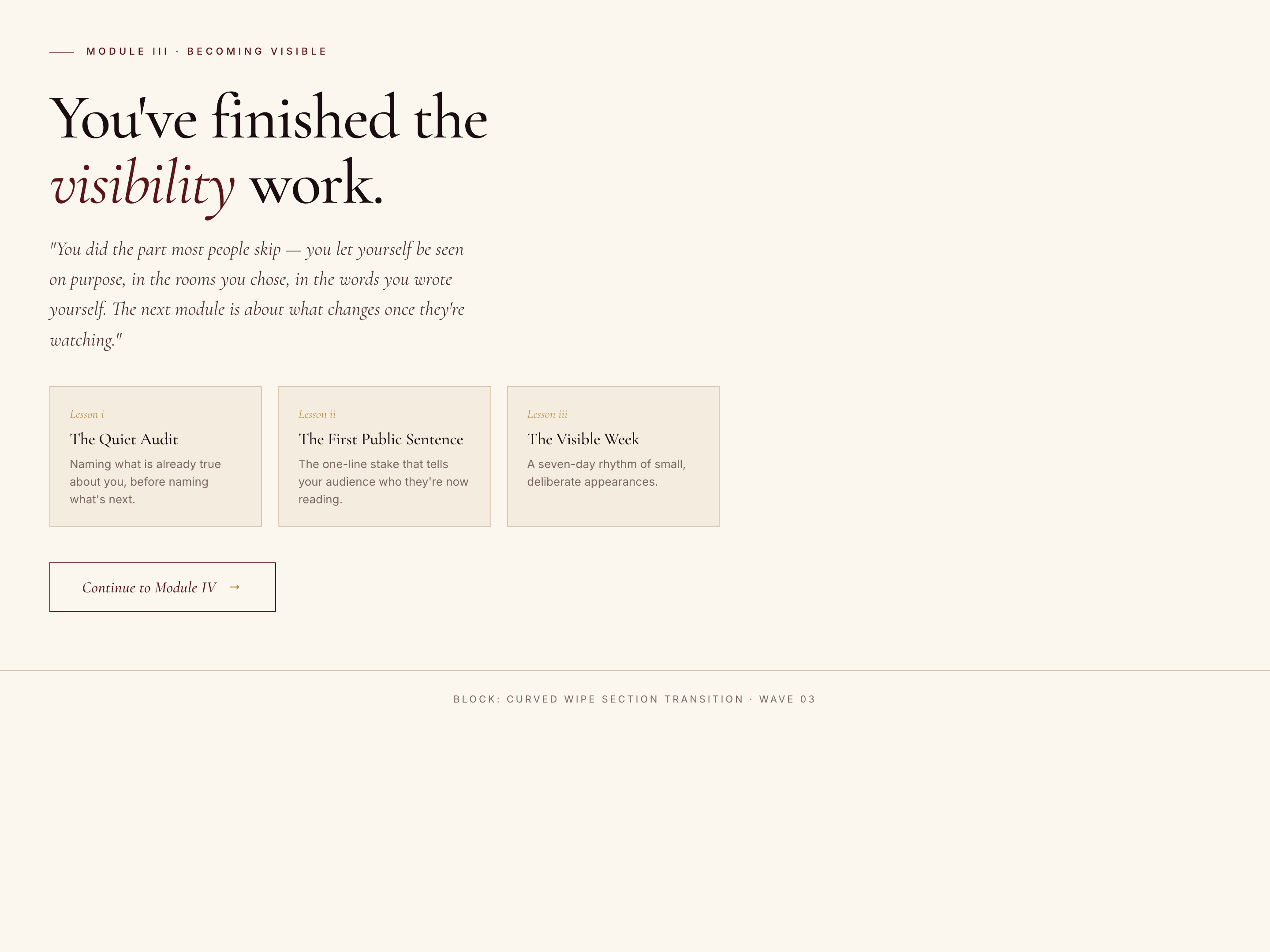
 Curved Wipe Section Block — Theatrical Transition Variant
A theatrical between-section block where a velvet curtain wipes up with a curved edge, the next section's title materializes word by word inside it, then it lifts to reveal the new content — pilots a premium curriculum transition but the pattern fits any moment where the move from one chapter to the next deserves ceremony.
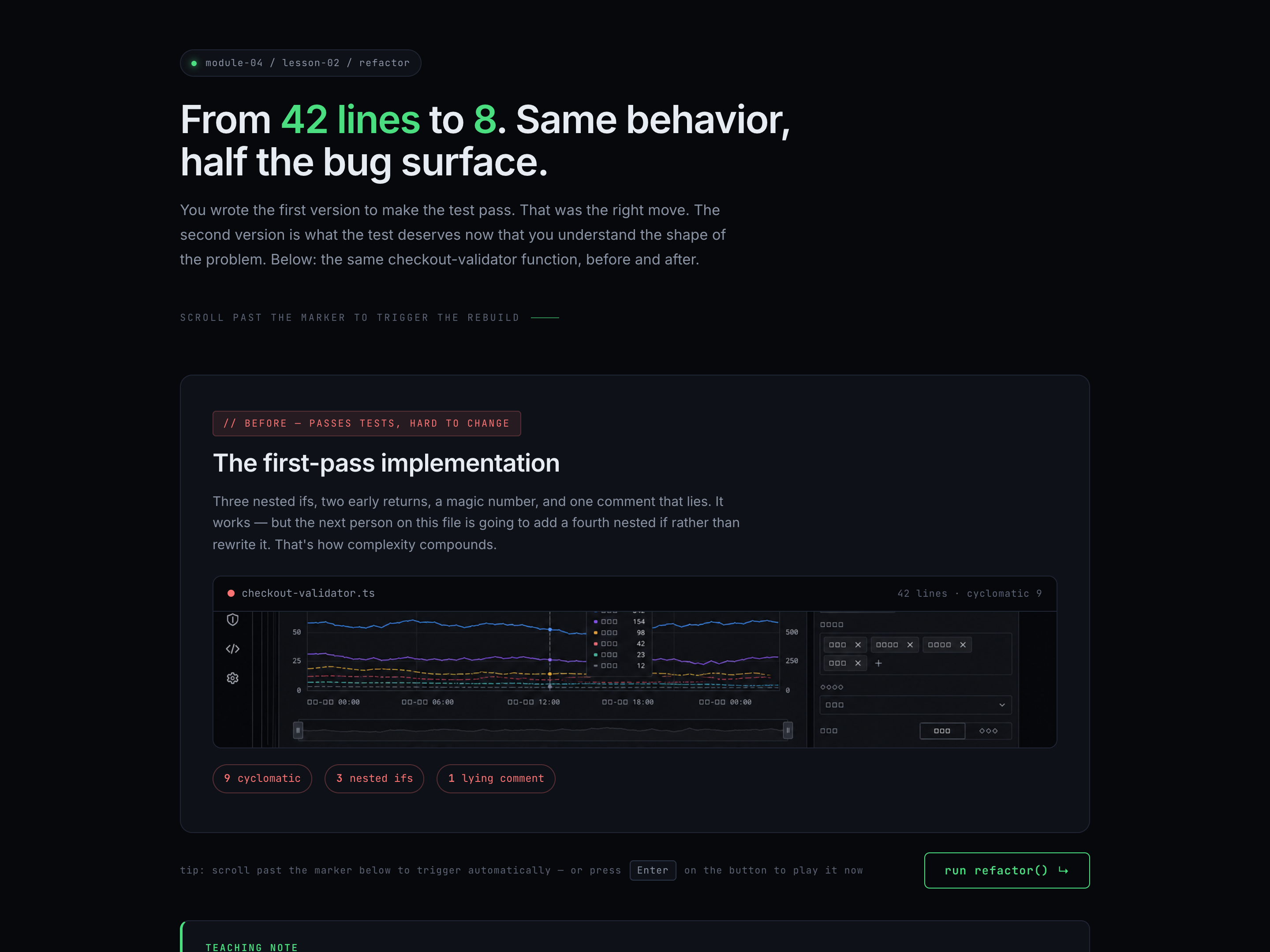
Pixelated Section Block — Tech Before/After Variant
A tech-coded between-panel block where a grid of square pixels sweeps across the stage with a random stagger, swaps the underlying panels while opaque, then fades back out to reveal the after state — pilots a code refactor but the pattern fits any old-version / new-version technical reveal.
Create a new list
Save your favorites
Email me a magic link and I'll add this to your favorites list.