Membership Sales Page — Community-First Light Variant
A long-form membership sales page that leads with belonging, then layers in monthly experiences, exclusive perks, and a clear pricing block; pilots a hiking trail club but the pattern fits any ongoing community, mastermind, or subscription program.
Best for: Membership and community sales pages where the value is recurring connection plus structured experiences, not a one-off course delivery.
Live preview — scroll inside the frame to see the full page.
What it does
- Belonging-led hero — the headline opens with the feeling and identity of being part of the community
- Monthly rhythm section — a clear breakdown of what happens each month so visitors can picture the cadence
- Member perks and exclusive access — a list of tangible benefits that members get and outsiders don't
- Community proof block — testimonials, member counts, or photos that prove the community is alive and active
- Founder or host welcome — a short section introduces the person curating the experience and sets the tone
- Pricing tiers and enrollment — clean pricing options with a single recommended tier and a confident CTA
Best use cases
- Outdoor educators — trail clubs, climbing collectives, or paddling communities with monthly meetups
- Course creators — alumni or continuation memberships that extend a flagship course
- Coaches and consultants — group coaching or mastermind subscriptions with monthly calls
- Hobby and craft communities — pottery, photography, or knitting clubs with monthly themes
- Wellness practitioners — meditation, yoga, or breathwork memberships with weekly live sessions
- Creative communities — writing groups, music collectives, or design feedback clubs as paid memberships
What you can change with your DNA
When you run this through the remix skill, your CCOS DNA — brand, voice, audience — drives these decisions automatically:
- Colors — slots for page background, headline text, body text, accent on CTAs and tier highlights, and a soft tint used on the recommended plan
- Fonts — two roles: a warm headline font that signals belonging and a clear body font for benefits, perks, and pricing
- Copy — belonging promise, monthly rhythm description, perks list, founder welcome, member testimonials, pricing tiers, and CTA
- Images — community and group photos, behind-the-scenes shots, founder portrait, and optional tier icons or badges
- Behavior — tune the monthly/annual price toggle, decide whether tier cards highlight a recommended plan, and configure scroll reveals
How remixing works
From "swiped it" to "shipped it" in three steps.
Pick a remix
Browse the library, find one that fits — like this one.
Run it through your DNA
The remix skill uses your CCOS DNA to swap colors, fonts, copy, and structure so it lands as yours.
Ship it
Paste the finished HTML into Thinkific, Kajabi, WordPress, or any platform that takes embed code.

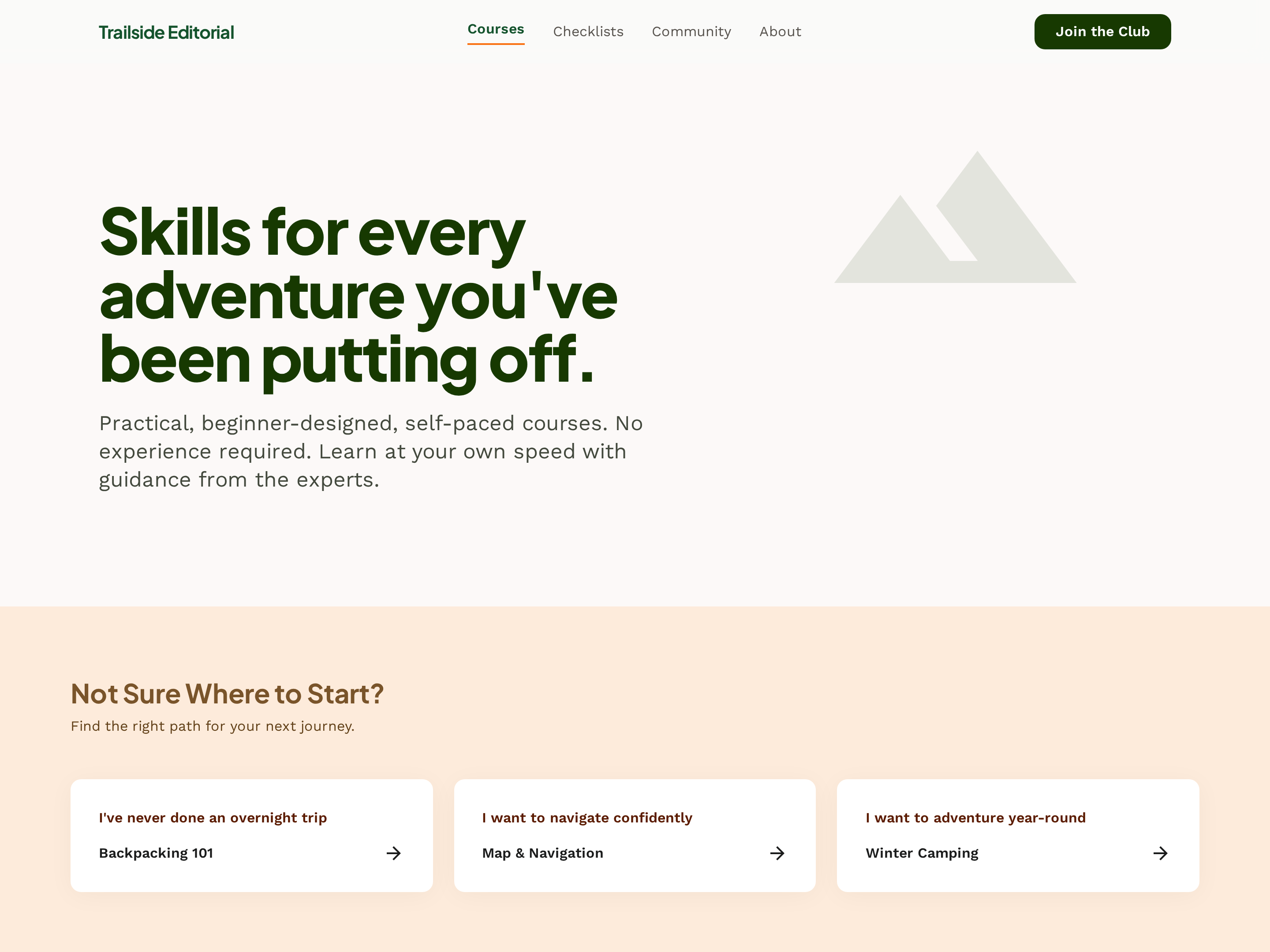
Brand Homepage — Nature-Toned Light Variant
A clean light-mode homepage with a hero call to action, featured offers, trust positioning, and a primary conversion path; pilots an outdoor adventure brand but the pattern fits any creator-led course, coaching, or studio business.
Course Catalog Hub — Filterable Card Grid Variant
A clean catalog hub where every course shows up as a card with skill level, duration, and topic, plus filters that let visitors narrow by experience level or category; pilots an outdoor school but the pattern fits any creator with a growing course library.

In-Person Experience Sales Page — Itinerary-Led Variant
A nature-toned long-form sales page for in-person experiences with a day-by-day itinerary, location details, group size, logistics, and booking CTA; pilots a guided hiking trip but the pattern fits any in-person retreat, workshop, or hosted experience.
Create a new list
Save your favorites
Email me a magic link and I'll add this to your favorites list.