Course Catalog Hub — Filterable Card Grid Variant
A clean catalog hub where every course shows up as a card with skill level, duration, and topic, plus filters that let visitors narrow by experience level or category; pilots an outdoor school but the pattern fits any creator with a growing course library.
Best for: Catalog or programs pages where five or more courses need to be browsable, filterable, and easy to compare at a glance without overwhelming the visitor.
Live preview — scroll inside the frame to see the full page.
What it does
- Card grid of every course — each course gets a tile with cover image, title, short description, and key metadata
- Filter chips for level and topic — visitors narrow by skill level, category, or format with one tap and watch the grid update
- Featured course callout — a highlighted slot lets the creator surface a flagship or new course at the top
- At-a-glance metadata — duration, difficulty, and focus area sit on every card so visitors can compare without leaving the page
- Direct link to course pages — each card opens the full sales or detail page in one click
- Empty-state message — when filters return no courses, a friendly fallback nudges the visitor to broaden their search
Best use cases
- Course creators — a catalog page for five or more courses spanning beginner through advanced
- Online schools and academies — programs page that lets visitors filter by track or specialization
- Coaching businesses — a services hub showing one-off sessions, packages, and group programs side by side
- Membership communities — an internal library page where members browse the included courses
- SaaS academies — a customer education hub filtering by role, product area, or skill level
- Studio owners — a classes and workshops catalog filterable by style, level, and instructor
What you can change with your DNA
When you run this through the remix skill, your CCOS DNA — brand, voice, audience — drives these decisions automatically:
- Colors — slots for page background, card background, badge or filter chip color, headline text, metadata text, and accent used on the featured callout
- Fonts — two roles: a clear headline font for course titles and a readable body font for descriptions and metadata
- Copy — page intro, filter labels, course titles, short descriptions, metadata fields, featured callout copy, and empty-state line
- Images — one cover image per course (illustration, photo, or branded card) plus an optional hero image at the top of the catalog
- Behavior — choose between live filter updates or a search-then-submit model, and decide whether filters stack or behave as single-select
How remixing works
From "swiped it" to "shipped it" in three steps.
Pick a remix
Browse the library, find one that fits — like this one.
Run it through your DNA
The remix skill uses your CCOS DNA to swap colors, fonts, copy, and structure so it lands as yours.
Ship it
Paste the finished HTML into Thinkific, Kajabi, WordPress, or any platform that takes embed code.

Brand Homepage — Nature-Toned Light Variant
A clean light-mode homepage with a hero call to action, featured offers, trust positioning, and a primary conversion path; pilots an outdoor adventure brand but the pattern fits any creator-led course, coaching, or studio business.

Beginner Course Sales Page — Approachable Light Variant
A nature-toned, beginner-friendly long-form sales page with curriculum, fear-busting reassurance, outcomes, testimonials, and pricing; pilots a Backpacking 101 course but the pattern fits any beginner course where buyers need permission to start.
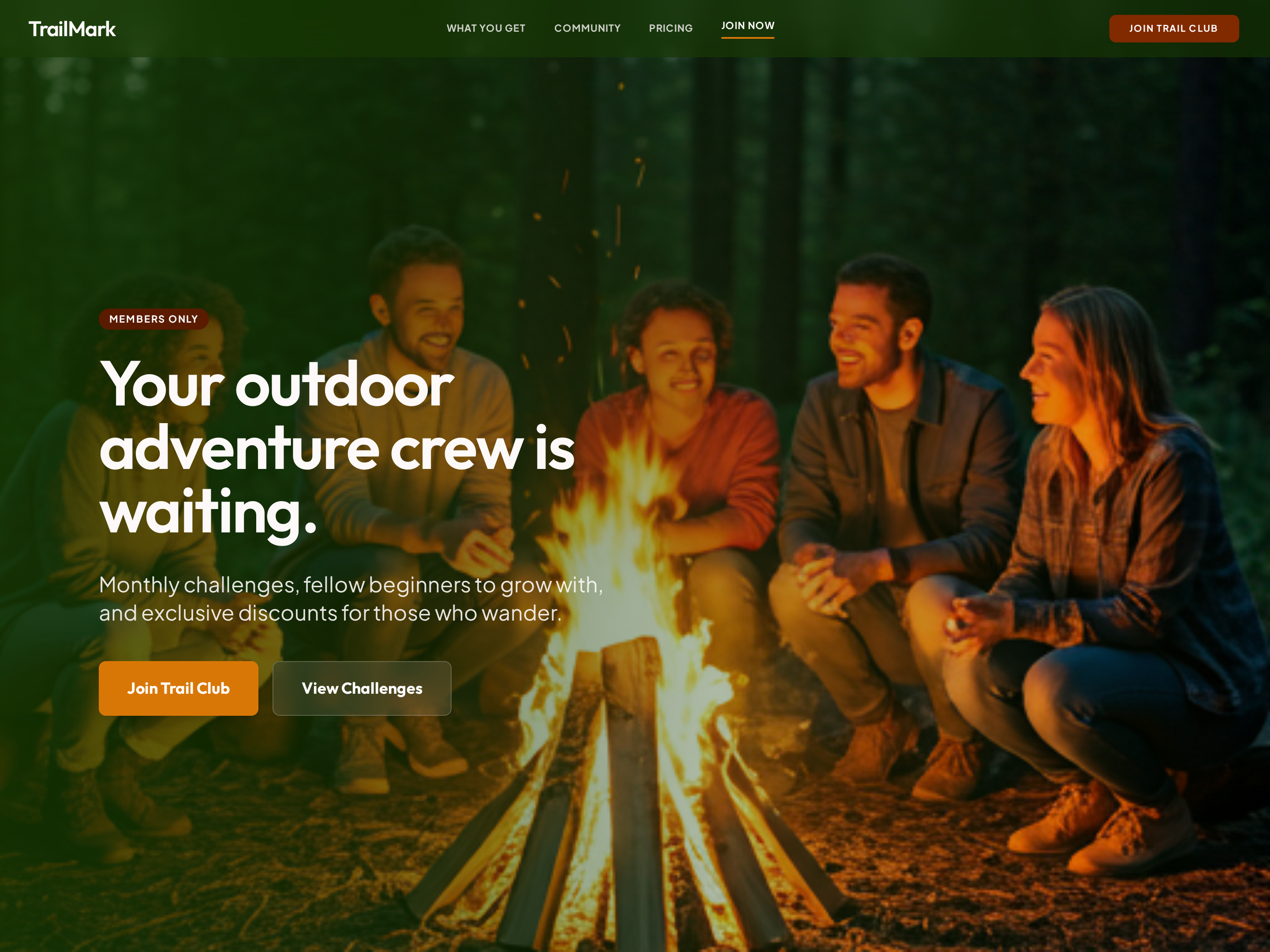
Membership Sales Page — Community-First Light Variant
A long-form membership sales page that leads with belonging, then layers in monthly experiences, exclusive perks, and a clear pricing block; pilots a hiking trail club but the pattern fits any ongoing community, mastermind, or subscription program.
Create a new list
Save your favorites
Email me a magic link and I'll add this to your favorites list.