Lead Magnet Opt-In Page — Resource-First Light Variant
A focused opt-in page that gives the lead magnet center stage with a value-led headline, benefit bullets, a clean email form, and a resource preview image; pilots a free hiking guide but the pattern fits any course creator, coach, or consultant building an email list.
Best for: Single-purpose opt-in pages where the entire goal is one email signup in exchange for one specific, high-value free resource.
Live preview — scroll inside the frame to see the full page.
What it does
- Value-led headline — the hero names exactly what the visitor gets and the result it helps them reach
- Resource preview image — a mock-up or cover shot of the guide, checklist, or workbook makes the offer feel tangible
- Benefit bullets — three to five short lines describe what's inside and why it's worth the email
- Clean email form — a single email field plus a confident CTA button keeps friction at a minimum
- Trust line — a short reassurance about privacy, frequency, or unsubscribe sits near the form
- Single-purpose layout — no nav distractions or competing offers, so the visitor's only real action is to opt in
Best use cases
- Course creators — free chapter, mini-course, or starter kit in exchange for an email
- Coaches and consultants — discovery worksheets, scorecards, or self-assessments as lead magnets
- Outdoor educators — packing lists, trail guides, or gear checklists as free downloads
- SaaS marketers — playbook PDFs, swipe files, or template libraries gated by email
- Newsletter creators — sample issue downloads or 'best-of' compilations as opt-in incentives
- Membership operators — free preview content that introduces the paid community
What you can change with your DNA
When you run this through the remix skill, your CCOS DNA — brand, voice, audience — drives these decisions automatically:
- Colors — slots for page background, headline text, body text, form field accent, button color, and a soft tint used on the resource preview frame
- Fonts — two roles: a confident headline font for the value promise and a clear body font for benefits, form labels, and trust line
- Copy — headline, sub-headline, three to five benefit bullets, form CTA text, trust line, and post-submit confirmation message
- Images — preview image of the resource (book cover, mockup, or device shot) plus an optional supporting photo or background texture
- Behavior — choose where the form posts, configure the success state (inline thank-you vs redirect), and decide whether to show a small confetti or animation on submit
How remixing works
From "swiped it" to "shipped it" in three steps.
Pick a remix
Browse the library, find one that fits — like this one.
Run it through your DNA
The remix skill uses your CCOS DNA to swap colors, fonts, copy, and structure so it lands as yours.
Ship it
Paste the finished HTML into Thinkific, Kajabi, WordPress, or any platform that takes embed code.

Brand Homepage — Nature-Toned Light Variant
A clean light-mode homepage with a hero call to action, featured offers, trust positioning, and a primary conversion path; pilots an outdoor adventure brand but the pattern fits any creator-led course, coaching, or studio business.
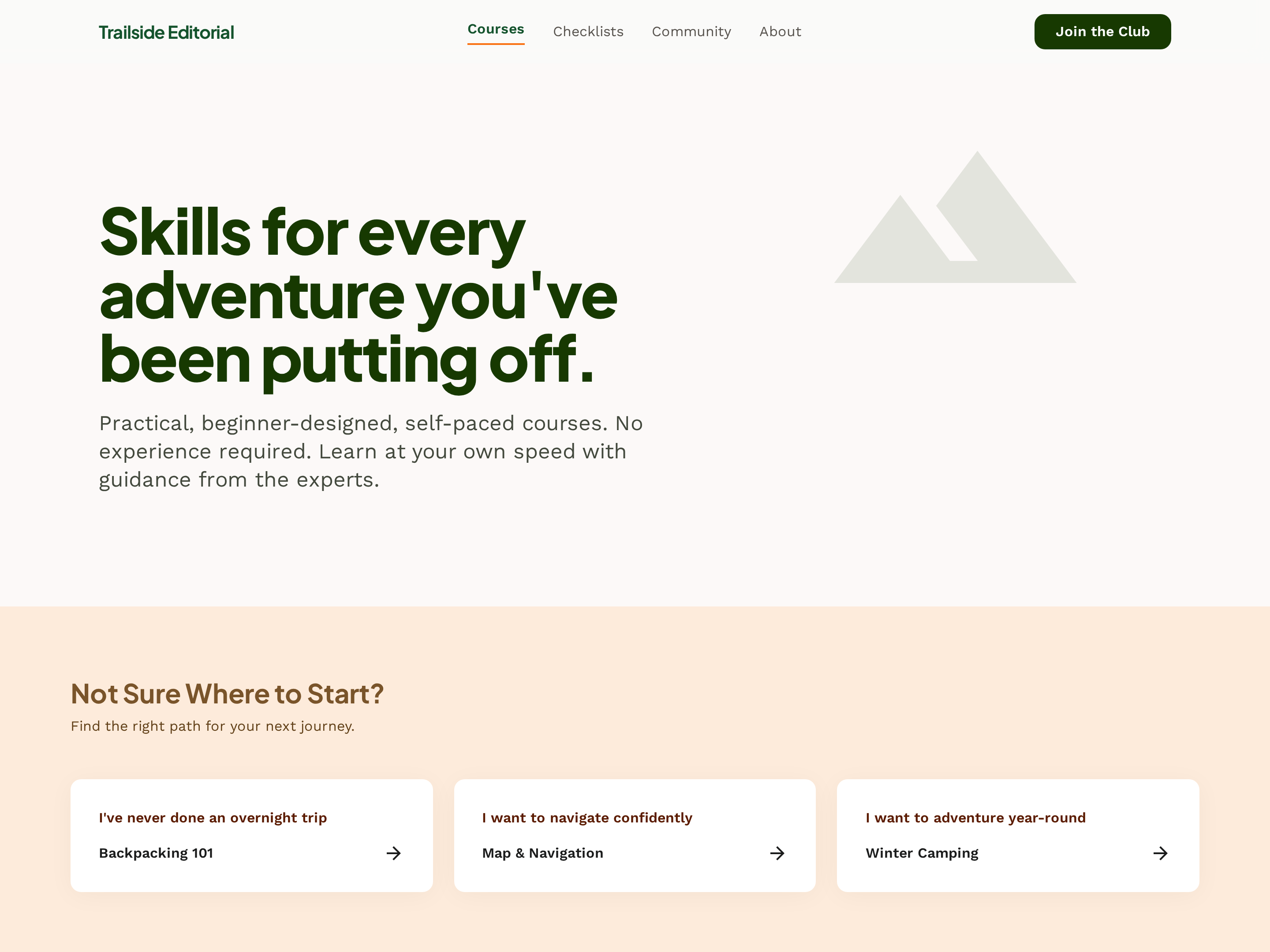
Course Catalog Hub — Filterable Card Grid Variant
A clean catalog hub where every course shows up as a card with skill level, duration, and topic, plus filters that let visitors narrow by experience level or category; pilots an outdoor school but the pattern fits any creator with a growing course library.
Create a new list
Save your favorites
Email me a magic link and I'll add this to your favorites list.