Dedicated Testimonials Page — Bold Dark-Mode Social Proof Layout
A dedicated student-results page with bold transformation callouts, testimonial cards, and milestone stats — pilots a music academy proof page but the pattern fits any course, coaching, or membership that needs a deep social proof page to handle objections.
Best for: Creators who need a deep, dedicated social proof page that goes beyond a sales page block — built to handle skeptical visitors and convert sitting-on-the-fence buyers.
Live preview — scroll inside the frame to see the full page.
What it does
- Transformation callout block — three to five bold short statements that name the change students experience
- Testimonial card grid — cards with student name, photo, quote, and a one-line outcome
- Milestone or achievement stats — large-number callouts (students, hours, gigs, completions) for at-a-glance proof
- Mixed multi-font type system — display, body, and accent fonts give each section its own register
- Dark surface with accent highlights — bold contrast keeps long pages of proof readable and focused
Best use cases
- Course creators — deep proof page linked from the sales page
- Coaches and consultants — dedicated client results showcase
- Cohort programs — a 'cohort wins' page for prospective applicants
- Memberships — member transformation stories
- Bold dark-brand creators — a proof page that stays on-system
What you can change with your DNA
When you run this through the remix skill, your CCOS DNA — brand, voice, audience — drives these decisions automatically:
- Colors — slots for dark background, accent for callouts and stats, card backgrounds, and quote text
- Fonts — display font for callouts and stats, a body font for testimonial quotes, and an accent font for student names or roles
- Copy — section headlines, transformation statements, testimonial quotes with attribution, and stat labels
- Images — student photos, optional outcome imagery (performances, before/after, projects)
- Behavior — choose how many testimonials display, whether to filter by category, and whether to add a CTA at the bottom
How remixing works
From "swiped it" to "shipped it" in three steps.
Pick a remix
Browse the library, find one that fits — like this one.
Run it through your DNA
The remix skill uses your CCOS DNA to swap colors, fonts, copy, and structure so it lands as yours.
Ship it
Paste the finished HTML into Thinkific, Kajabi, WordPress, or any platform that takes embed code.
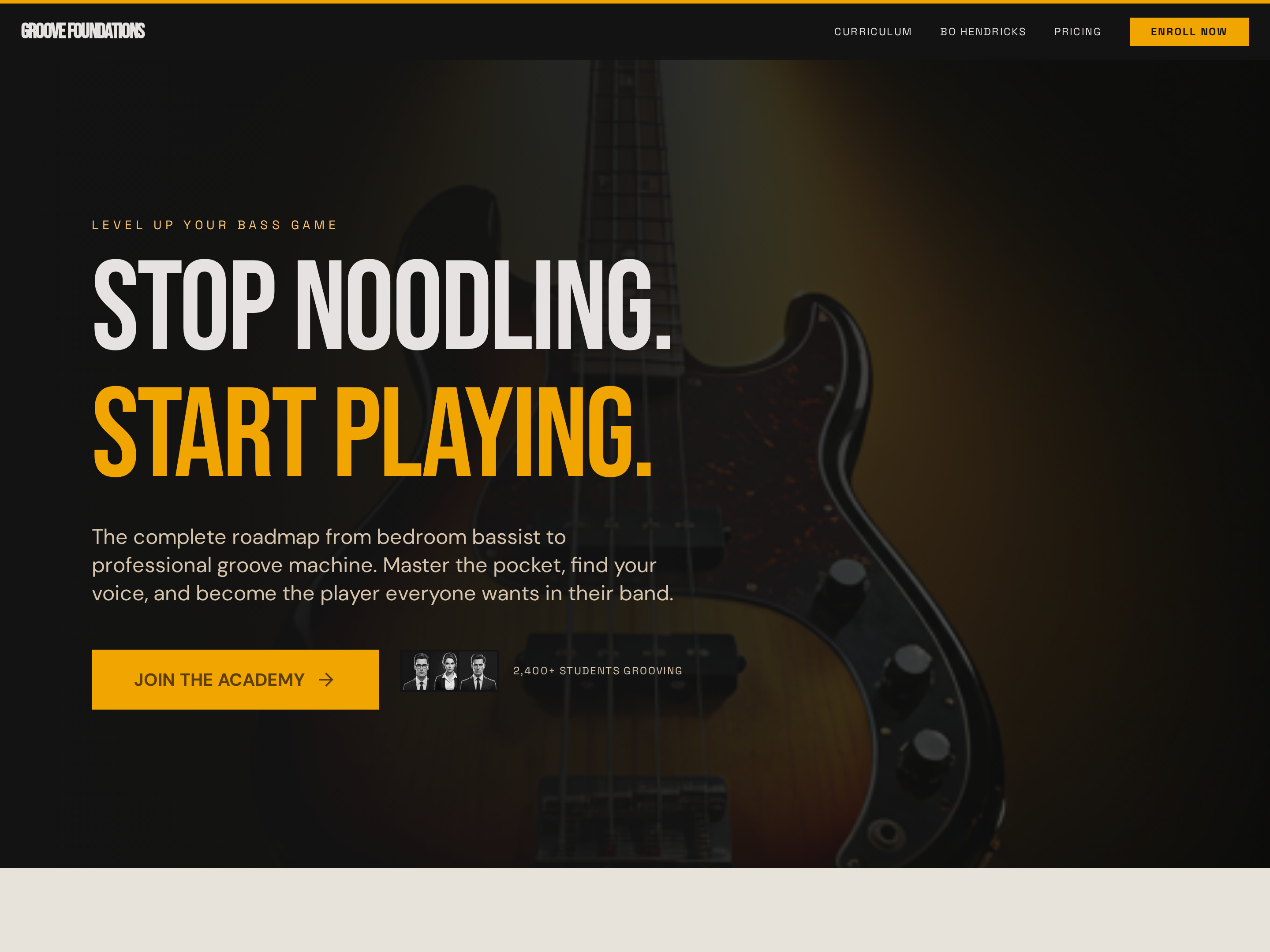
Long-Form Sales Page — Bold Dark-Mode Course Conversion Layout
A long-form dark-mode sales page with a full-bleed hero, sticky navigation, curriculum breakdown, social proof, and pricing — pilots a bass guitar course but the pattern fits any course, cohort, or signature program that needs a high-impact conversion page.
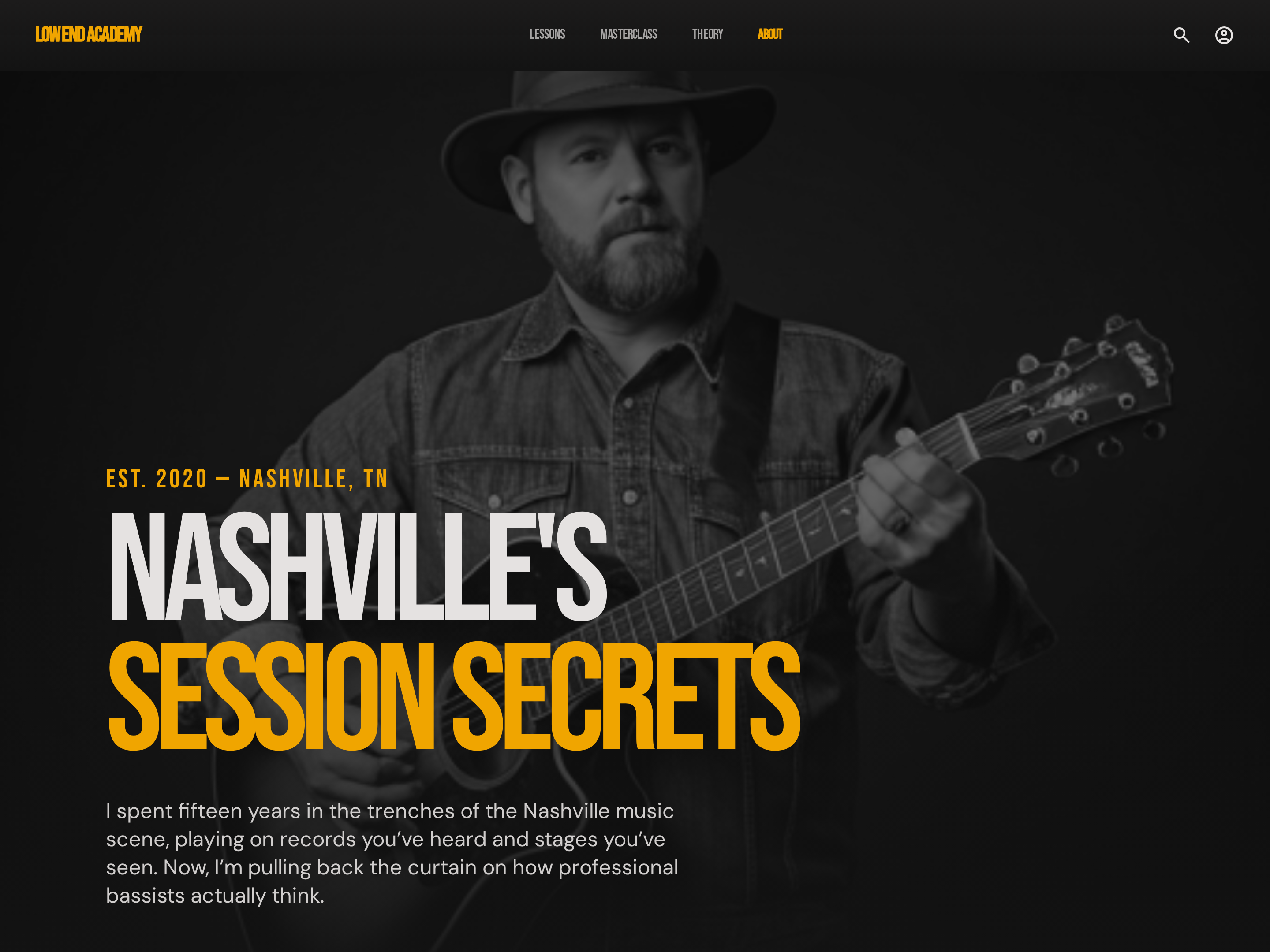
Editorial About Page — Bold Dark-Mode Creator Story
A dark-mode editorial about page that combines creator origin story, credentials, and teaching philosophy in a high-contrast, hard-edged layout — pilots a music educator profile but the pattern fits any creator who wants a bold, no-fluff credibility page.
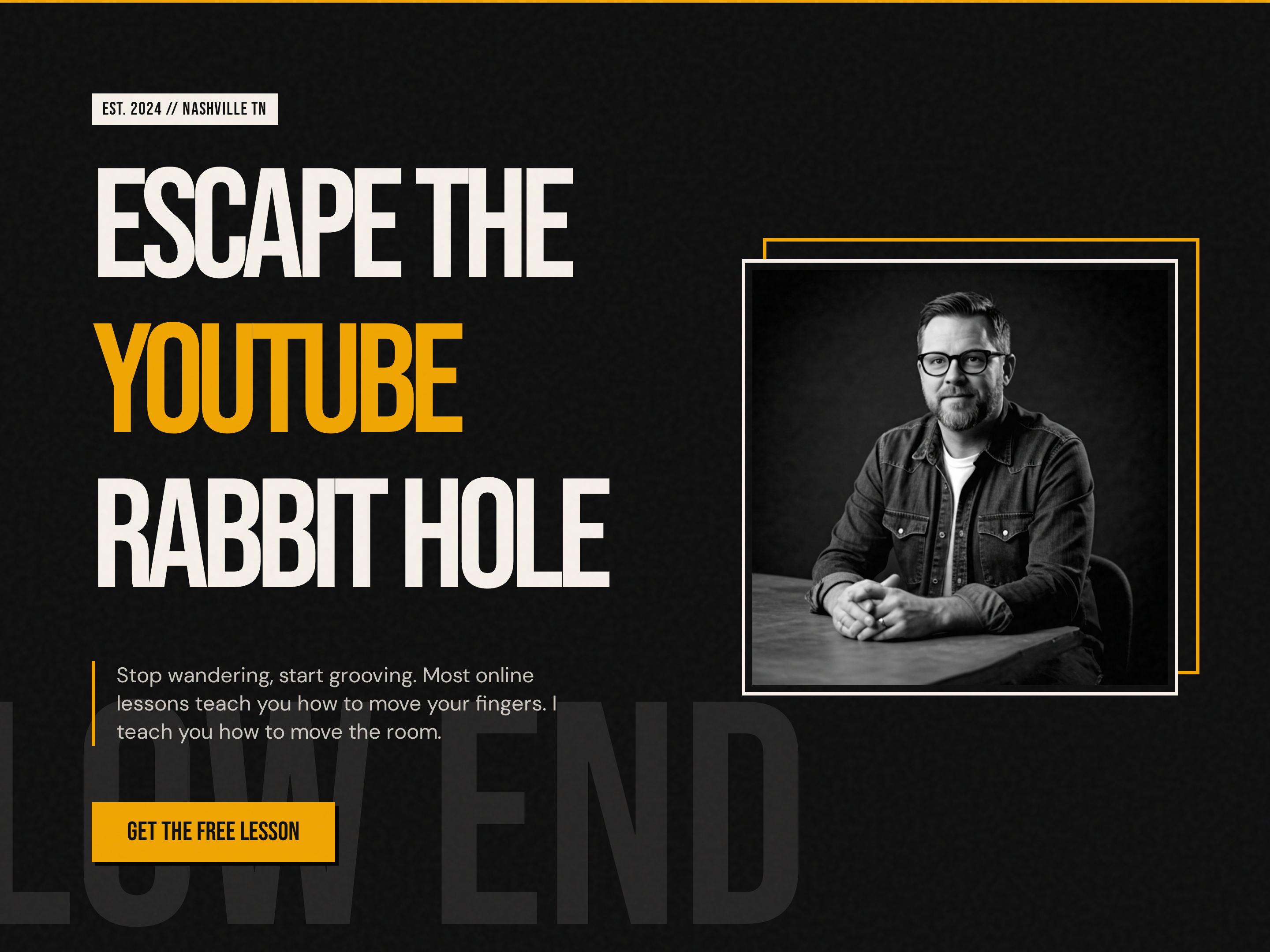
Bold Creator Homepage — Dark-Mode Split Hero with Single CTA
A bold, dark-mode homepage built around a split hero with oversized display headlines, accent-color emphasis, creator portrait, and a single punchy CTA — pilots a music education brand but the pattern fits any creator-led brand that wants to stand out from the typical light course site.
Create a new list
Save your favorites
Email me a magic link and I'll add this to your favorites list.