Editorial About Page — Bold Dark-Mode Creator Story
A dark-mode editorial about page that combines creator origin story, credentials, and teaching philosophy in a high-contrast, hard-edged layout — pilots a music educator profile but the pattern fits any creator who wants a bold, no-fluff credibility page.
Best for: Creator-led brands that want a dark, editorial about page that builds authority and personal connection without feeling corporate.
Live preview — scroll inside the frame to see the full page.
What it does
- Origin story section — a multi-paragraph narrative introducing who the creator is and how they got here
- Credential and experience highlights — short, scannable stats or résumé-style call-outs that establish authority
- Teaching philosophy block — a clear statement of how the creator works and what students can expect
- Editorial photo and text layout — a strong portrait paired with text in a magazine-style composition
- Hard-edged design language — sharp corners and tight typography throughout for a bold, premium feel
Best use cases
- Course creators — bold about page that connects story to course offer
- Coaches and consultants — credibility page with philosophy and credentials
- Creators with a strong personal brand — performers, designers, writers, makers
- Agency founders — leader profile that fronts a small studio
- Membership and community hosts — a personal about page on a member-led brand
What you can change with your DNA
When you run this through the remix skill, your CCOS DNA — brand, voice, audience — drives these decisions automatically:
- Colors — slots for dark surface, accent (gold by default), text, and divider lines — swap entirely for any brand palette
- Fonts — display font for headlines and a clean body font for narrative — replace with brand pairing
- Copy — origin story, credential bullets, teaching philosophy paragraph, and call-out quotes
- Images — creator portrait plus optional lifestyle or workspace photography
- Behavior — choose how many sections to include and whether to add a final CTA toward an offer
How remixing works
From "swiped it" to "shipped it" in three steps.
Pick a remix
Browse the library, find one that fits — like this one.
Run it through your DNA
The remix skill uses your CCOS DNA to swap colors, fonts, copy, and structure so it lands as yours.
Ship it
Paste the finished HTML into Thinkific, Kajabi, WordPress, or any platform that takes embed code.
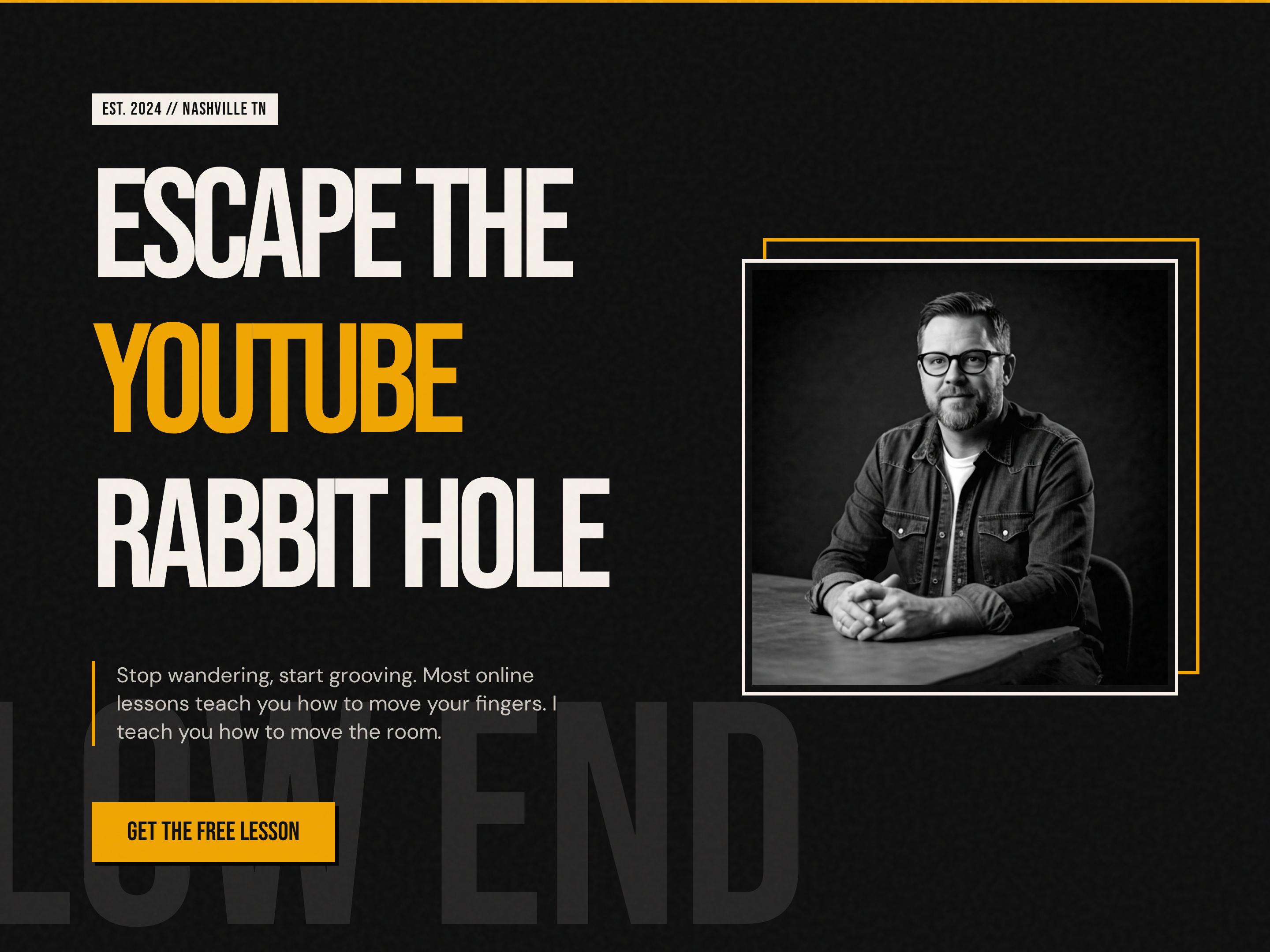
Bold Creator Homepage — Dark-Mode Split Hero with Single CTA
A bold, dark-mode homepage built around a split hero with oversized display headlines, accent-color emphasis, creator portrait, and a single punchy CTA — pilots a music education brand but the pattern fits any creator-led brand that wants to stand out from the typical light course site.
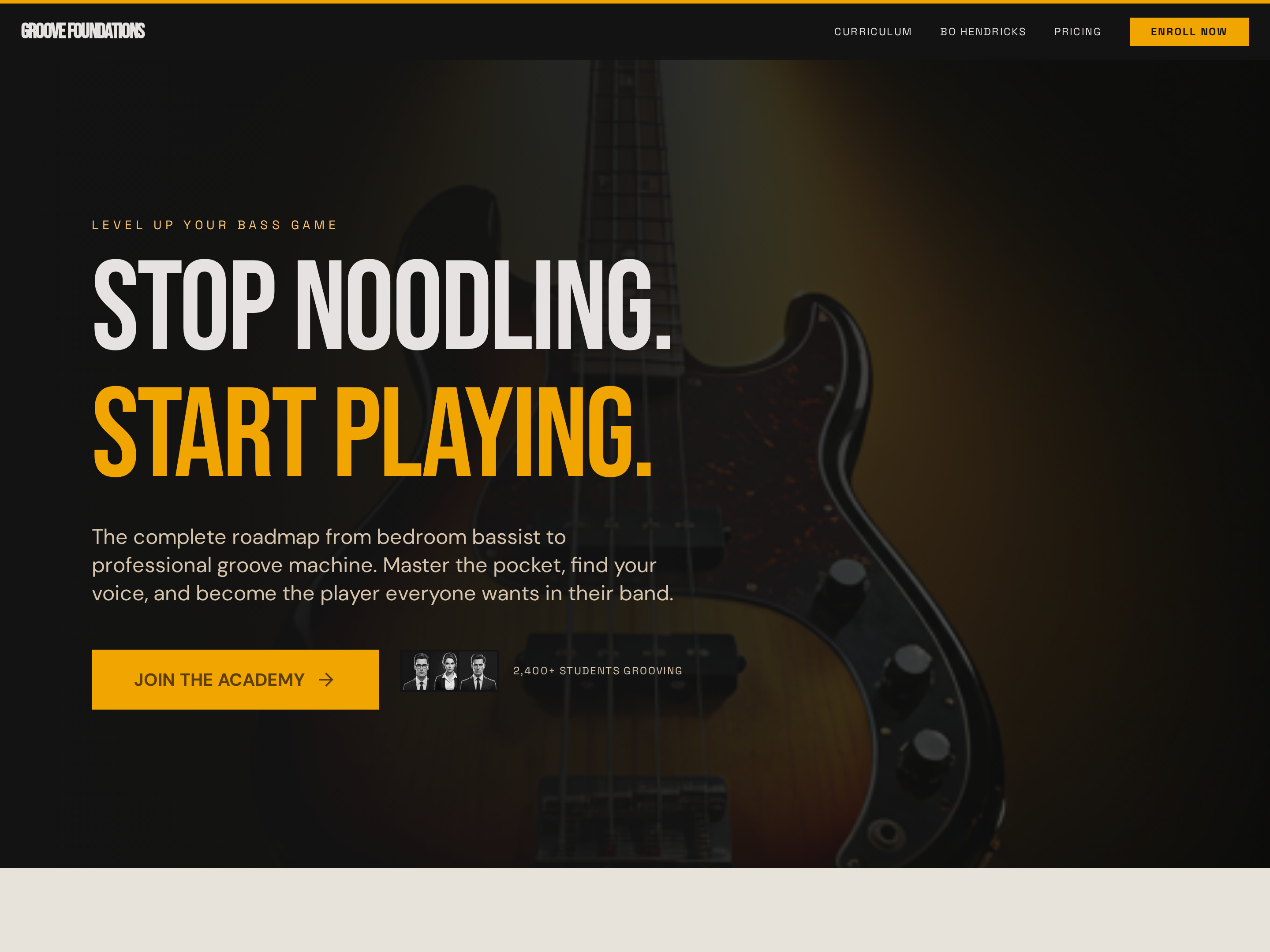
Long-Form Sales Page — Bold Dark-Mode Course Conversion Layout
A long-form dark-mode sales page with a full-bleed hero, sticky navigation, curriculum breakdown, social proof, and pricing — pilots a bass guitar course but the pattern fits any course, cohort, or signature program that needs a high-impact conversion page.
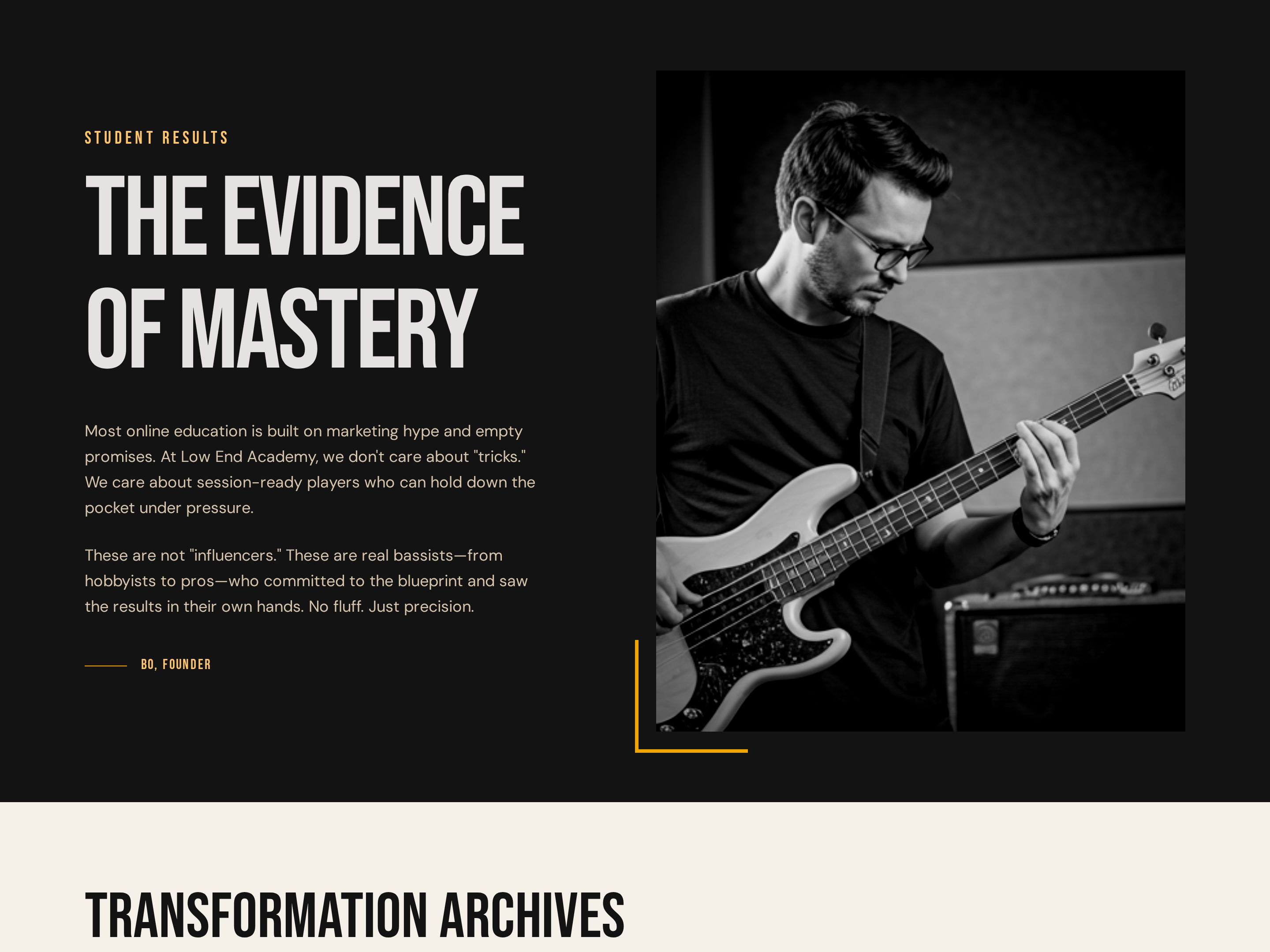
Dedicated Testimonials Page — Bold Dark-Mode Social Proof Layout
A dedicated student-results page with bold transformation callouts, testimonial cards, and milestone stats — pilots a music academy proof page but the pattern fits any course, coaching, or membership that needs a deep social proof page to handle objections.
Create a new list
Save your favorites
Email me a magic link and I'll add this to your favorites list.