Speaker Page — Refined Keynote Variant
A refined speaker page that showcases keynote topics, past engagements, organizer testimonials, and a booking inquiry path in a premium cream-and-brown register — pilots a career coach but the pattern fits any expert who speaks at events.
Best for: Speaker pages for coaches, authors, and experts who want to attract paid keynote and event bookings rather than chase them.
Live preview — scroll inside the frame to see the full page.
What it does
- Speaker-led hero — confident headline, short positioning, and a stage or portrait shot
- Signature keynote topics — three to five named talks with title, audience, and short description
- Past engagements gallery — logos, event names, and photos that prove track record
- Organizer testimonials — quotes from event hosts (not just attendees) that speak to working with the speaker
- Speaker bio and media kit links — short bio, headshots, and downloadable one-sheet for organizers
- Booking inquiry CTA — a clear primary path to inquire about availability and rates
Best use cases
- Career and life coaches — keynote bookings at corporate events
- Authors and thought leaders — book-aligned speaker page
- Executive coaches and consultants — corporate keynote and workshop offers
- Course creators — speaker page that complements the course business
- Industry experts — conference and panel booking page
What you can change with your DNA
When you run this through the remix skill, your CCOS DNA — brand, voice, audience — drives these decisions automatically:
- Colors — warm cream background, deep brown accents, and one supporting tone for CTAs and topic cards. Swap for any premium register.
- Fonts — two roles: a serif for headlines and topic titles, and a clean sans for descriptions, bios, and CTAs
- Copy — hero headline, keynote topic titles and descriptions, past event names, organizer testimonials, bio, and inquiry CTA
- Images — stage photos, audience-engagement shots, professional portrait, event logos
- Behavior — control how many topics show, organize past events by recency or prestige, and tune the inquiry path
How remixing works
From "swiped it" to "shipped it" in three steps.
Pick a remix
Browse the library, find one that fits — like this one.
Run it through your DNA
The remix skill uses your CCOS DNA to swap colors, fonts, copy, and structure so it lands as yours.
Ship it
Paste the finished HTML into Thinkific, Kajabi, WordPress, or any platform that takes embed code.
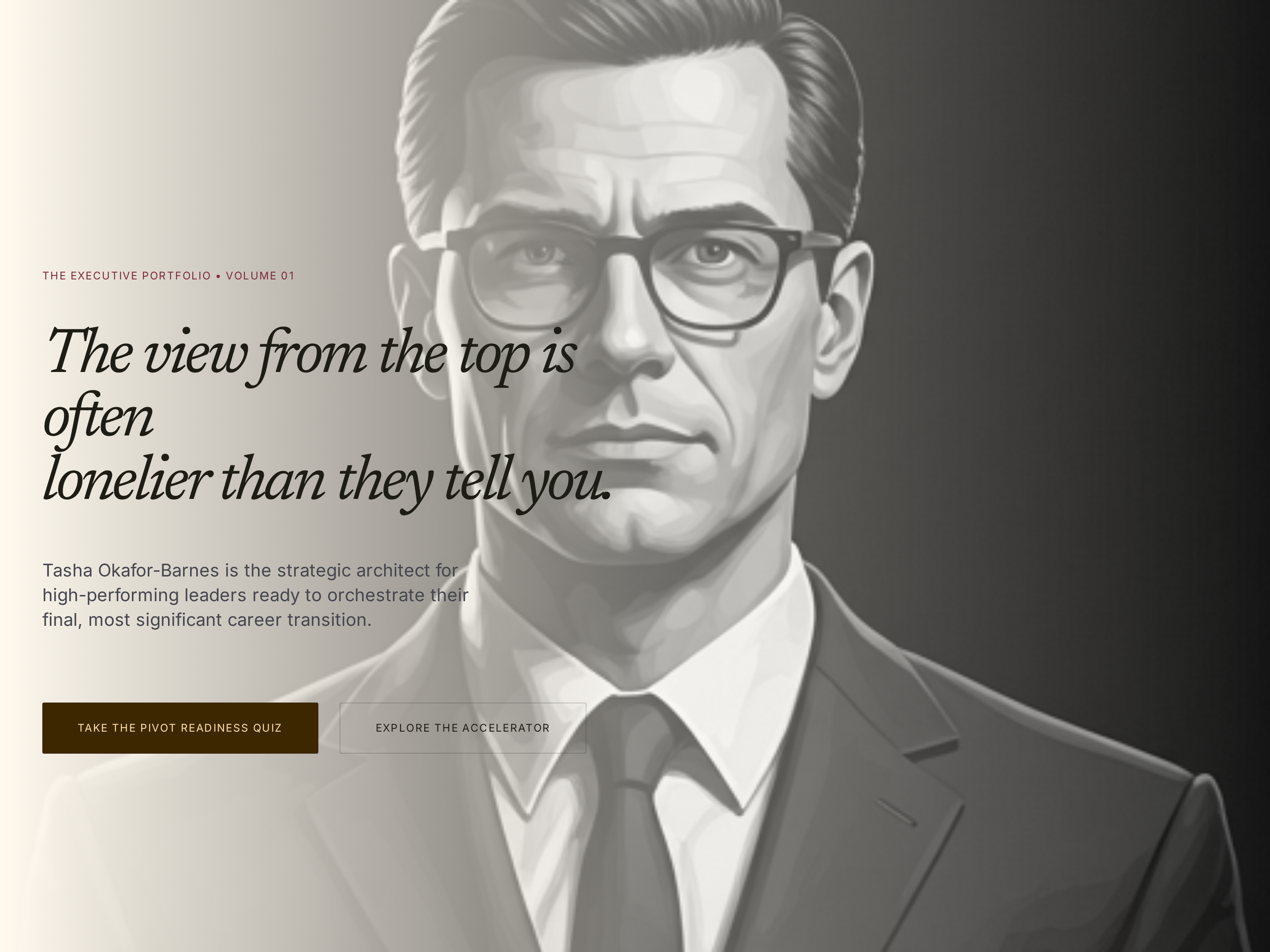
Authority Homepage — Refined Editorial Variant
A refined editorial homepage with a deep cream-and-brown palette, serif headlines, and authoritative positioning that makes a coaching expert feel premium and trustworthy from the first scroll — pilots a career coach but the pattern fits any premium expert with a personal brand.
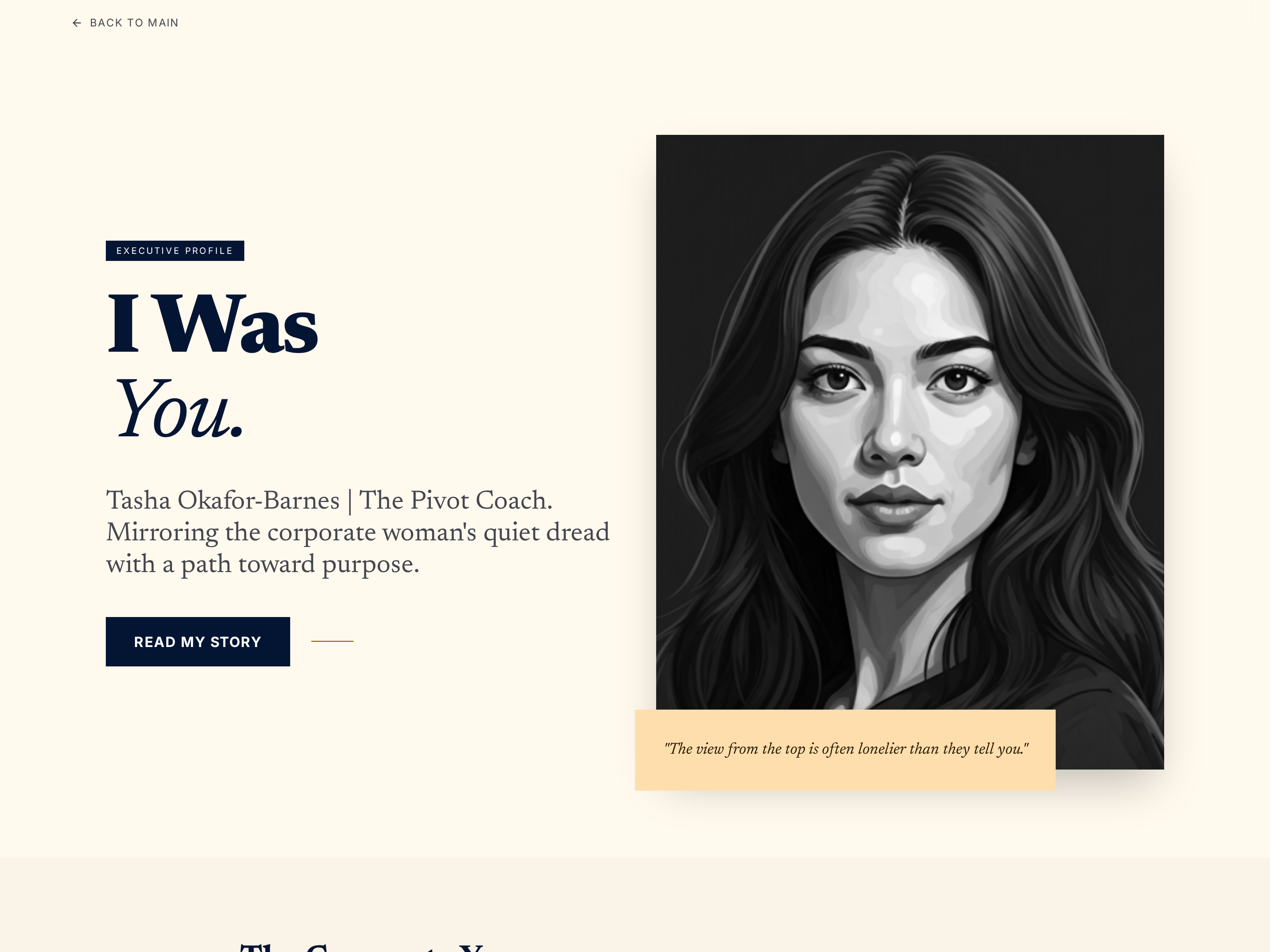
Authority About Page — Refined Editorial Variant
A refined, authoritative about page that builds credibility through career narrative, credentials, and coaching philosophy in a warm cream-and-deep-brown palette — pilots a career coach but the pattern fits any premium personal-brand expert.
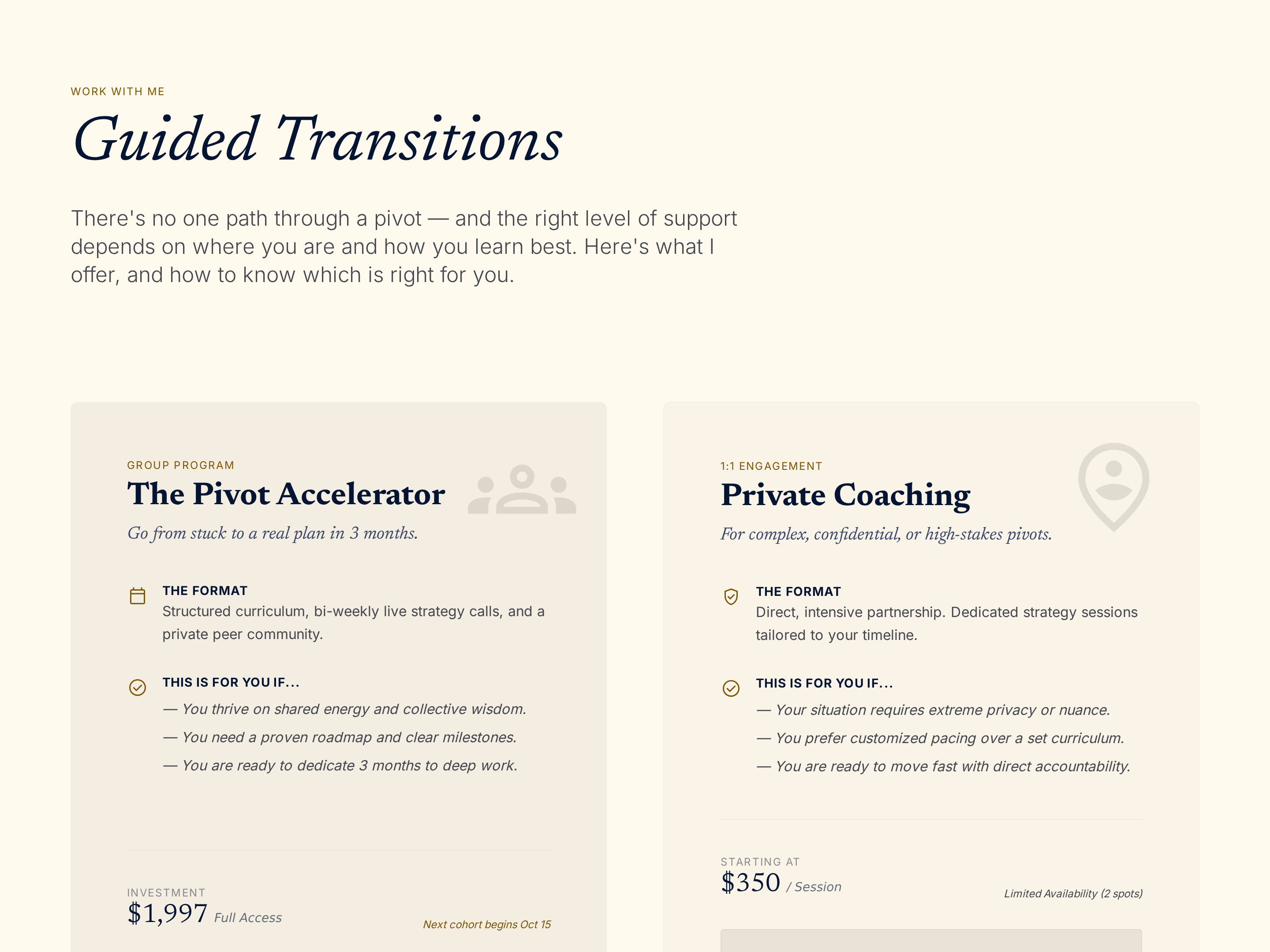
Services Overview Page — Refined Tiered Offers Variant
A refined services overview page that presents every coaching offer side-by-side with descriptions, what's included, and individual CTAs so visitors can self-select the right fit — pilots a career coach but the pattern fits any expert with multiple offers.
Create a new list
Save your favorites
Email me a magic link and I'll add this to your favorites list.