Authority Contact Page — Refined Variant
A refined, warm contact page with a styled form, inquiry-type selector, and confident copy that turns reaching out into a meaningful step — pilots a career coach but the pattern fits any premium coach, consultant, or expert.
Best for: Contact pages for premium coaches and consultants where reaching out should feel like an important step, not a casual transaction.
Live preview — scroll inside the frame to see the full page.
What it does
- Confident headline and intro — sets the tone so the form feels like a serious step rather than a dropout point
- Styled form fields — name, email, message, and an inquiry-type selector all styled to match the brand
- Inquiry-type selector — a dropdown or radio group routes coaching, speaking, and partnership requests differently
- Supporting contact info — direct email, response time, and social links so visitors have a backup channel
- Response-time promise — clear language about how quickly they'll hear back lowers the friction to send
Best use cases
- Career and life coaches — qualified inquiry capture for clients, speaking, and press
- Executive coaches and consultants — premium-feel contact for corporate buyers
- Therapists and counselors — refined intake page for prospective clients
- Course creators — partnership and press inquiry routing
- Authors and thought leaders — speaking, podcast, and press inquiries from one form
What you can change with your DNA
When you run this through the remix skill, your CCOS DNA — brand, voice, audience — drives these decisions automatically:
- Colors — page background, form field backgrounds, inquiry-type color, and accent for the send button. Swap for any premium register.
- Fonts — two roles: a serif for the headline and a clean sans for form labels, body, and CTAs
- Copy — page headline, intro paragraph, inquiry-type options, form field labels, send button text, and response promise
- Images — optional portrait, inspirational imagery, or brand mark beside the form
- Behavior — choose inquiry-type options, tune confirmation messaging, and route different inquiry types to different inboxes
How remixing works
From "swiped it" to "shipped it" in three steps.
Pick a remix
Browse the library, find one that fits — like this one.
Run it through your DNA
The remix skill uses your CCOS DNA to swap colors, fonts, copy, and structure so it lands as yours.
Ship it
Paste the finished HTML into Thinkific, Kajabi, WordPress, or any platform that takes embed code.
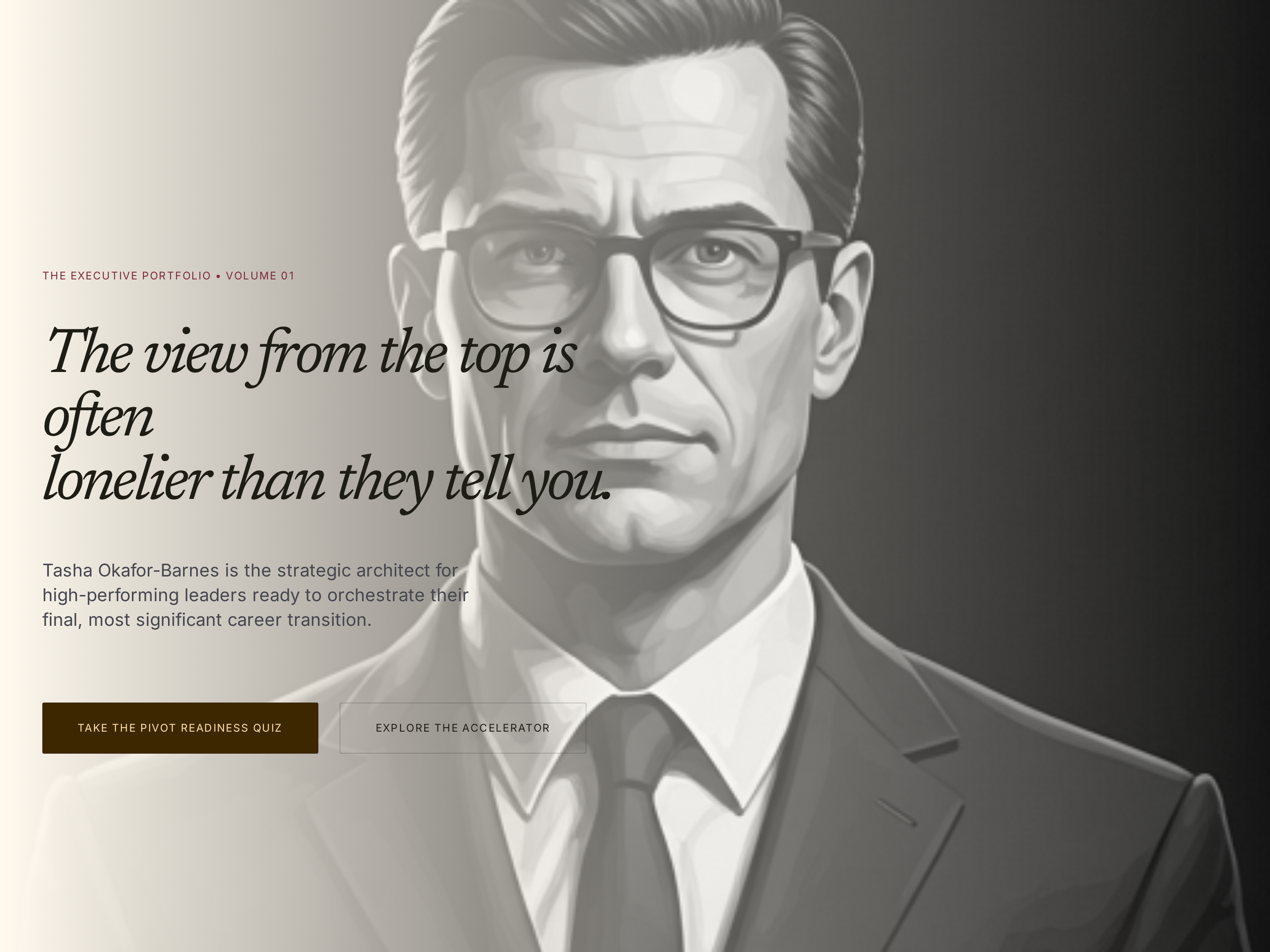
Authority Homepage — Refined Editorial Variant
A refined editorial homepage with a deep cream-and-brown palette, serif headlines, and authoritative positioning that makes a coaching expert feel premium and trustworthy from the first scroll — pilots a career coach but the pattern fits any premium expert with a personal brand.
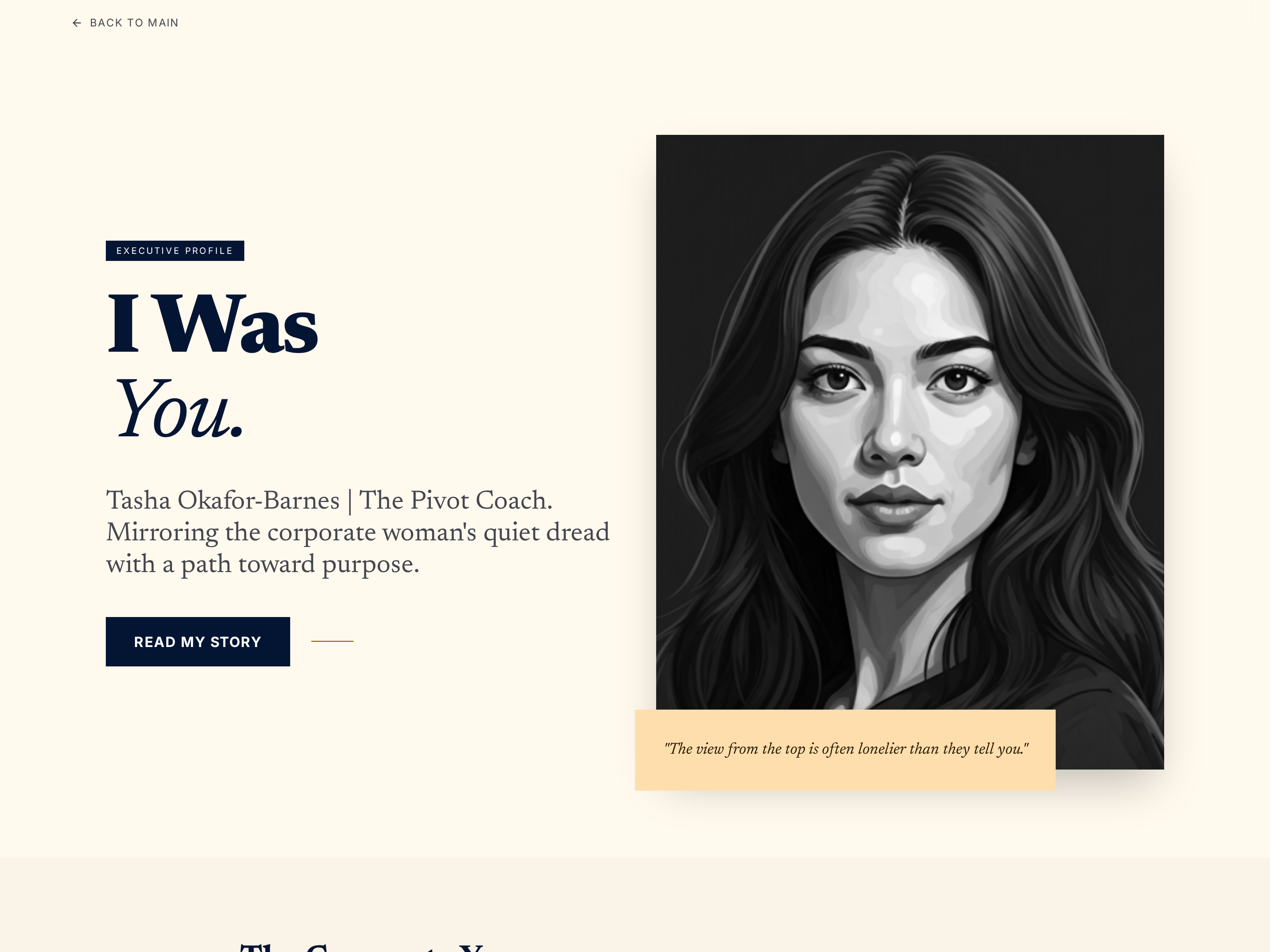
Authority About Page — Refined Editorial Variant
A refined, authoritative about page that builds credibility through career narrative, credentials, and coaching philosophy in a warm cream-and-deep-brown palette — pilots a career coach but the pattern fits any premium personal-brand expert.
Create a new list
Save your favorites
Email me a magic link and I'll add this to your favorites list.