Workshops Hub — Editorial Card Grid With Status Badges
A calm editorial hub page for multiple workshops — card grid with status badges (upcoming, recorded, new), filters, and clear details on date, duration, and level — pilots a tech educator but the pattern fits any creator running a regular catalog of live and recorded sessions.
Best for: Hub pages for creators with multiple workshops, intensives, or live sessions where students need to find the right one quickly.
Live preview — scroll inside the frame to see the full page.
What it does
- Workshop card grid — every workshop has its own card with status badge, title, short description, and key details
- Status badges — small badges signal whether a workshop is upcoming, recorded, or newly added so students can scan quickly
- Date, duration, and level — each card shows when the workshop runs, how long it is, and what skill level it targets
- Category and status filters — filter chips let students narrow the hub to upcoming, recorded, or topic-specific sessions
- Each card links to a sales page — every card is a clean entry point into the corresponding workshop sales page
Best use cases
- Course creators — a recurring workshop hub feeding a list and a paid catalog
- Coaches and consultants — a hub of group workshops and intensives
- Designers and developers — a topical workshop catalog for fellow creators
- Membership communities — a hub of upcoming and recorded member sessions
- Industry trainers — a regular catalog of professional workshops with skill levels
What you can change with your DNA
When you run this through the remix skill, your CCOS DNA — brand, voice, audience — drives these decisions automatically:
- Colors — slots for hub background, card background, status badge colors (upcoming, recorded, new), headline text, body text, filter chips, and accent
- Fonts — two or three roles: a display or serif for workshop titles, a clean body font for descriptions and details, and an optional accent for badges and filter chips
- Copy — hub headline and intro line, workshop names, descriptions, dates, durations, levels, status labels, and category labels
- Images — one cover image or topic illustration per workshop, plus optional instructor headshots
- Behavior — choose how filters update the grid, how status badges render, and how the grid restructures across breakpoints
How remixing works
From "swiped it" to "shipped it" in three steps.
Pick a remix
Browse the library, find one that fits — like this one.
Run it through your DNA
The remix skill uses your CCOS DNA to swap colors, fonts, copy, and structure so it lands as yours.
Ship it
Paste the finished HTML into Thinkific, Kajabi, WordPress, or any platform that takes embed code.
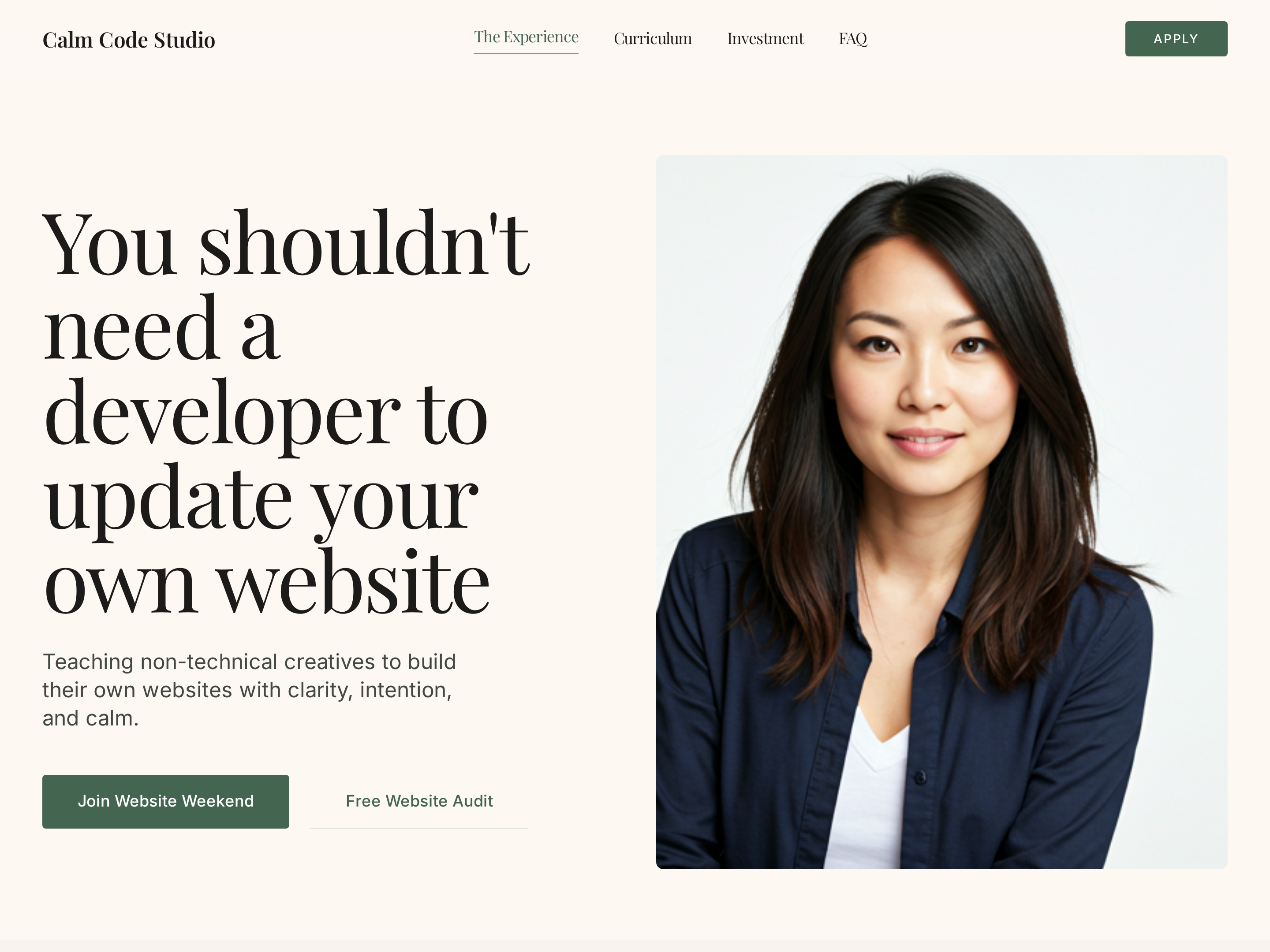
Editorial Creator Homepage — Calm Light-Mode Hero Layout
A calm editorial light-mode homepage with a warm hero, course showcase, social proof, and clear conversion paths — pilots a tech educator with a sage-green palette but the pattern fits any solo creator who wants editorial warmth instead of a corporate template.
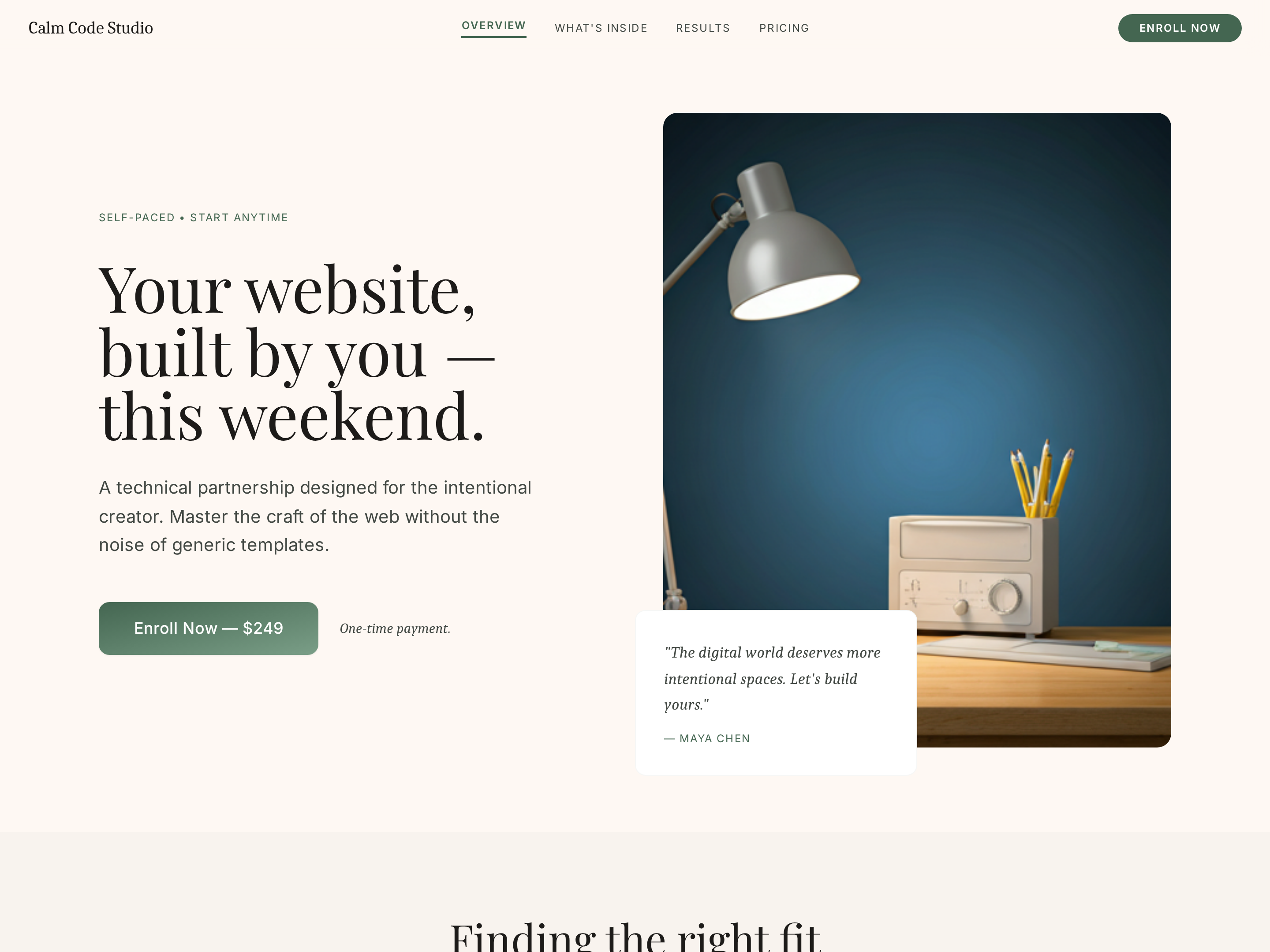
Intensive Workshop Sales Page — Editorial Weekend Course Layout
A calm editorial sales page for a short, intensive workshop or weekend course — daily breakdown, outcomes, instructor proof, and pricing with limited-spot urgency — pilots a tech weekend build but the pattern fits any creator selling a transformation-in-a-weekend offer.
Done-With-You Sales Page — Editorial High-Touch Layout
A calm editorial sales page for a hands-on done-with-you service or cohort — process timeline, outcomes block, instructor proof, and pricing — pilots a tech mentor but the pattern fits any creator selling a high-touch transformation.
Create a new list
Save your favorites
Email me a magic link and I'll add this to your favorites list.