Done-With-You Waitlist Page — Editorial Pre-Launch Capture
A calm editorial waitlist page for an upcoming high-touch service or cohort — benefits block, timing line, single-field opt-in, and early-bird hint — pilots a tech mentor's launch but the pattern fits any creator capturing demand before doors open.
Best for: Pre-launch waitlist pages for done-with-you services, cohorts, and intensives where capturing early interest matters more than selling on the page.
Live preview — scroll inside the frame to see the full page.
What it does
- Coming-soon hero — a calm hero names the upcoming service and frames why it's worth waiting for
- Benefits block — a short list shows what students will get when the doors open
- Timing line — a clear line names when doors open or when the cohort starts so the wait feels finite
- Single-field email form — one email input plus a clear submit button keeps the path simple
- Early-bird or limited-spots hint — a small line teases an early-bird bonus or a capped cohort size to reward fast action
Best use cases
- Course creators — a pre-launch waitlist for a new cohort program
- Coaches and consultants — a waitlist for a limited-capacity mentorship
- Agencies and studios — a waitlist for a productized service launching soon
- Membership communities — a waitlist for a closed-doors community opening on a date
- Solo creators testing demand — a waitlist used to validate appetite before building the full program
What you can change with your DNA
When you run this through the remix skill, your CCOS DNA — brand, voice, audience — drives these decisions automatically:
- Colors — slots for page background, hero card background, headline text, body text, form field, button color, and accent so the page reads premium and calm
- Fonts — two or three roles: a display serif for the headline, a body font for the supporting copy and form labels, and an optional accent for the early-bird line
- Copy — hero headline, supporting subhead, benefits list, timing line, form label and placeholder, button label, early-bird or limited-spots line, and reassurance microcopy
- Images — optional process diagram, instructor portrait, or quiet inspirational image sized to support the page
- Behavior — choose whether a countdown to doors-open is shown, how the success state appears after submit, and how the page stacks on mobile
How remixing works
From "swiped it" to "shipped it" in three steps.
Pick a remix
Browse the library, find one that fits — like this one.
Run it through your DNA
The remix skill uses your CCOS DNA to swap colors, fonts, copy, and structure so it lands as yours.
Ship it
Paste the finished HTML into Thinkific, Kajabi, WordPress, or any platform that takes embed code.
Done-With-You Sales Page — Editorial High-Touch Layout
A calm editorial sales page for a hands-on done-with-you service or cohort — process timeline, outcomes block, instructor proof, and pricing — pilots a tech mentor but the pattern fits any creator selling a high-touch transformation.
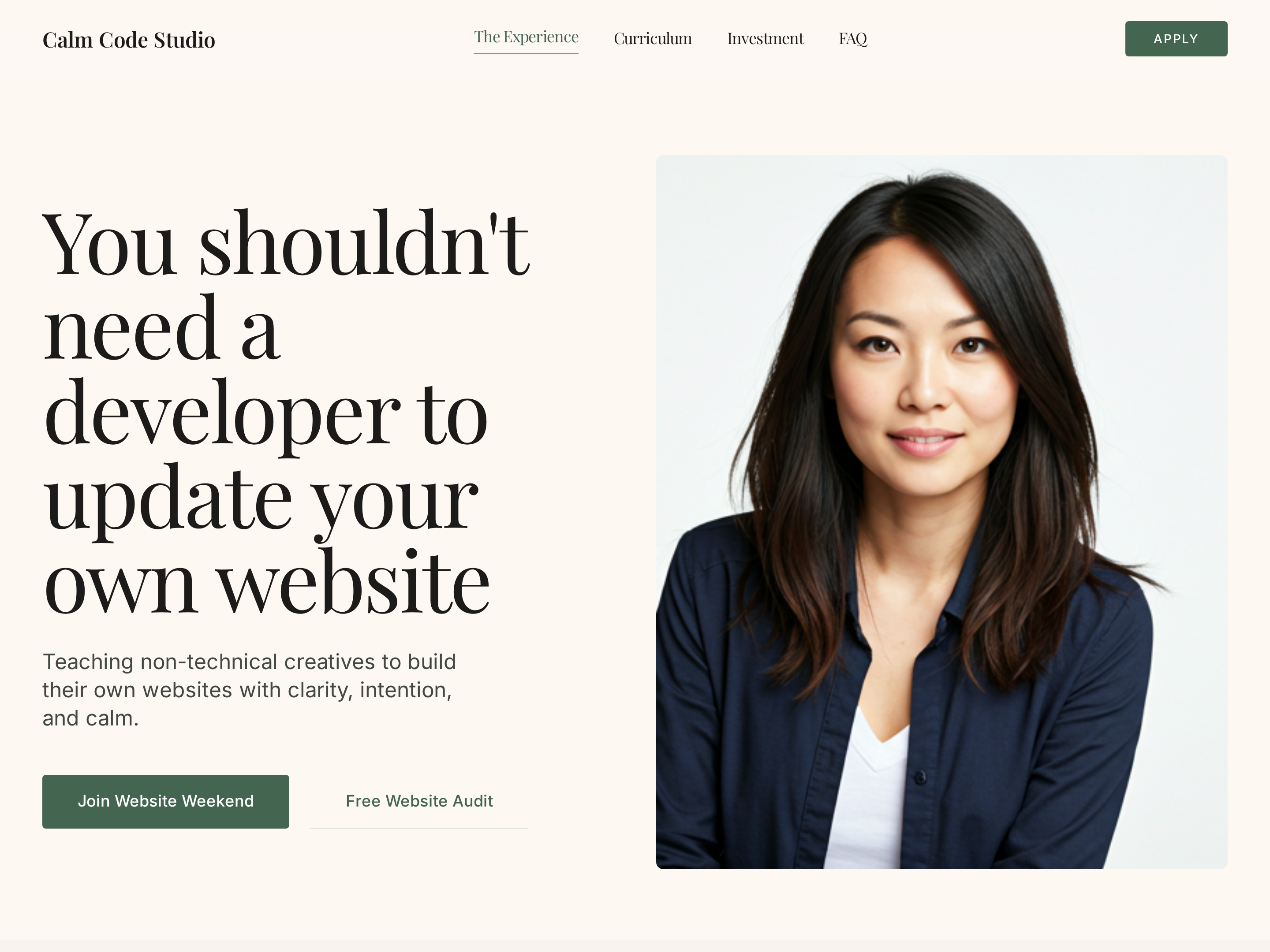
Editorial Creator Homepage — Calm Light-Mode Hero Layout
A calm editorial light-mode homepage with a warm hero, course showcase, social proof, and clear conversion paths — pilots a tech educator with a sage-green palette but the pattern fits any solo creator who wants editorial warmth instead of a corporate template.
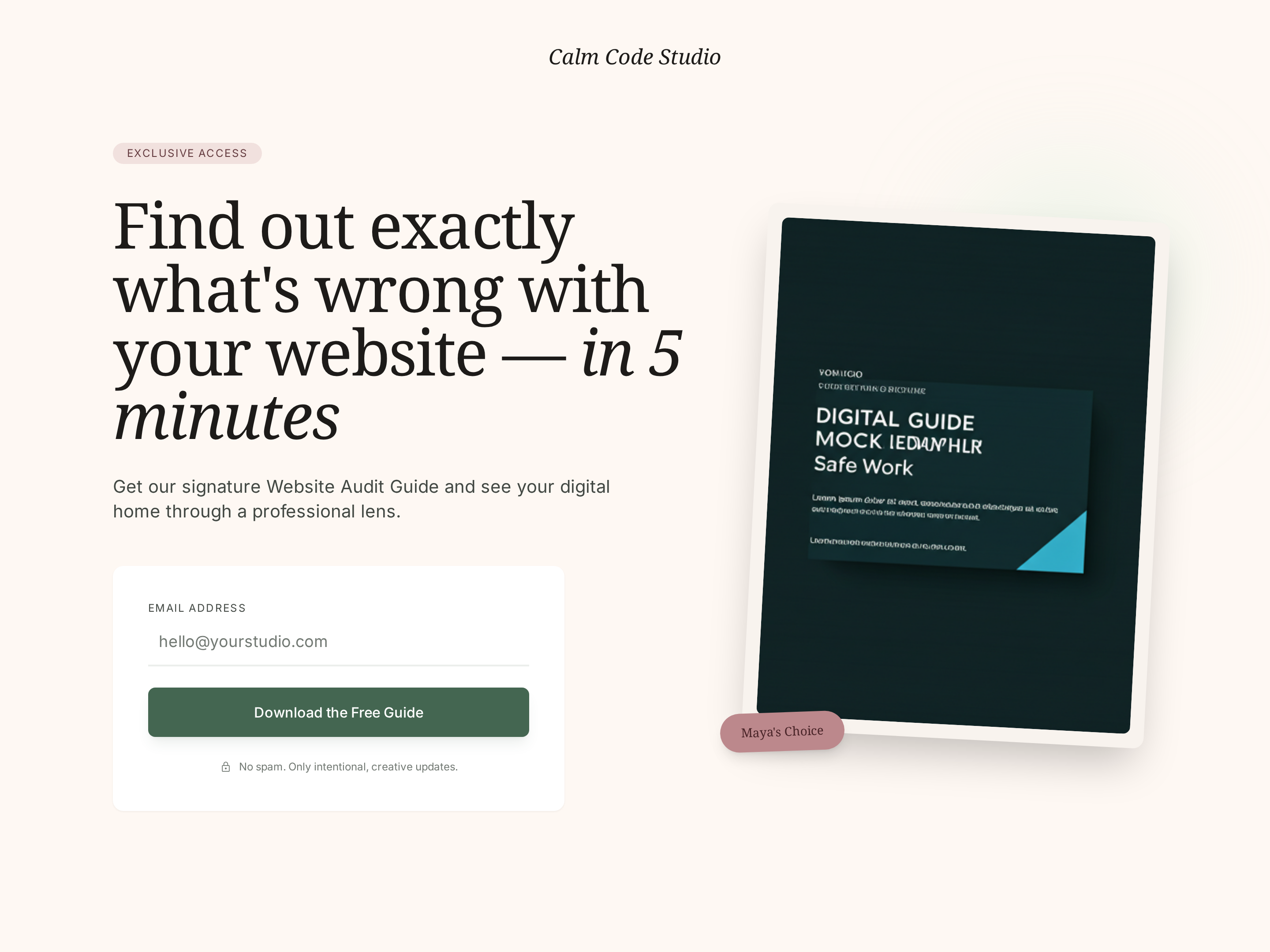
Free Resources Page — Editorial Lead Magnet Hub
A calm editorial free-resources page that showcases one or more lead magnets, captures emails through a clean opt-in form, and feeds subscribers into nurture sequences — pilots a tech educator's resource library but the pattern fits any creator growing a list with valuable downloads.
Create a new list
Save your favorites
Email me a magic link and I'll add this to your favorites list.