Editorial Contact Page — Warm Form With Inquiry Type
A clean editorial contact page that pairs a friendly headline with a styled multi-field form, an inquiry-type selector, and a response-expectation note — pilots a tech educator but the pattern fits any solo creator inviting students, collaborators, or clients to reach out.
Best for: Contact pages for solo creators, coaches, and educators where a warm editorial feel makes reaching out feel inviting rather than transactional.
Live preview — scroll inside the frame to see the full page.
What it does
- Warm headline and intro — the page opens with a short, friendly headline and one or two lines that lower the barrier to writing in
- Styled multi-field form — name, email, message, and an inquiry-type selector make the form helpful for both sides
- Inquiry-type selector — a small dropdown or chip group routes the message (student question, collaboration, press, support)
- Response-expectation note — a short line tells visitors when they can expect to hear back so the silence after submit doesn't feel awkward
- Optional alternative contact info — email, social, or scheduling link sits beneath the form for visitors who prefer another channel
Best use cases
- Course creators — a contact page for student questions and collaboration inquiries
- Coaches and consultants — a contact page that doubles as a soft inquiry funnel
- Authors and speakers — a contact page handling speaking, press, and reader notes
- Agencies and studios — a project-inquiry page with a routing inquiry type
- Creators with multiple offers — a contact page that segments incoming messages by type
What you can change with your DNA
When you run this through the remix skill, your CCOS DNA — brand, voice, audience — drives these decisions automatically:
- Colors — slots for page background, form background, field background and border, label text, body text, button color, and accent so the form reads warm rather than clinical
- Fonts — two roles: a display or serif for the headline, and a clean body font for labels, copy, and form fields
- Copy — headline, intro paragraph, form labels and placeholders, inquiry-type options, response-expectation note, button label, and any alternative-contact copy
- Images — optional warm portrait, workspace photo, or quiet illustration sized to sit beside the form without competing with it
- Behavior — choose how the inquiry-type selector renders (dropdown, chip group, or card list) and what the success state looks like after submit
How remixing works
From "swiped it" to "shipped it" in three steps.
Pick a remix
Browse the library, find one that fits — like this one.
Run it through your DNA
The remix skill uses your CCOS DNA to swap colors, fonts, copy, and structure so it lands as yours.
Ship it
Paste the finished HTML into Thinkific, Kajabi, WordPress, or any platform that takes embed code.
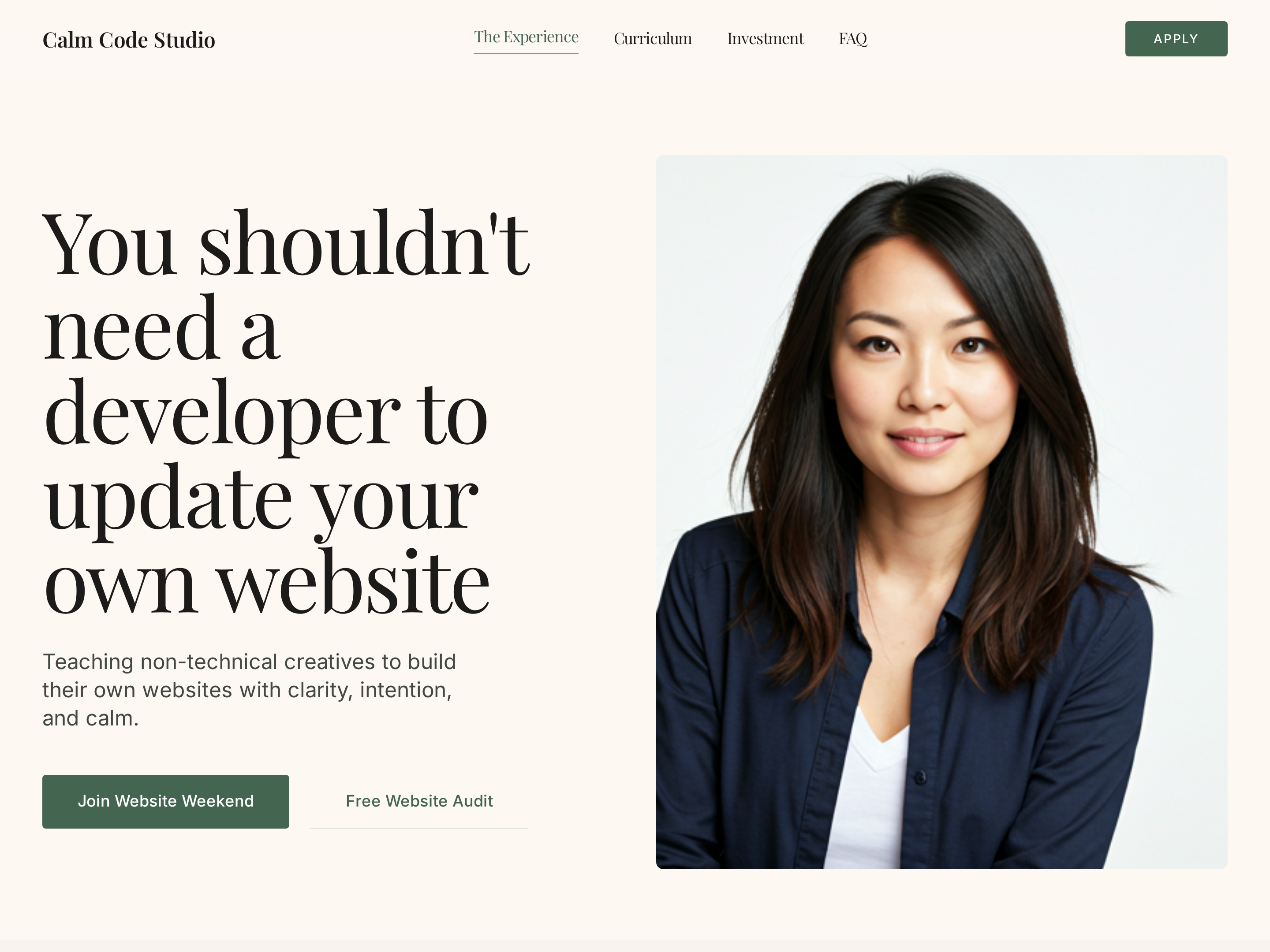
Editorial Creator Homepage — Calm Light-Mode Hero Layout
A calm editorial light-mode homepage with a warm hero, course showcase, social proof, and clear conversion paths — pilots a tech educator with a sage-green palette but the pattern fits any solo creator who wants editorial warmth instead of a corporate template.
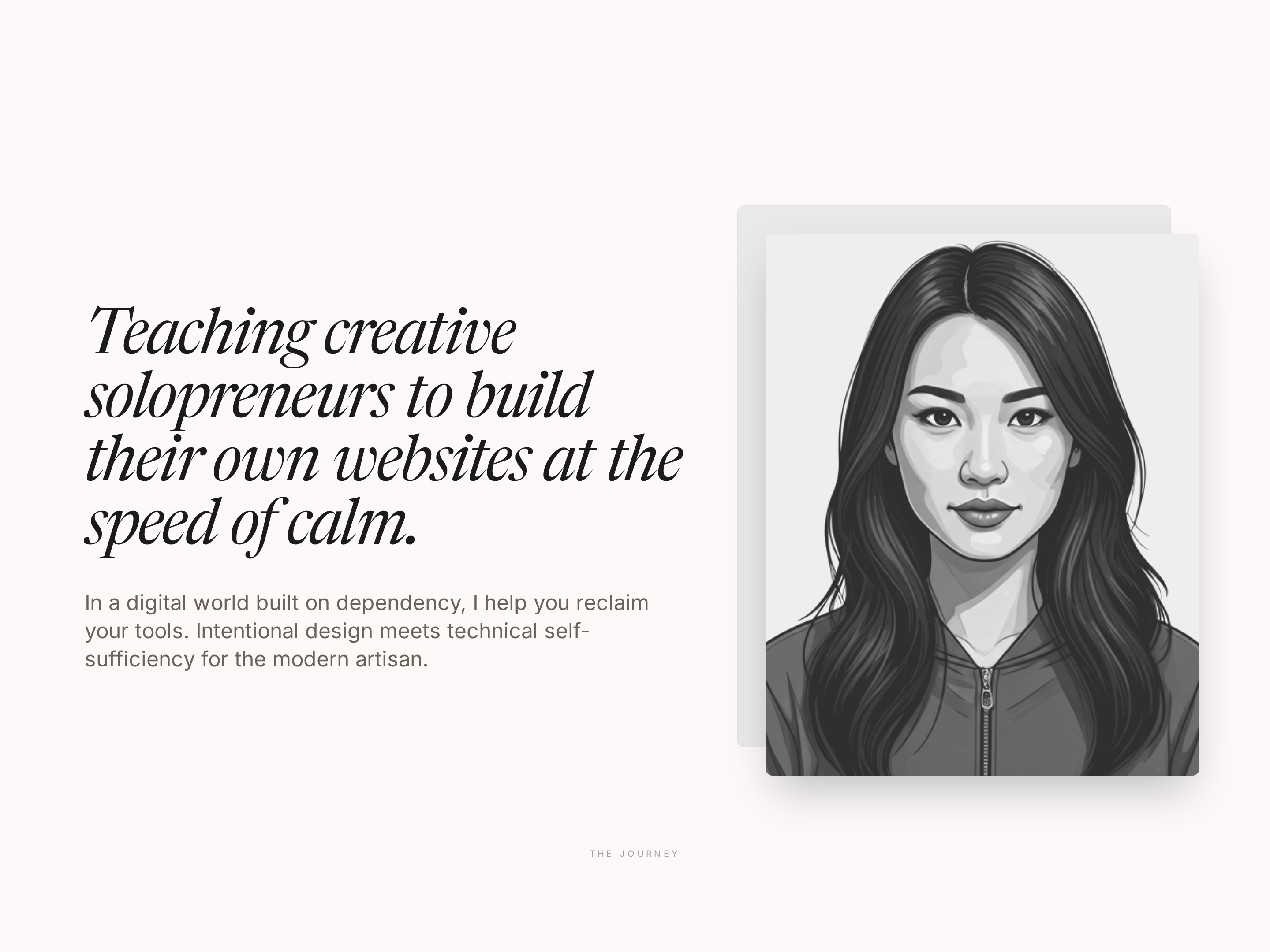
Editorial About Page — Warm Creator Story Layout
A warm, editorial about page built around a personal teaching journey — story arc, philosophy block, credentials, and warm portraits — pilots a tech educator but the pattern fits any solo creator who wants trust without corporate stiffness.
Create a new list
Save your favorites
Email me a magic link and I'll add this to your favorites list.