Field Notes Lesson — Sticky Handwritten Chapter Reveal
A five-chapter teaching essay built like a working reporter's open notebook, with handwritten chapter titles that pin and write themselves out as the learner scrolls — pilots a journalist's interview-questions lesson but the pattern fits any practitioner-to-practitioner technique walkthrough.
Best for: Lessons that should feel like an honest, in-progress field artifact rather than a polished course slide — interviewing, qualitative research, sales discovery, coaching technique, or any teaching where one practitioner shows another how the work actually gets done.
Live preview — scroll inside the frame to see the full page.
What it does
- Sticky handwritten chapter titles — each chapter's question pins at the top of its section and stays in view while the learner reads the body underneath
- Letter-by-letter write-on reveal — chapter titles appear character by character as if a hand is writing them, with red-ink emphasis on the words that matter most
- Smooth chapter handoff — each title fades out as the next one starts to draw in, so the chapters feel like one continuous teaching arc rather than five disconnected sections
- Numbered eyebrows for each question — a small typewriter-style label (Question 01, Question 02, etc.) anchors each chapter in the larger sequence
- Marginalia notes in the right margin — italic handwritten asides with little arrow glyphs sit beside the body copy on desktop and tuck inline on mobile
- Dashed tactical reminder line — each chapter closes with one short handwritten sentence in a dashed-border box, the kind a reader would actually scribble in their own notebook
- Quiet motion fallback — for learners who prefer reduced motion, the questions appear instantly inline with no scroll-driven animation
Best use cases
- Investigative journalism and writing courses — interview technique, source-handling, narrative reporting craft
- Podcast and host training — the five questions a great interviewer always asks before going on air
- Qualitative research and ethnography — UX research methodology, oral history protocols, intake conversation design
- Coaching and sales discovery — better client questions, intake calls that surface the real problem
- Therapy, HR, and clinical interviewing — 360-review training, executive interviewing, intake methodology
- Documentary production and longform creative practice — anywhere honest practitioner voice carries the teaching
What you can change with your DNA
When you run this through the remix skill, your CCOS DNA — brand, voice, audience — drives these decisions automatically:
- Colors — locked Field Notes palette: yellow paper, blue rule lines, red margin line, pencil grey, dark handwriting ink, and a single red emphasis ink. Designed to read as a working notebook rather than a generic note-taking page, so swap whole-palette only if you're moving to a different artifact (graph paper, Moleskine, etc.)
- Fonts — three roles: a handwriting font for chapter titles and marginalia, a typewriter mono for body copy and eyebrows, and a small accent option for the tactical reminder line. Stay in the artifact register — proportional sans fonts break the illusion
- Copy — the five questions are the core remix surface (one short eyebrow + one handwritten question with red-ink emphasis each), plus chapter bodies that follow a setup → benefit → caution → example pattern, marginalia asides, and one tactical reminder per chapter
- Images — none by design; the visual world is paper, rules, and handwriting. Adding photos breaks the artifact feel
- Behavior — number of chapters flexes from 3 to 6 (5 is the sweet spot), pacing of each write-on/erase animation is tunable, and the body line height is calibrated to land on the rule lines
How remixing works
From "swiped it" to "shipped it" in three steps.
Pick a remix
Browse the library, find one that fits — like this one.
Run it through your DNA
The remix skill uses your CCOS DNA to swap colors, fonts, copy, and structure so it lands as yours.
Ship it
Paste the finished HTML into Thinkific, Kajabi, WordPress, or any platform that takes embed code.
 Featured
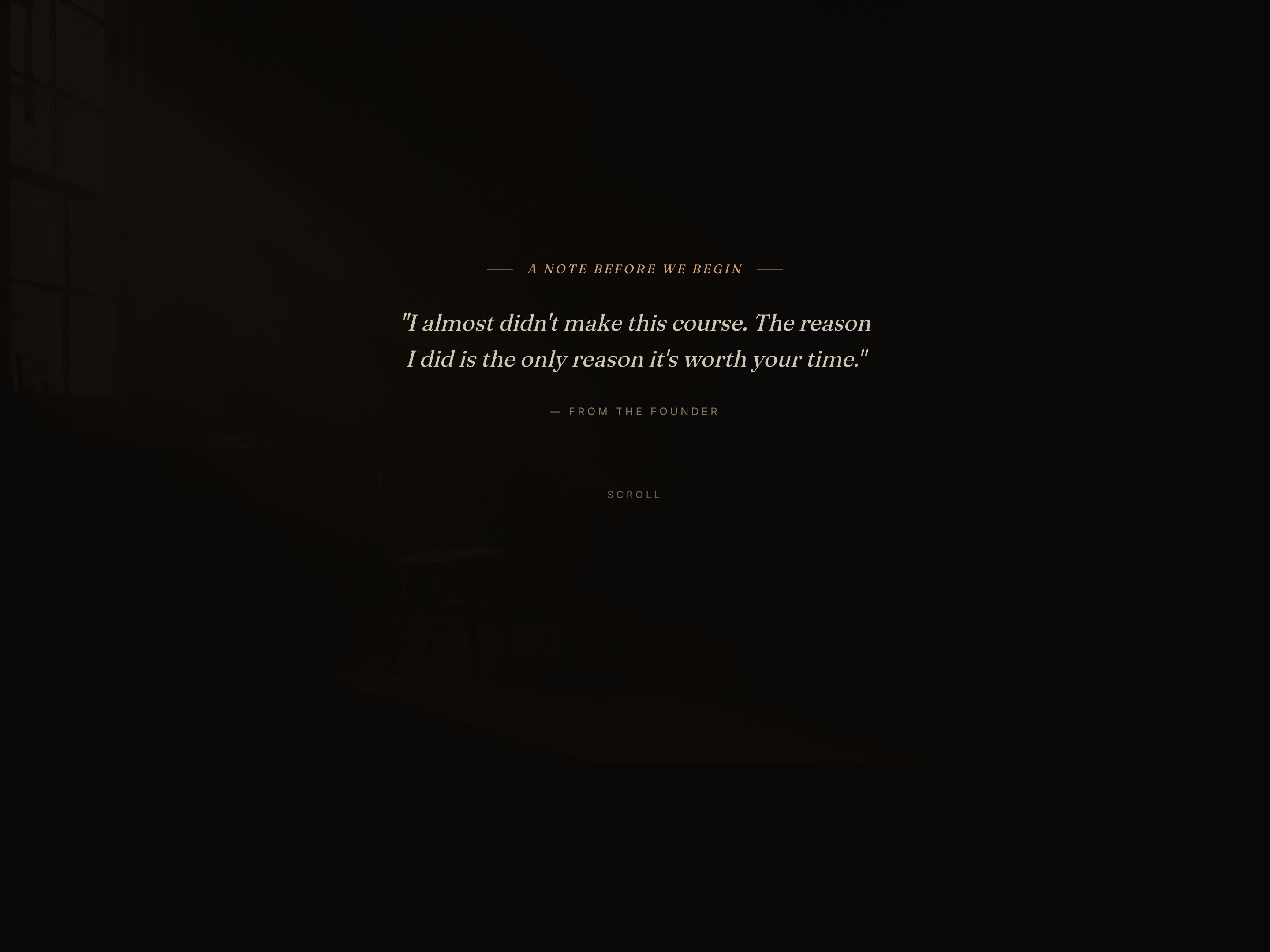
 Documentary Text-Mask Opener — Cinematic Founder Story
A documentary-style lesson opener where a giant headline fills with a warm gradient as the learner scrolls — pilots a vulnerable founder admission but the pattern fits any course intro, welcome page, or program kickoff that needs the emotional weight of a Netflix cold open.
 Featured
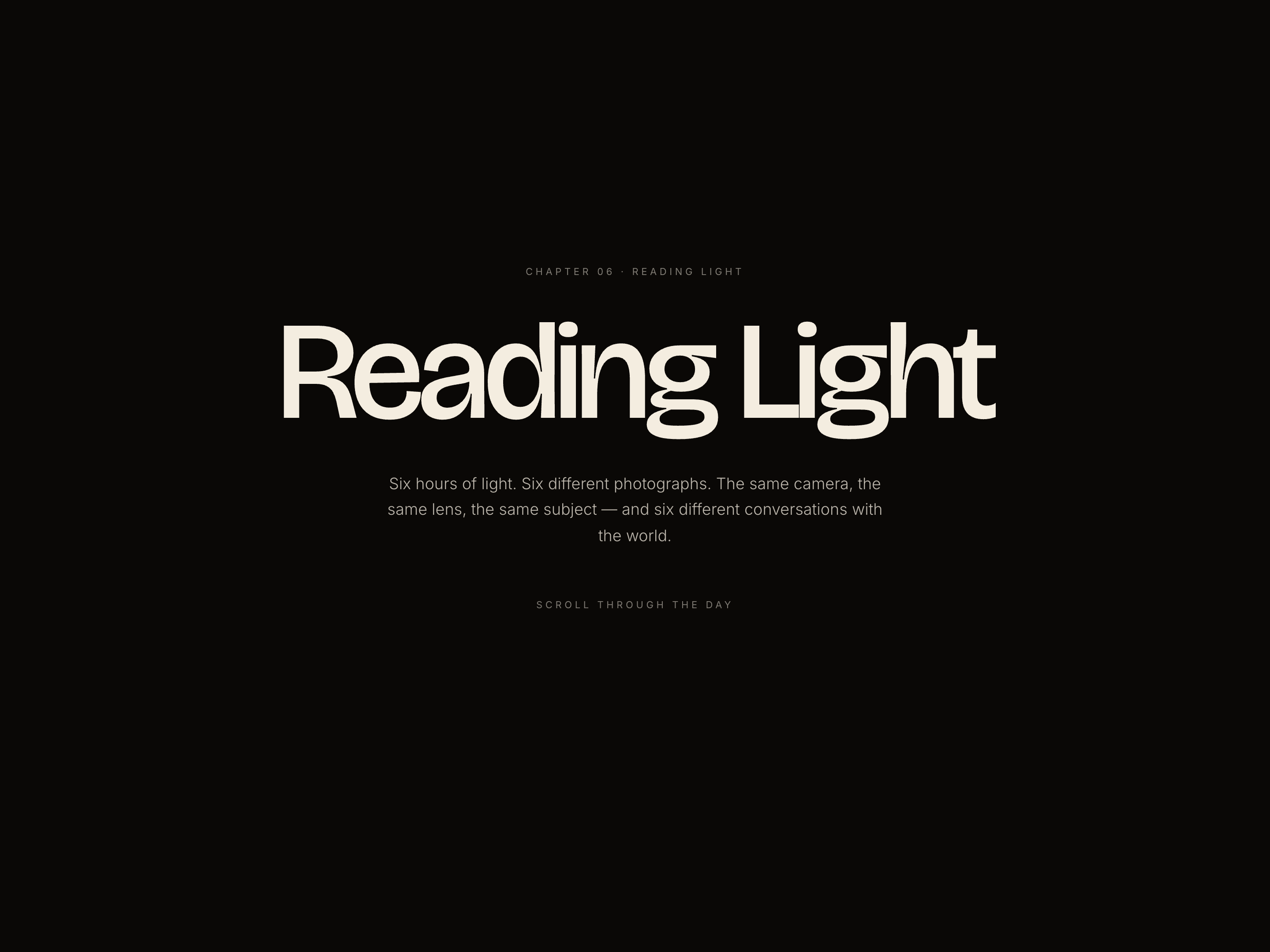
 Chapter Color-Shift Essay — Mood-Driven Long-Form Lesson
A long-form magazine-style lesson where the entire page palette transitions chapter by chapter to embody the topic — pilots six chapters of natural light but the pattern fits any 3–7 part lesson covering distinct conditions, moods, or states.
Create a new list
Save your favorites
Email me a magic link and I'll add this to your favorites list.