Typewriter Opener — Ambient Gradient Lesson Intro
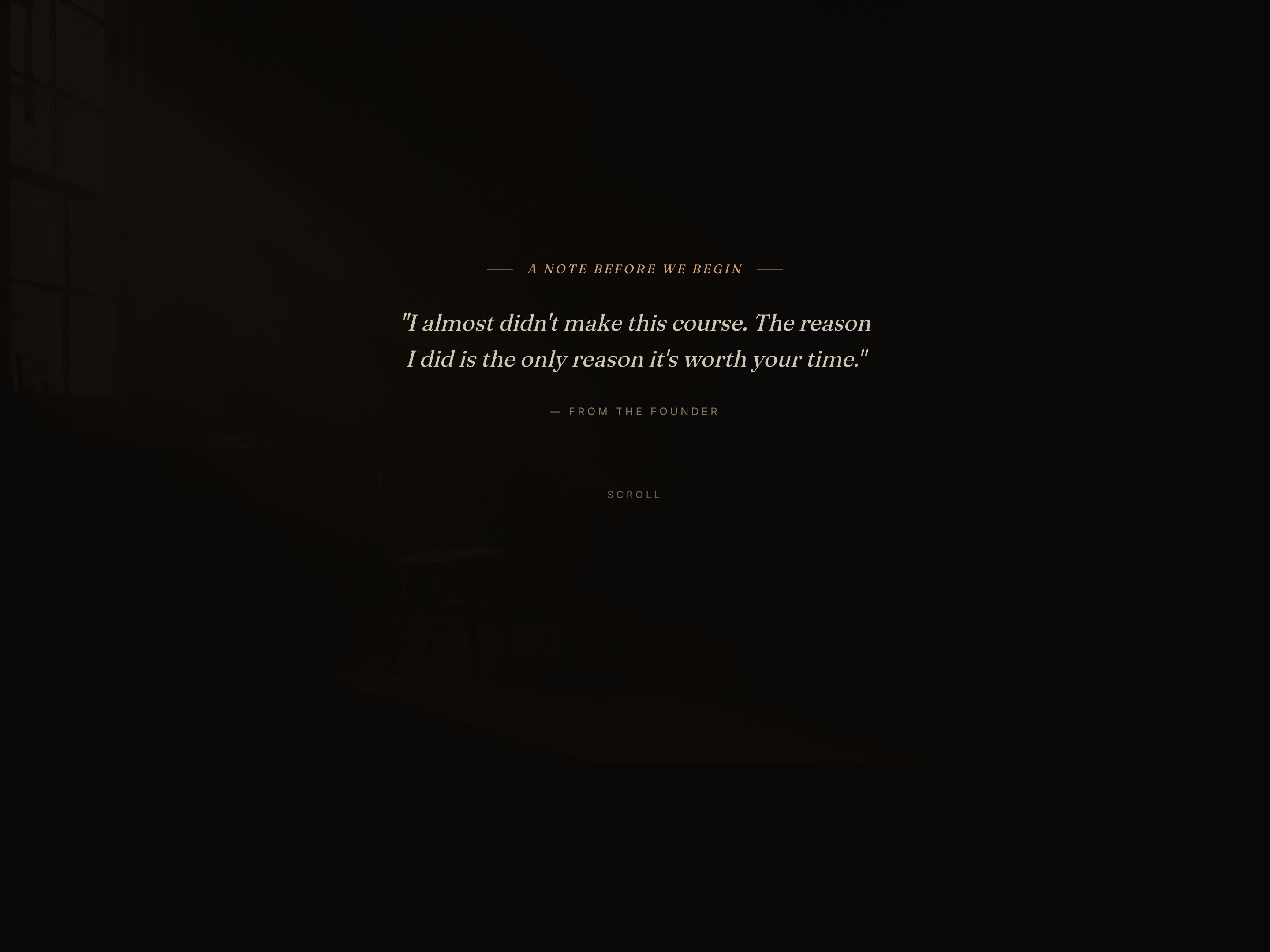
A quiet, intimate lesson opener — a single powerful question types out one character at a time over a slowly drifting mesh gradient — pilots a coaching prompt but the pattern fits any intro where attention quality is the whole point.
Best for: Quiet, intimate lesson openers that deliver a single powerful question or statement one character at a time — coaching, therapy, contemplative practice, or any lesson where the learner's attention quality is the variable.
Live preview — scroll inside the frame to see the full page.
What it does
- Always-on drifting gradient background — soft blurred color blobs ease across the page at different rates, giving the opener a quiet, alive feel without ever competing with the text
- Typewriter reveal of the central question — the question types out one character at a time, with natural breath pauses at commas and periods and a clean stop at the question mark
- Triggered as the learner arrives — the typewriter only starts when the question is in view, so the reader feels the reveal rather than missing it while scrolling
- Supporting text fades in after the question lands — the secondary line and the '[A pause]' marker don't appear until the question has fully landed, holding attention on it
- 'Why this question' reasoning section — drops into a short editorial passage with a dropcap and an italic emphasis line that explains the question's purpose
- Closing practice card and soft next-step — wraps with a three-step practice the learner can begin immediately and a quiet call-to-action that doesn't break the contemplative tone
Best use cases
- Coaching and therapy lesson openers — set the question that frames the entire session
- Contemplative practice — meditation, yoga, breathwork, or somatic-coaching cold opens
- Leadership and personal development — module openers where the prompt IS the lesson
- Writing, poetry, and journaling — lessons that begin with a single prompt to sit with
- Premium, slow-paced course intros — anywhere a quiet first beat outperforms a busy hero
What you can change with your DNA
When you run this through the remix skill, your CCOS DNA — brand, voice, audience — drives these decisions automatically:
- Colors — the gradient sets the entire mood. Four color slots drive the drifting blobs, plus an accent color for the typewriter and emphasis. Swap freely for cool blue + teal + violet (analytical), warm coral + rose + amber (loving), deep green + moss + sage (grounded), or monochrome grey + one accent (austere).
- Fonts — two roles: an italic display serif for the question and editorial emphasis, and a clean body sans for everything else. The italic serif is what carries the contemplative tone — keep that role even if you swap the specific font.
- Copy — pre-question lede + meta, the question itself (best at 60-120 characters), the supporting line that fades in after, a four-paragraph 'why this question' section with a dropcap, a three-step practice card, and the closing call-to-action
- Images — none by default; the gradient and grain texture do all the visual work. Optional: a low-opacity photographic still can layer behind the gradient for a more grounded mood.
- Behavior — tune the per-character typing speed, the breath pauses at commas and periods, the gradient drift speed, and the size and number of color blobs
How remixing works
From "swiped it" to "shipped it" in three steps.
Pick a remix
Browse the library, find one that fits — like this one.
Run it through your DNA
The remix skill uses your CCOS DNA to swap colors, fonts, copy, and structure so it lands as yours.
Ship it
Paste the finished HTML into Thinkific, Kajabi, WordPress, or any platform that takes embed code.
Create a new list
Save your favorites
Email me a magic link and I'll add this to your favorites list.