Programs Overview Hub — Dark-Mode Multi-Offer Card Grid
A dark programs hub page that shows multiple courses or offers side by side in a card grid, with descriptions and individual CTAs per program — pilots a music educator's catalog but the pattern fits any creator with two or more offers who needs a 'start here' page.
Best for: Creators with multiple programs who need a central hub page that helps visitors self-select the right offer.
Live preview — scroll inside the frame to see the full page.
What it does
- Program card grid — each offer is presented as a card with title, brief description, and CTA
- Per-program CTA — every card links directly to its dedicated sales or detail page
- Audience or level hints — short labels (beginner, advanced, cohort, self-paced) help visitors self-locate
- Distinct hub typography — the type pairing on this page differs from product pages so it reads as navigation
- Dark surface with warm accent — confident background and accent color signal a premium catalog rather than a list
Best use cases
- Course creators with two or more courses — a 'start here' programs page
- Coaches with multiple offers — group coaching, one-on-one, and self-paced compared at a glance
- Agencies and studios — a services or capabilities hub
- Memberships and communities — a hub showing membership plus add-on programs
- Educational brands — a catalog page across certificates, workshops, and intensives
What you can change with your DNA
When you run this through the remix skill, your CCOS DNA — brand, voice, audience — drives these decisions automatically:
- Colors — slots for dark background, card surface, accent for CTAs, and text
- Fonts — distinct three-font system for the hub: display, body, and accent
- Copy — page title, intro line, program names, descriptions, level labels, and CTA labels
- Images — optional program thumbnails, icons, or mood imagery per card
- Behavior — choose grid versus list layout, number of cards per row, and whether to add filtering by level or topic
How remixing works
From "swiped it" to "shipped it" in three steps.
Pick a remix
Browse the library, find one that fits — like this one.
Run it through your DNA
The remix skill uses your CCOS DNA to swap colors, fonts, copy, and structure so it lands as yours.
Ship it
Paste the finished HTML into Thinkific, Kajabi, WordPress, or any platform that takes embed code.
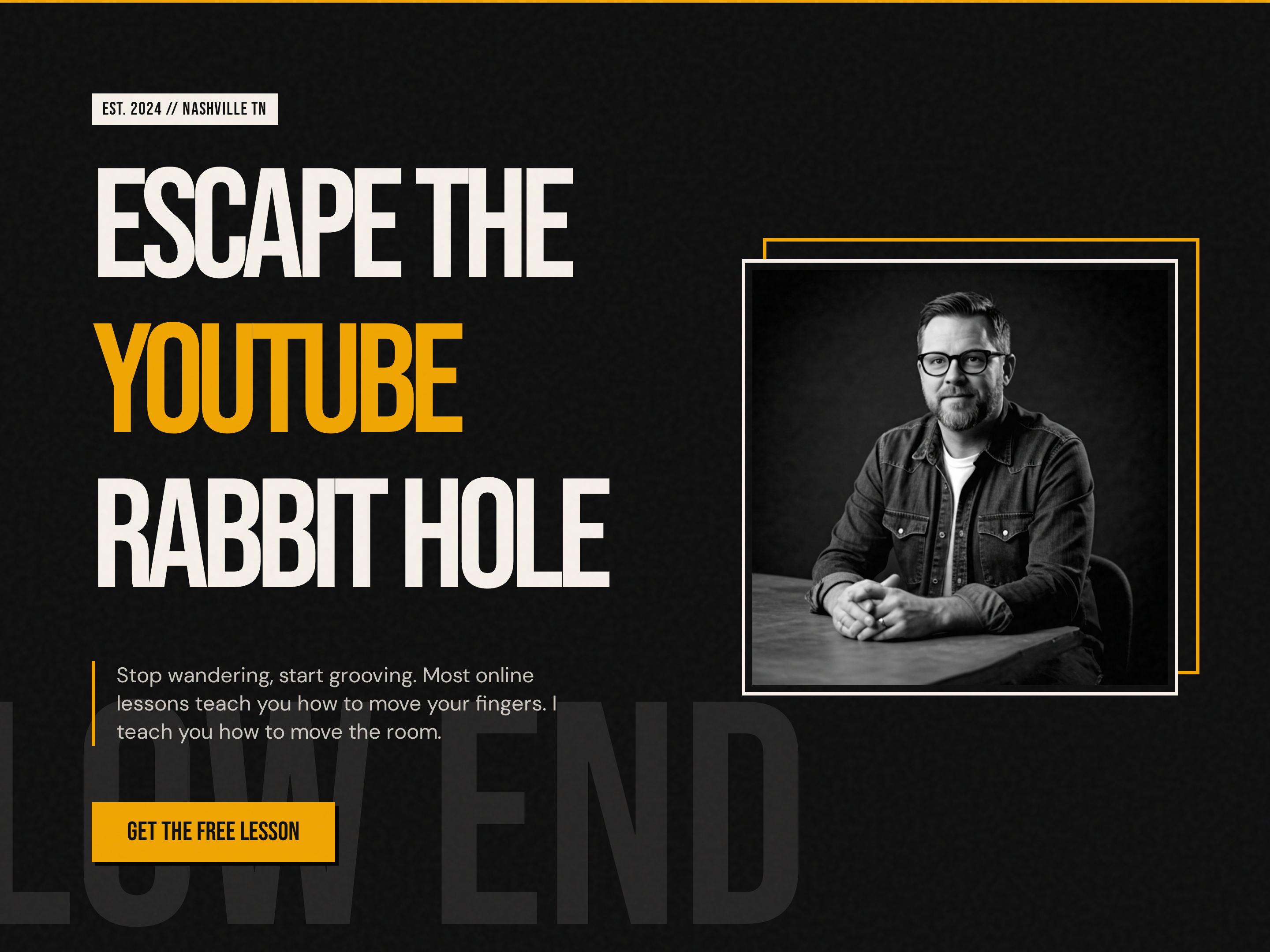
Bold Creator Homepage — Dark-Mode Split Hero with Single CTA
A bold, dark-mode homepage built around a split hero with oversized display headlines, accent-color emphasis, creator portrait, and a single punchy CTA — pilots a music education brand but the pattern fits any creator-led brand that wants to stand out from the typical light course site.
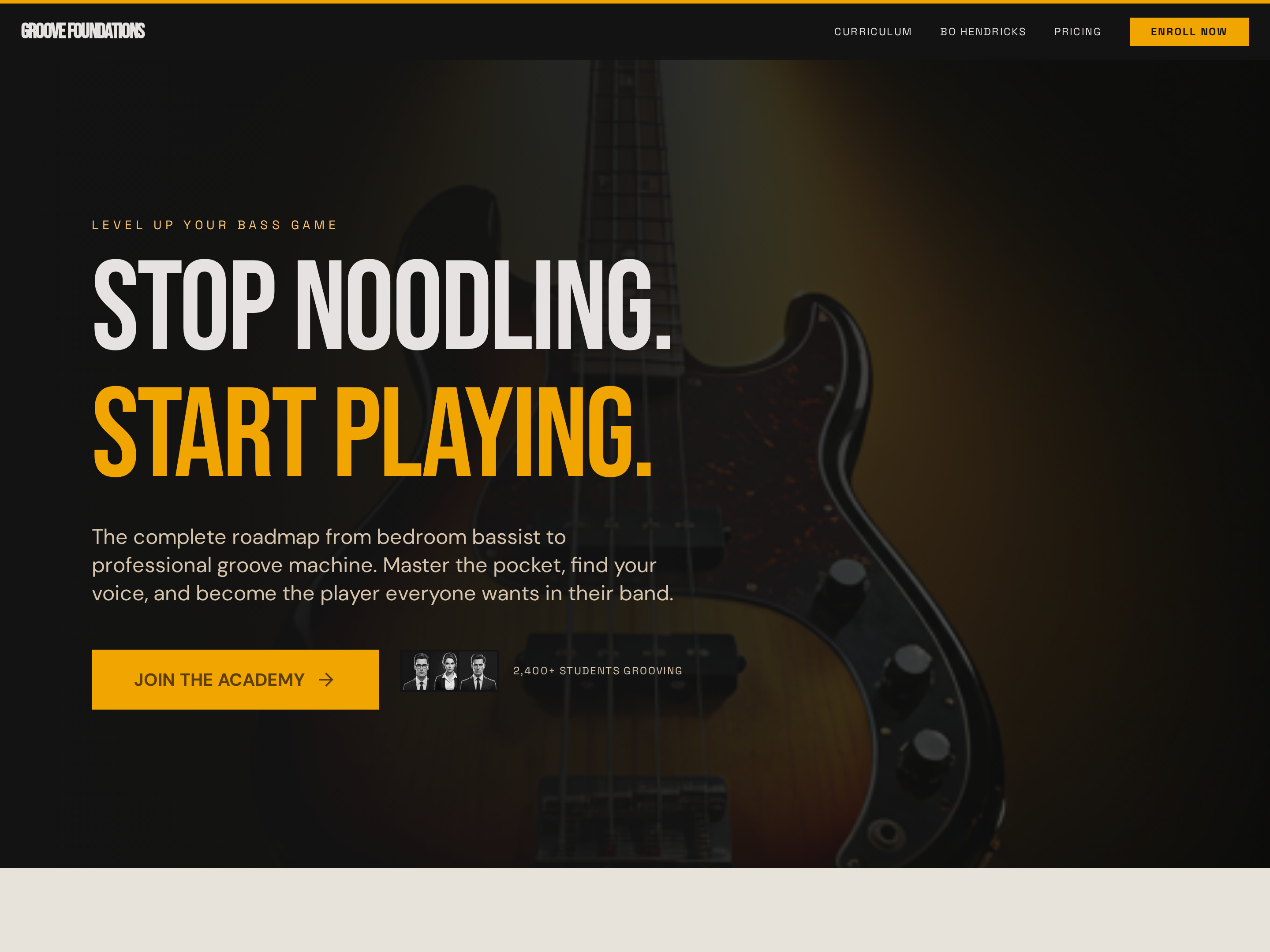
Long-Form Sales Page — Bold Dark-Mode Course Conversion Layout
A long-form dark-mode sales page with a full-bleed hero, sticky navigation, curriculum breakdown, social proof, and pricing — pilots a bass guitar course but the pattern fits any course, cohort, or signature program that needs a high-impact conversion page.
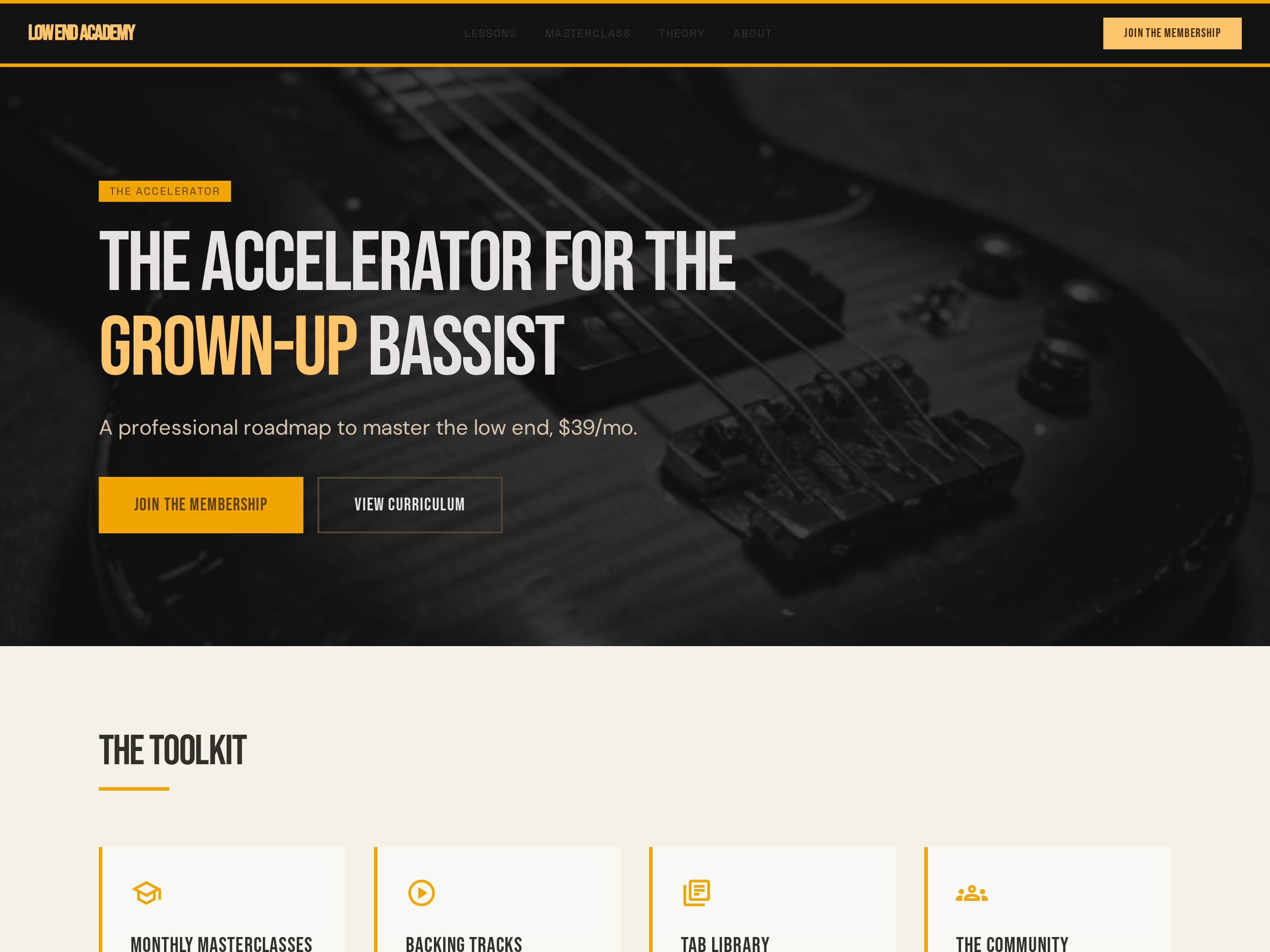
Tiered Membership Page — Bold Dark-Mode Subscription Layout
A dark-mode membership page with tiered pricing cards, community benefits, and member features side by side — pilots a music academy membership but the pattern fits any subscription, cohort access tier, or community offer.
Create a new list
Save your favorites
Email me a magic link and I'll add this to your favorites list.