Emoji Rain Celebration Block — Friendly Wrap-Up Variant
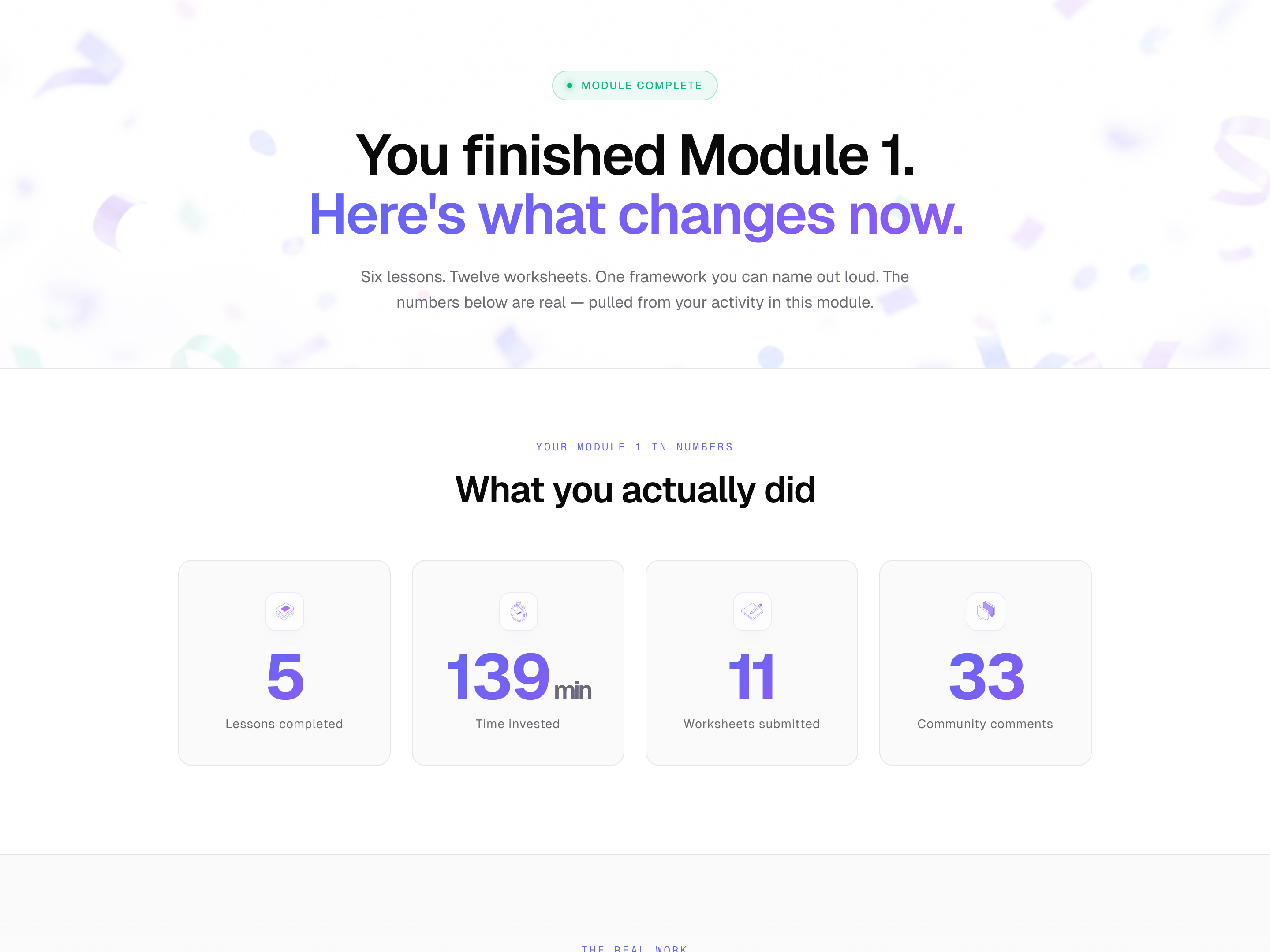
A warm, brand-coded completion block where a configurable shower of emojis falls inside a card on click, the action button morphs to a 'complete' state, and the next-lesson card fades in — pilots an end-of-module wrap-up but the pattern fits any milestone moment in a friendly course.
Best for: Drop-in completion moment for the end of a lesson, module, quiz, or onboarding flow when the brand voice is warm, modern, and community-driven.
Live preview — scroll inside the frame to see the full page.
What it does
- Configurable emoji shower — dozens of emojis spawn from the top of the card at random positions, sizes, and speeds for an organic feel
- Side-to-side sway — each emoji drifts gently as it falls so the rain has weight and personality rather than feeling like a dropping grid
- Soft fade in and fade out — emojis appear smoothly at the top and fade quietly at the bottom rather than popping or clipping
- Morphing complete button — the trigger button shifts color, swaps its label, slides in a checkmark, and disables itself so the rain can't be replayed by accident
- Continue card reveal — moments after the click, the next-lesson card gently fades in and lifts into place, ready to be tabbed to
- Reduced-motion fallback — learners who prefer less motion see a quiet 'Module complete' pill instead of the rain, with a calm Continue card fade-in
Best use cases
- End-of-module completion pages — the most common home for this block
- Quiz and assessment passing moments — wire the click to a 'you passed' reveal
- Achievement unlocks — first lesson finished, streak milestones, first worksheet submitted
- Workshop replay completions and live-cohort week-wrap pages
- Onboarding finish screens — 'your account is ready, here's what's next'
What you can change with your DNA
When you run this through the remix skill, your CCOS DNA — brand, voice, audience — drives these decisions automatically:
- Colors — eight color slots covering page background, surface, ink, muted text, subtle borders, a 'complete' accent, and a warmer pre-click pair. Swap the warm and accent pairs to retune the entire emotional tone.
- Fonts — single friendly modern sans by default; any clean modern body font drops in cleanly to match your brand
- Copy — lesson meta + title + lede; celebration eyebrow + headline + sub; button label; quiet-fallback pill; Continue card label, name, and thumbnail
- Images — native emojis (no downloads). Swap the emoji set entirely — defaults include confetti, with ready-made wellness, fitness, coding, and food sets in the brief
- Behavior — top-of-script controls for emoji count, fall duration range, spawn stagger, and sway distance. The replay guard can be removed for demo or kid-friendly courses.
How remixing works
From "swiped it" to "shipped it" in three steps.
Pick a remix
Browse the library, find one that fits — like this one.
Run it through your DNA
The remix skill uses your CCOS DNA to swap colors, fonts, copy, and structure so it lands as yours.
Ship it
Paste the finished HTML into Thinkific, Kajabi, WordPress, or any platform that takes embed code.
Create a new list
Save your favorites
Email me a magic link and I'll add this to your favorites list.